
The world of home fitness has changed a lot in recent years. For many people, the Peloton Bike App has become the heart of their workout routine. But is it really worth all the hype? What can you expect if you try it? This review goes deep into the features, strengths, and weak spots of the Peloton Bike App. Whether you already own a Peloton bike, use another indoor bike, or just want new ways to stay fit at home, you’ll find clear answers here.
You’ll learn how the app works, what makes it special, and what you should consider before subscribing. We’ll look at class variety, instructor quality, user experience, technology, price, and how Peloton compares to other big names in the market. You’ll also see real stats, unique insights, and some tips that aren’t obvious to most beginners.
What Is The Peloton Bike App?
The Peloton Bike App is a digital fitness platform from Peloton Interactive, Inc. It gives users access to live and on-demand cycling classes and much more. Originally, the app was built to work with Peloton’s own bike, but now, almost anyone can use it—even if they have a different brand of bike or no equipment at all.
Peloton has built a strong reputation for high-energy classes, motivating instructors, and a community feel. The app brings all of that to your phone, tablet, TV, or web browser. It’s not just about cycling, either. You’ll find running, yoga, strength, meditation, and even outdoor workouts, all led by top trainers.
Getting Started: Setup And Compatibility
Starting with Peloton is easier than some expect. After downloading the app, you create an account, pick a subscription, and set up your profile. The app is available for iOS, Android, Fire TV, Roku, and web browsers. It also connects to Apple TV and some smart TVs.
Device Compatibility
Peloton wants users to have a smooth experience no matter what equipment they own. Here’s a quick look at compatibility:
| Device | Compatible? | Notes |
|---|---|---|
| Peloton Bike/Bike+ | Yes | Full metrics and leaderboard |
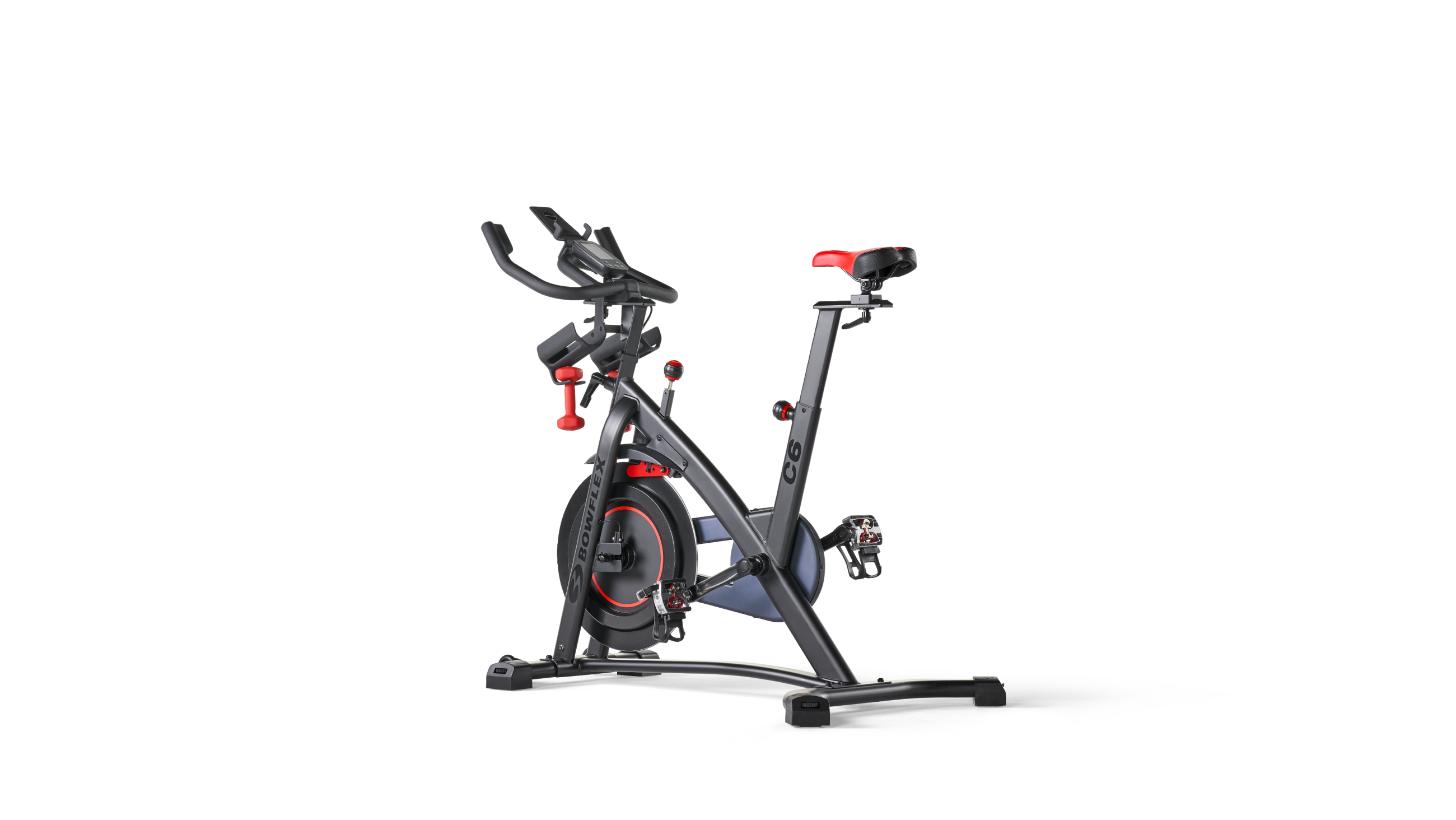
| Other indoor bikes | Yes | Manual tracking, fewer metrics |
| Treadmills | Yes | Great for running classes |
| Rowers | Partial | Limited class selection |
| No equipment | Yes | Bodyweight and audio workouts |
One thing to know: metrics (like cadence, resistance, and output) are tracked automatically only on Peloton bikes. If you use another bike, you’ll need to adjust these numbers by hand. This isn’t a dealbreaker, but it does change the experience.
Setup Process
- Download the app from your app store or visit the Peloton website.
- Create an account using your email or social login.
- Choose a subscription (more on pricing below).
- Set up your profile—add a photo, pick your display name, and set your fitness goals.
- Connect devices (optional). Pair a heart rate monitor, Apple Watch, or Bluetooth headphones for a better experience.
Most users can set everything up in under 10 minutes. But if you want to connect third-party hardware (like cadence sensors), plan for an extra 5–10 minutes.
Class Variety And Content Depth
Peloton is famous for its huge library of classes. When you open the app, you’ll find a schedule of live classes and over 10,000 on-demand options.
Main Workout Categories
- Cycling: The core of the app. Rides range from 5 to 90 minutes, with different music styles, themes, and difficulty levels.
- Running: Treadmill and outdoor runs, including interval training, power walks, and long endurance sessions.
- Strength: Full-body, upper, lower, and core strength workouts, with and without weights.
- Yoga: Vinyasa, restorative, power yoga, and quick stretch classes.
- Meditation: Guided sessions for sleep, focus, and relaxation.
- Cardio & HIIT: Short, intense bursts for calorie burning.
- Bootcamp: Mixes cycling or running with strength segments.
- Stretching: Pre- and post-workout stretches.
Class Length And Scheduling
Classes are designed to fit many schedules. Some are as short as five minutes, while others last an hour or more. New classes are added daily, and you can filter by instructor, length, music, class type, or difficulty.
There’s even a “Just Ride” or “Just Run” mode if you want to do your own workout without following a class.
Unique Insights
Many beginners miss the “Programs” section. These are multi-week training plans, like “Discover Your Power Zones” for cycling or “Total Strength” for weight training. They give structure and progression, which helps keep motivation high.
Peloton also runs special “challenges,” like “The Annual” (track your yearly minutes) or monthly streaks. These add a game-like element to your routine.
Instructor Quality And Community
Peloton’s instructors are a big reason for its loyal following. They’re not just fitness experts—they’re charismatic, diverse, and often have backgrounds in dance, sports, or entertainment. Each brings their own style, so you can find someone who matches your personality and goals.
Instructor Highlights
Some top instructors include:
- Cody Rigsby: Known for humor and pop music rides.
- Robin Arzón: Famous for her tough, motivational classes.
- Emma Lovewell: Blends music and coaching for all levels.
- Alex Toussaint: Delivers high-energy, hip hop rides.
Classes are available in both English and Spanish, and there’s a growing selection of classes with subtitles for accessibility.
The Peloton Community
Peloton isn’t just about solo workouts. The app features a “leaderboard” during live and on-demand classes, so you can see how you compare to others. You can follow friends, send high-fives, and join groups like “Peloton Moms” or “50+ Riders.
” Some users say this community feel is what keeps them coming back.
Here’s a look at how Peloton’s engagement compares to traditional fitness apps:
| App | Average Weekly Use (minutes) | Community Features |
|---|---|---|
| Peloton | 138 | Leaderboard, High-Fives, Tags |
| Apple Fitness+ | 74 | Limited |
| iFit | 67 | Challenges, Facebook Groups |
| Nike Training Club | 41 | None |
Peloton users consistently spend more time in the app than most competitors, which says a lot about its “stickiness. ”
User Interface And Experience
A good app needs to be easy to use. Peloton’s interface is clean and modern, whether you’re on your phone, tablet, or TV.
Layout
- Home Tab: See recommendations, continue past classes, and view scheduled workouts.
- Classes Tab: Browse and filter the huge class library.
- Schedule Tab: Book upcoming live classes.
- Profile: Track stats, achievements, and badges.
Menus are simple, and finding a class takes just a few taps. On the Peloton Bike’s touchscreen, you also get real-time stats, leaderboards, and post-ride breakdowns.
Not-so-obvious Features
- Music Filtering: You can search for classes based on music genre—rock, hip hop, country, EDM, and more. This is great for staying motivated.
- Stack Classes: Plan a “stack” of workouts to run one after the other. Perfect for combining a ride with a stretch or strength session.
- Bookmarking: Save favorite classes or instructors for quick access later.
Areas For Improvement
Some users report the search function is less powerful than they’d like, especially compared to YouTube or Apple’s search. Also, on Android TVs, the interface can feel a bit laggy. These are minor issues but worth knowing if you’re picky about tech.
Metrics, Tracking, And Performance Data
For those who like numbers, Peloton gives lots of data to track your progress.
Key Metrics
- Cadence (RPM): How fast you’re pedaling.
- Resistance (%): How hard it is to pedal.
- Output (Watts): How much power you’re generating.
- Calories Burned: Estimated based on your weight and effort.
- Heart Rate: If paired with a compatible monitor.
You can see your stats in real time and review your history on your profile. Over time, you’ll notice improvements, which keeps you motivated.
Power Zones
Advanced riders will appreciate “Power Zones. ” These are personalized intensity levels based on your fitness. Peloton offers special classes and tests to help you train smarter, not just harder. Many users miss this feature, but it’s a game changer if you want real performance gains.
Data Export
One limitation: Peloton does not let you export all your workout data easily. You can connect the app to Strava or Apple Health, but some metrics (like power zone data) don’t always transfer perfectly. If you’re a data nerd who loves spreadsheets, this might disappoint you.

Music And Entertainment
Music is at the heart of Peloton’s experience. Each class is set to a curated playlist that matches the mood and intensity.
Music Variety
You’ll find classes based on music genres, artists, or themes—like “Beyoncé Ride,” “Classic Rock Run,” or “EDM HIIT. ” Peloton partners with big names to create exclusive artist series. This focus on music helps many users push through tough workouts.
Can You Play Your Own Music?
Not directly. You can’t play Spotify or Apple Music from inside the app during a class. But you can lower the class volume and run your own playlist in the background if you want. Still, most people find the built-in music and instructor banter are enough.
Membership Options And Pricing
Peloton’s pricing is simple, but the right choice depends on how you plan to use it.
Subscription Types
- Peloton App One: $12.99/month (or $129/year)
- Use on any device.
- Up to 3 user profiles.
- Access to all classes except for “Lanebreak” (a gaming-style ride mode).
- Peloton App+: $24/month
- All App One features.
- Unlimited profiles.
- Early access to new content and advanced metrics.
- Peloton All-Access Membership: $44/month
- For Peloton Bike, Bike+, Tread, or Row owners.
- Up to 20 user profiles.
- Full metrics, leaderboard, and Lanebreak rides.
Is There A Free Trial?
Yes. New users can try the app for 30 days free. This is a no-commitment period—you can cancel anytime before the trial ends.
How Does The Cost Compare?
Here’s how Peloton stacks up against other top fitness apps:
| App | Monthly Price | Free Trial | Equipment Integration |
|---|---|---|---|
| Peloton App One | $12.99 | 30 days | Full (Peloton)/Partial (Others) |
| Apple Fitness+ | $9.99 | 1 month | Apple Watch |
| iFit | $15 | 30 days | NordicTrack, ProForm |
| Zwift | $14.99 | 7 days | Indoor bikes |
Peloton is competitive, but not the cheapest. The value comes from class quality, instructor energy, and the community.
Comparing Peloton To Competitors
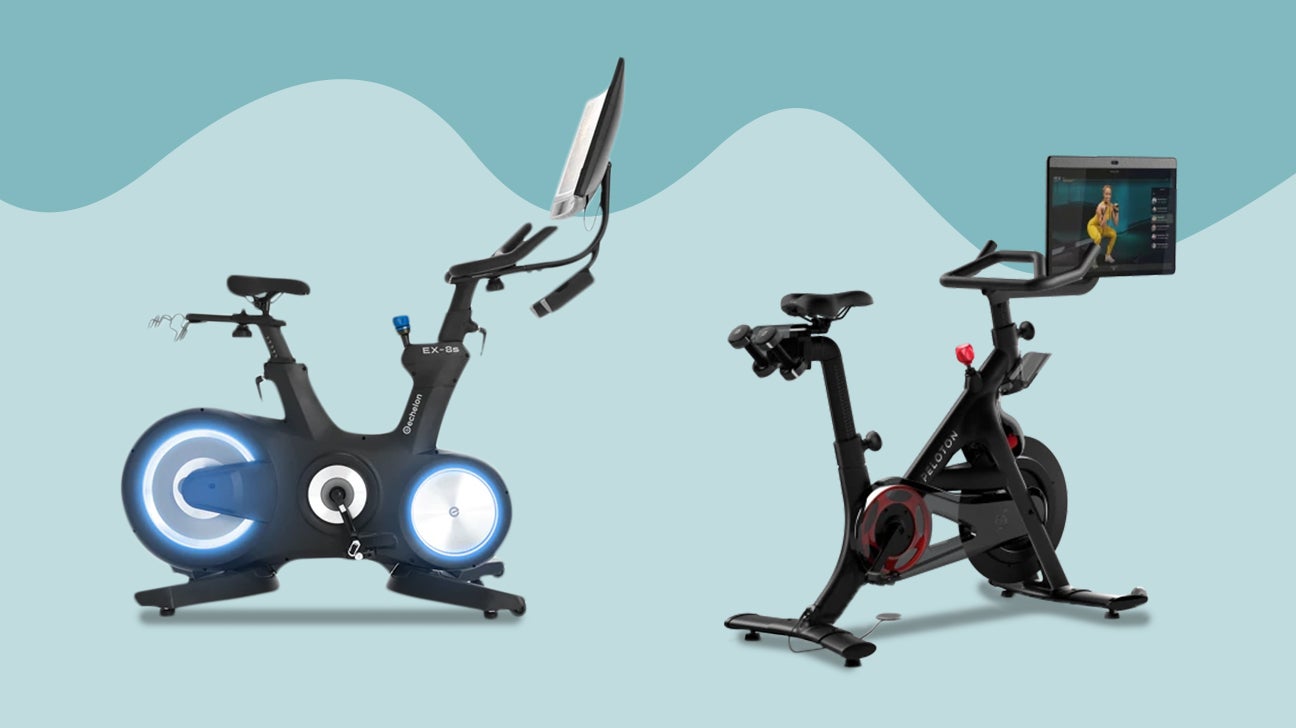
Peloton isn’t alone in the digital fitness space. Its main rivals include Apple Fitness+, iFit, and Zwift.
Apple Fitness+
- Focuses on variety (yoga, HIIT, dance, etc.)
- Deep integration with Apple Watch
- No leaderboard or community features
- Slightly cheaper, but fewer cycling options
Ifit
- Strong on treadmill and outdoor workouts
- Google Maps routes for “real world” rides/runs
- Somewhat less polished app experience
- More family-friendly, with up to 5 users
Zwift
- Built for serious cyclists and runners
- Virtual worlds and races, not instructor-led classes
- Requires compatible hardware
- Less focus on music and motivation
What Makes Peloton Stand Out
- Live and on-demand classes with a high-energy feel.
- Instructor personality—many users get “hooked” on a favorite coach.
- Community—leaderboards, high-fives, and social groups.
- Music—carefully chosen playlists and artist partnerships.
If you’re not sure which platform fits you, try the free trials side by side. For most people, Peloton wins if you love group classes and want motivation. Others might prefer Zwift for racing, or iFit for adventure routes.
Strengths And Weaknesses
No app is perfect. Here’s a clear look at where Peloton shines and where it could be better.
Strengths
- Huge class library: Rarely get bored.
- Top instructors: Motivating and diverse.
- Strong community: Keeps you coming back.
- Polished user experience: Simple, attractive design.
- Music-driven: Makes workouts fly by.
- Works with most equipment: Great for mixed households.
Weaknesses
- Cost: Not cheap, especially if you want full metrics.
- Metrics limited on non-Peloton bikes: Fewer stats unless you buy extra sensors.
- No exporting of all data: Hard for data geeks.
- Internet required: No true offline mode for classes.
- No built-in support for custom music: You’re limited to what Peloton provides.
Who Should Use The Peloton Bike App?
The Peloton Bike App is a good fit for:
- People who crave motivation: If you struggle to push yourself, the instructors and community help a lot.
- Those bored with typical home workouts: The variety and energy level are hard to match.
- Families: Multiple profiles mean everyone can use the app.
- Travelers: Use the app at hotels, gyms, or outdoors.
- Anyone with or without equipment: You don’t need a Peloton bike to benefit.
However, it’s not ideal for those who:
- Want super-detailed data exports for all workouts
- Need offline access (like in areas with poor internet)
- Prefer silent, solo workouts with no instructor talk
Tips For Getting The Most Out Of Peloton
- Try different instructors. Don’t just stick to one—variety keeps things fresh.
- Set short-term goals. Join a challenge or aim for a streak to stay accountable.
- Use the “stack” feature to create mini routines.
- Connect with friends or family in the app for extra motivation.
- Explore non-cycling classes—yoga, strength, and meditation can boost overall fitness.
- Pay attention to form cues. Peloton coaches are good at teaching safe movement.
- Use heart rate tracking if possible, for better feedback.
A common beginner mistake: Many people ignore beginner and “How to” classes. These are great for learning correct bike setup, riding posture, and safe lifting techniques. Don’t skip them, even if you’re fit.
User Reviews And Real-world Results
Peloton has millions of users and a strong online reputation. As of June 2024, the Peloton App has over 800,000 reviews on the Apple App Store with a 4.8/5 rating. On Google Play, it sits at 4.4/5. Most positive reviews mention the energy of classes, variety, and sense of community.
A few sample user comments:
- “I never thought I’d look forward to working out, but Peloton makes it fun!”
- “The instructors are next level. I feel like they’re talking directly to me.”
- “I wish I could export all my data, but otherwise, it’s the best fitness app I’ve tried.”
Some negative reviews focus on price increases, occasional bugs, or difficulties syncing with third-party devices.
Real Stats
According to Peloton, the average member works out 21 times a month. That’s about 5 workouts a week—much higher than most home fitness apps.
Is It Worth It? My Verdict
The Peloton Bike App is one of the best digital fitness platforms you can buy. It’s not the cheapest, but the value comes from class quality, instructor energy, smart use of music, and a real sense of community. If you want to make home workouts exciting and stick with them, Peloton is hard to beat.
However, you’ll get the most out of it if you use a Peloton bike or are okay with fewer metrics on other brands. Data lovers and tech tinkerers may find some limits, but for most, these are small trade-offs.
If you’re still unsure, the 30-day free trial is risk-free. Try a mix of cycling, yoga, and strength classes, and see if you feel more motivated. For more details, you can also check the official Peloton App page.
Frequently Asked Questions
Can I Use The Peloton Bike App Without Owning A Peloton Bike?
Yes! The app works with any indoor bike. You won’t get automatic tracking of resistance or output, but you can follow along and enter your stats manually. You can also use the app for running, yoga, strength, and more—no equipment required.
Does The Peloton App Work On Smart Tvs?
Yes, Peloton has native apps for Apple TV, Fire TV, Roku, and Android TV. You can also cast from a phone or tablet to most smart TVs. The experience is smooth, but some features (like leaderboards or advanced metrics) work best on Peloton hardware.
How Does Peloton Compare To Zwift Or Ifit?
Peloton focuses on group fitness classes, music, and instructor motivation. Zwift is for virtual racing and serious cyclists, while iFit offers real-world routes and adventure-style workouts. Peloton is best for people who want an energetic, class-based experience.
Can I Share My Peloton App Membership With Family?
Yes. Peloton App One allows up to 3 user profiles. Peloton All-Access (for hardware owners) allows up to 20. Each person gets their own stats, achievements, and class history. This makes it a good value for households.
What Happens If I Cancel My Subscription?
You’ll lose access to classes and features, but your profile and stats stay saved if you return. If you own a Peloton Bike, you can still use “Just Ride” mode, but you won’t get classes or community features.
Peloton has set a new standard for home fitness. If you want more energy and variety in your workouts, the Peloton Bike App could be the spark you need to keep moving all year long.

