
Can Smartwatches Send And Receive Messages?
Smartwatches are no longer just fancy timekeepers. Today, they have become an important part of daily life for many people. These small devices fit on your wrist, yet offer features that once needed a full-sized smartphone. One common question that comes up is: can smartwatches send and receive messages? The answer is not as simple as “yes” or “no.” This article will give you a clear and complete understanding of how messaging works on smartwatches, which models support it, the different types of messaging, and what to consider before buying.
Let’s look at real-life examples, device comparisons, and tips to help you decide if a smartwatch can handle your messaging needs.
How Messaging Works On Smartwatches
Messaging on smartwatches has improved a lot over the last few years. But not all smartwatches can send and receive messages in the same way. Some can do everything by themselves, while others need to be connected to a smartphone.
Understanding this difference is important.
Connected Vs. Standalone Smartwatches
There are two main types of smartwatches:
- Connected smartwatches: These work by pairing with your smartphone using Bluetooth or Wi-Fi. Most notifications, including messages, are shown on your watch when your phone is close.
- Standalone smartwatches: These have their own SIM card or eSIM, so they can make calls and send/receive messages without being near your phone.
For example, the Apple Watch Series 8 can use its own cellular connection if you pay for a plan, while the Samsung Galaxy Watch 5 offers both Bluetooth and LTE models.
Why This Difference Matters
If you want to leave your phone behind and still get messages, you need a standalone smartwatch. If you just want to check messages quickly while your phone is in your bag or pocket, a connected model is enough.
Types Of Messages You Can Send And Receive
Smartwatches can handle many message types, but not all watches support every kind. Here are the main types:
- SMS (Text Messages): Basic text sent through your mobile network.
- MMS (Multimedia Messages): Messages with pictures, audio, or video.
- App Notifications: Messages from apps like WhatsApp, Facebook Messenger, Telegram, WeChat, and others.
- Email: Some smartwatches let you read and reply to emails.
Which Smartwatches Support What?
Not all smartwatches are equal. For example, some only show message notifications, while others let you reply or even create new messages.
Here’s a comparison of popular smartwatches and their messaging features:
| Smartwatch Model | SMS Support | App Message Support | Can Reply? | Standalone Messaging? |
|---|---|---|---|---|
| Apple Watch Series 8 (Cellular) | Yes | Yes | Yes | Yes |
| Samsung Galaxy Watch 5 (LTE) | Yes | Yes | Yes | Yes |
| Fitbit Versa 4 | Yes (Android only) | Yes (limited) | Quick replies (Android only) | No |
| Garmin Venu 2 Plus | Yes (Android only) | Yes (limited) | Quick replies (Android only) | No |
| Huawei Watch GT 3 | Yes | Yes | Quick replies | No |
Notice that many smartwatches need to be paired with an Android phone to send SMS or reply to messages. Apple Watches work best with iPhones.
Sending Messages: How It’s Done
Sending messages from a smartwatch is a different experience than using a phone. The screen is smaller, and you need to use new ways to type or reply.
Main Ways To Send A Message
- Voice Dictation: Most modern smartwatches let you “speak” your message, and the watch converts your voice to text. For example, you can say, “I’ll be there in 10 minutes,” and the watch writes it out.
- Quick Replies: Many watches offer short, pre-written replies like “OK,” “Thanks,” or “Can’t talk now.” You can tap one to reply fast.
- Emoji: Some smartwatches let you send emojis with a tap.
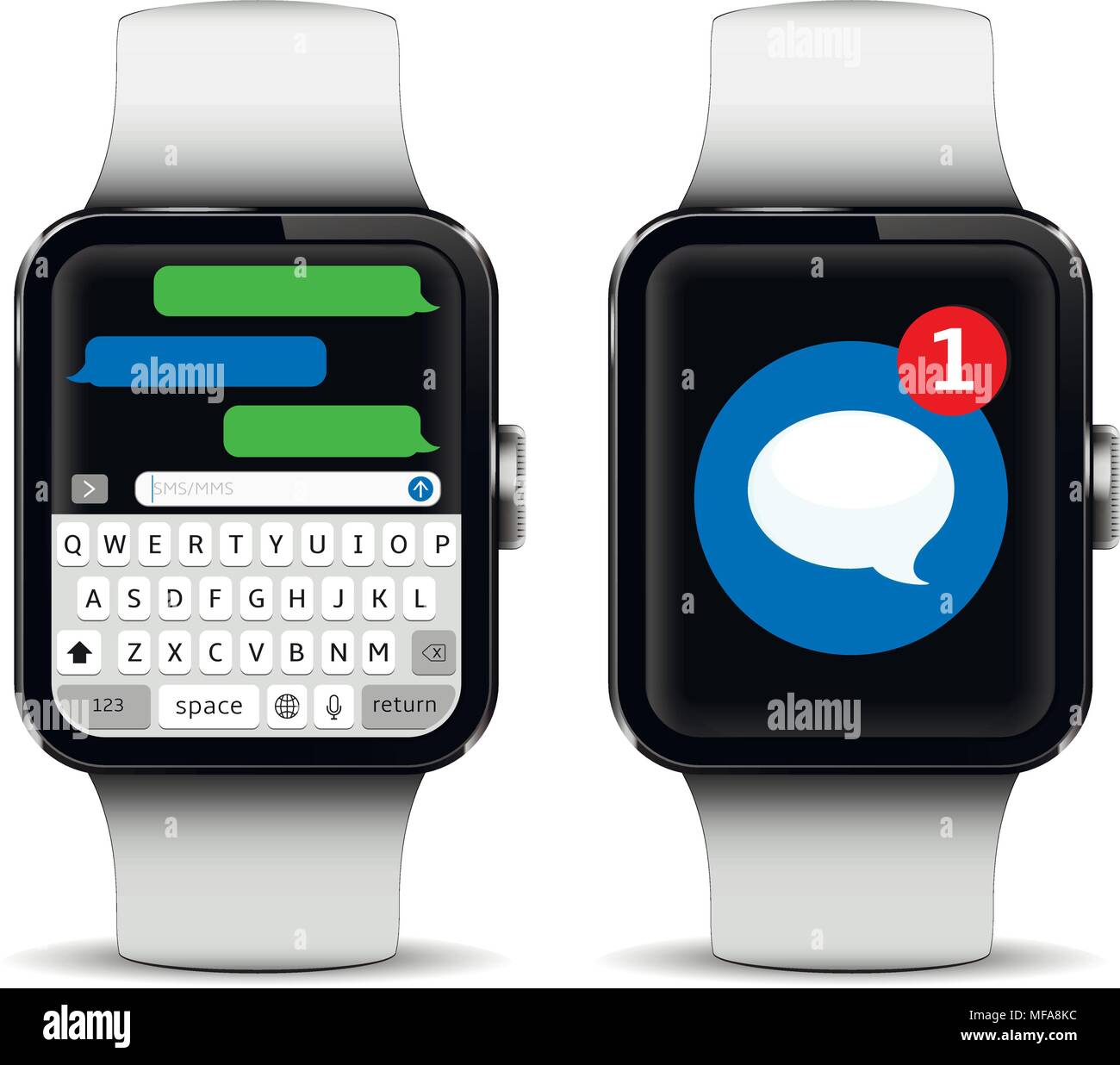
- On-Screen Keyboard: Some watches (like the Apple Watch and Samsung Galaxy Watch) have tiny keyboards, so you can type out a short message.
- Handwriting Recognition: A few smartwatches allow you to draw letters, and the watch converts them to text.
Example: Sending A Message On An Apple Watch
- Raise your wrist and tap the “Messages” app.
- Choose a contact or start a new message.
- Speak your reply, choose an emoji, or use the small keyboard.
- Tap “Send.”
Real-life Limitations
Typing long messages on a smartwatch is slow and hard. Most people use voice, emojis, or quick replies for short answers. For detailed conversations, it’s better to use your phone.
Receiving Messages: What To Expect
When a message comes in, your smartwatch usually vibrates or makes a sound. You can read the message on your watch screen right away.
Notification Features
- Preview: See part or all of the message on your watch.
- Read Full Message: Some watches let you scroll through long messages.
- Reply: Depending on your device, you can reply right away or choose from options.
Example: Whatsapp Notification
You get a WhatsApp message. Your smartwatch buzzes. You see the text, maybe a photo or emoji. Some watches let you reply, but some only let you read the message.
Special Cases
- Attachments: Most smartwatches show text and simple emojis, but not all can display photos, videos, or voice messages. Apple Watches and Samsung models do better with media, but even they have limits.
- Group Chats: Some watches only show part of the group message or can’t reply to groups.
Messaging App Support
Many people use apps like WhatsApp, Messenger, or WeChat instead of standard SMS. How well these work depends on your smartwatch and phone.
Popular App Support
- Apple Watch: Strong support for iMessage, SMS, and email. Can read and reply to WhatsApp, Messenger, and others, but sometimes only with quick replies.
- Samsung Galaxy Watch: Good support for SMS, WhatsApp, Telegram, and more. You can reply with voice, emoji, or keyboard.
- Fitbit and Garmin: Limited support. You can read notifications, but replying may only work on Android and is usually limited to quick replies.
Examples
- On an Apple Watch, you can reply to a WhatsApp message with a voice note or emoji, but you cannot start a new WhatsApp chat from the watch.
- On a Fitbit Versa 4, you can see Telegram messages, but you can only send quick replies (and only if your watch is paired with an Android phone).
Do You Need A Smartphone Nearby?
Not all smartwatches are fully independent. Here is the difference:
- Bluetooth-only watches: Need your phone nearby (within 10-30 meters). If your phone is off or out of range, you won’t get messages.
- Wi-Fi enabled watches: Can get messages if both your watch and phone are on the same Wi-Fi network.
- Cellular/LTE watches: Can get messages anywhere, even if your phone is far away or turned off, as long as you have a data plan for the watch.
When Standalone Messaging Matters
If you go running or to the gym without your phone, a cellular smartwatch lets you stay in touch. This is useful for parents, outdoor workers, or people who want to leave their phone at home sometimes.
Message Security And Privacy
Many users worry about message privacy on smartwatches. Are your messages safe? Here’s what you should know:
- Messages are usually encrypted between your phone and watch. Apple uses end-to-end encryption for iMessages.
- Lock your smartwatch with a PIN or password to protect your data if you lose it.
- Notifications may show message previews even when the screen is locked. Adjust settings if you don’t want others to see private messages at a glance.
Common Privacy Mistakes
- Not setting a lock code on your watch.
- Leaving message previews on in public places.
- Forgetting that deleted messages on your phone may still appear on your watch until synced.
Smartwatch Messaging: Pros And Cons
Messaging on a smartwatch has clear benefits, but there are also drawbacks. Here’s a summary to help you decide.
| Pros | Cons |
|---|---|
| Quick replies on the go | Small screen hard for long messages |
| Leave phone behind (cellular models) | Some models require phone nearby |
| Easy notification management | Limited app support (Fitbit, Garmin) |
| Hands-free voice replies | Voice dictation can make mistakes |
| Good for short, urgent messages | Not ideal for group chats or media |

Top Smartwatches For Messaging (2024)
Let’s look at some popular smartwatches and what makes them good or weak for messaging.
1. Apple Watch Series 8
The Apple Watch Series 8 is the gold standard for messaging. It offers SMS, iMessage, email, and app notifications. You can send replies with voice, emojis, or the new on-screen keyboard. The cellular version works without your iPhone nearby.
2. Samsung Galaxy Watch 5
This watch supports SMS, MMS, WhatsApp, Telegram, and more. You can reply using voice, emoji, or keyboard. The LTE model works independently of your phone. It’s a strong choice for Android users.
3. Google Pixel Watch
The Pixel Watch works with Android phones and supports Gmail, SMS, WhatsApp, and other messaging apps. You can reply by voice, emoji, or by drawing letters. Its round design makes swiping through messages comfortable.
4. Fitbit Versa 4
Good for basic messaging. You can get SMS and most app notifications, but replies are limited to quick responses. Works best with Android. No cellular version, so your phone must be close.
5. Garmin Venu 2 Plus
This fitness-focused watch offers SMS and app notifications with quick replies (Android only). It’s great for runners who want to see messages but not for detailed conversations.
6. Huawei Watch Gt 3
Huawei’s watch supports SMS and many app notifications. Some replies are possible, but features are limited compared to Apple and Samsung. Works best in regions where Huawei’s ecosystem is strong.
7. Amazfit Gtr 3 Pro
It shows notifications from most apps and supports quick replies (Android only). No cellular option, and messaging is basic.
Common Problems And How To Solve Them
Messaging on smartwatches is not perfect. Here are some common issues and solutions.
Problem: Not Receiving Messages
- Check Bluetooth or Wi-Fi: Make sure your watch and phone are connected.
- Notifications Disabled: Go to your phone’s settings and allow notifications for the messaging app.
- Outdated Software: Update your watch and phone to the latest version.
Problem: Can’t Reply To Messages
- Device Limitation: Some watches (Fitbit, Garmin) only allow replies on Android, not iOS.
- App Restriction: Not all apps allow replies from your watch. Try using the default SMS app.
- Permissions Issue: Check if you have given the watch permission to access messages.
Problem: Message Sync Delay
- Slow Connection: If Bluetooth or Wi-Fi is weak, messages may arrive late.
- Battery Saver On: Some watches delay notifications to save battery. Turn off battery saver for better messaging.

Advanced Messaging Features
Some high-end smartwatches have extra features for messaging:
- Dictation with punctuation: Say “I’ll be there soon, period” and the watch adds the punctuation.
- Message scheduling: A few watches let you schedule a message to send later.
- Smart replies: The watch suggests replies based on the message content.
What To Consider Before Buying For Messaging
If messaging is important, here’s what to check before you buy:
- Phone Compatibility: Apple Watches only work with iPhones. Some Android watches have limited features if paired with an iPhone.
- App Support: Make sure your favorite messaging apps work with the watch. Not all do.
- Reply Options: Check if you can reply with voice, emoji, or keyboard. Some watches only show notifications.
- Cellular Option: If you want to leave your phone behind, choose a watch with LTE/cellular support.
- Screen Size: Larger screens make it easier to read and reply to messages.
- Battery Life: Watches with many messaging features use more power. Check battery reviews.
- Water Resistance: If you want to message from the pool or shower, make sure your watch is waterproof.
Messaging And Accessibility
Messaging on smartwatches can help people with disabilities or those who need hands-free solutions.
- Voice assistants: Siri, Google Assistant, and Bixby let you send messages by voice.
- Vibration alerts: Helpful for people with hearing loss.
- Large font options: Most watches let you make text bigger for easier reading.
Messaging Trends And Future
Smartwatch messaging is getting smarter every year. Here’s what to watch for:
- Better AI: Watches will predict replies and understand context better.
- Richer media: Future watches may show more photos, videos, and even short voice messages.
- Cross-platform support: Messaging apps are working to offer more features on smartwatches.
- Health and safety: Some watches can auto-send messages if you fall or have a problem (like Apple’s Emergency SOS).
Real-world Insights Most Beginners Miss
Many new users think all smartwatches can send and receive every type of message, but the reality is more complex. Here are two things beginners often don’t realize:
- Replying is not universal: Just because you see a WhatsApp notification doesn’t mean you can reply from your watch. Some watches only allow replies on Android, not iPhone. Always check before you buy.
- Standalone messaging requires a data plan: If you want true phone-free messaging, you need a cellular watch and a separate data plan from your carrier. Many people buy LTE watches but never activate a plan, so the feature stays unused.
How Messaging Differs By Region
Some messaging features depend on where you live. For example, in China, WeChat support may be better than WhatsApp. In the US, Apple Watch features are stronger because of the iPhone’s popularity. Always check local app support before you buy.
Comparing Smartwatch Messaging With Smartphones
Smartphones still offer the best experience for long or complex messages. But smartwatches win for speed and convenience. Here’s a quick look:
| Feature | Smartwatch | Smartphone |
|---|---|---|
| Speed for short replies | Excellent | Good |
| Typing long messages | Hard | Easy |
| Media sharing | Limited | Full |
| App support | Basic | Full |
| Hands-free use | Great | Good |
Smartwatches are ideal for quick, urgent, or silent communication—like replying during a meeting or while jogging.
Frequently Asked Questions
Can All Smartwatches Send And Receive Messages?
No, not all smartwatches can send and receive messages. Most can show message notifications, but only some let you reply or create new messages. Features depend on the watch model, your phone, and the messaging app.
Is A Data Plan Needed For Messaging On A Smartwatch?
A data plan is only needed if you want to use messaging on a cellular/LTE smartwatch without your phone nearby. Bluetooth-only watches use your phone’s connection and do not need a separate plan.
Which Smartwatch Is Best For Messaging?
The Apple Watch Series 8 (with cellular) is the best for messaging, especially for iPhone users. For Android, the Samsung Galaxy Watch 5 is a top choice. Both offer strong app support, reply options, and can work without your phone if you choose the LTE version.
Can I Use Whatsapp Or Wechat On A Smartwatch?
Yes, most smartwatches show WhatsApp and WeChat notifications. Some let you reply with voice, emojis, or quick replies. However, you usually cannot start a new chat or send media directly from the watch. Features vary by device and phone.
Are Messages On Smartwatches Secure?
Most modern smartwatches use encryption to keep your messages safe. Still, you should use a lock code on your watch and adjust notification settings to hide previews if you care about privacy. For more information, see Apple’s security guide.
Smartwatches can send and receive messages, but how well they do it depends on the device, your phone, and the apps you use. For quick replies and staying connected, they are powerful tools. If messaging is your top priority, choose your smartwatch carefully, check for compatibility, and don’t forget about privacy.
As technology improves, smartwatches will only get better at keeping you in touch—right from your wrist.

