
For many people, fitness trackers are now part of daily life. Whether you want to count steps, check your sleep, or watch your heart rate, these small devices help you stay healthy and active. But a common question appears: do fitness trackers work without Bluetooth? Maybe you worry about battery life, privacy, or just don’t want your device always connected. To answer this question clearly, we need to look at how fitness trackers collect, store, and share data, and what really happens when Bluetooth is off.
This article explores every angle of using fitness trackers without Bluetooth. We will break down how these devices work, what features you lose or keep, and how different brands compare. You will also find tips, mistakes to avoid, and answers to the most common questions.
By the end, you’ll know exactly what to expect if you use your fitness tracker without Bluetooth—and whether it makes sense for your lifestyle.
How Fitness Trackers Work
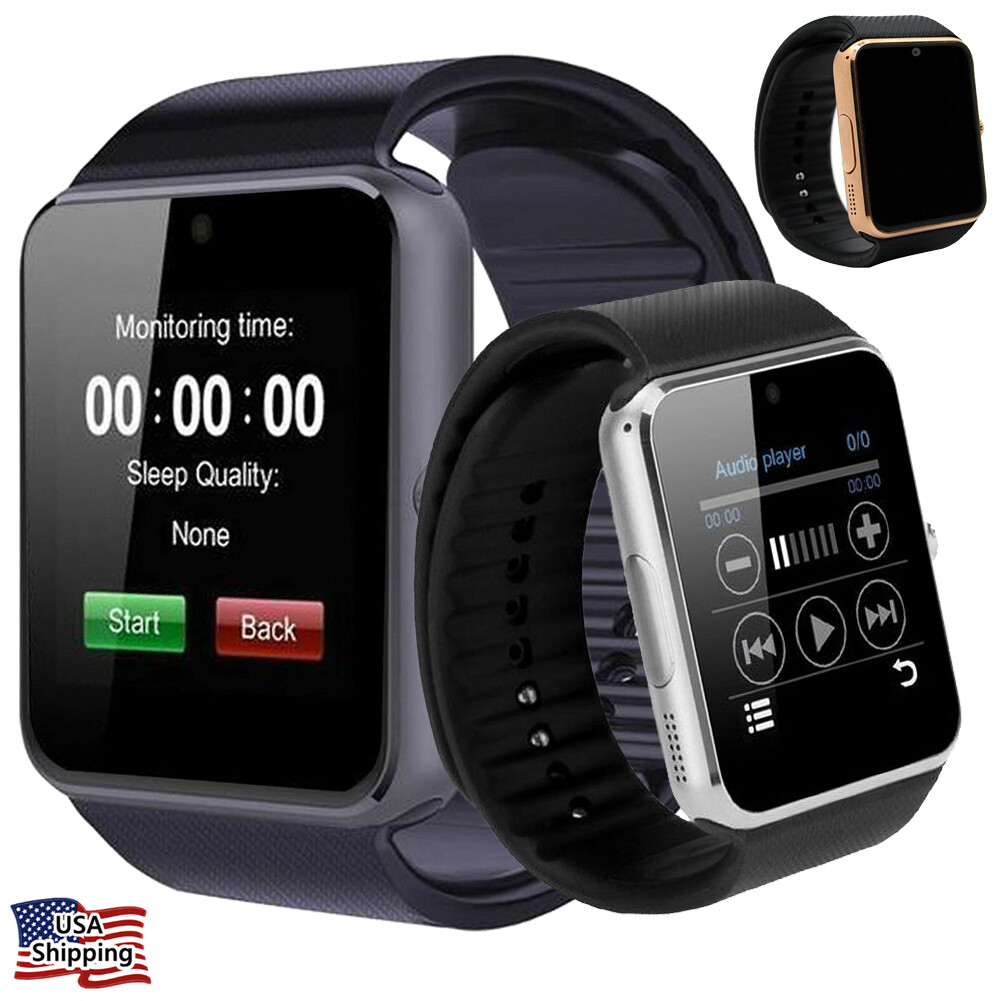
Fitness trackers are small electronic devices worn on your wrist, like a watch. They use built-in sensors to measure activity. Most popular trackers include step counters, heart rate monitors, and sleep trackers. Some also have GPS, temperature sensors, and even blood oxygen monitors.
Data Collection
The main job of a fitness tracker is to collect data as you move. For example, an accelerometer inside tracks your steps. An optical sensor can watch your heart rate by shining light onto your skin. All this data is saved in the device’s internal memory.
Data Storage
Fitness trackers usually have a small amount of internal memory. This memory can hold hours or days of data. Some advanced models can save weeks of data before needing to sync with a phone or computer.
Data Syncing
To see your activity data in detail, you usually need to send (or sync) it to a smartphone or computer. This is where Bluetooth comes in. Most fitness trackers use Bluetooth to send data wirelessly to an app on your phone. Some also support Wi-Fi or USB connections.
Why Is Bluetooth Used?
Bluetooth is the most common way to connect a tracker to your phone. It is low power, quick, and easy to use. It lets your tracker share data with your phone, and sometimes get updates or new features.
What Happens When Bluetooth Is Off?
Turning off Bluetooth means your tracker cannot connect wirelessly to your phone or other devices. But does this mean it stops working? Not always. Let’s break down what continues to work and what does not.
Features That Still Work
- Step Counting: Most trackers can still count steps using their internal sensors.
- Heart Rate Monitoring: If your device measures heart rate, it keeps tracking and saving this data.
- Sleep Tracking: Night-time movement and sleep stages are recorded.
- Distance Tracking: Trackers with built-in GPS can still map your movement.
- Calories Burned: Calculations are still made based on your activity.
All these features save data in internal memory. You can sync it later when you turn Bluetooth back on.
Features That May Not Work
- Live Notifications: Phone calls, messages, and app notifications won’t show up on your tracker.
- Real-Time Syncing: Your steps or heart rate won’t update in your phone app until you reconnect.
- Music Controls: Some music control features need a live Bluetooth connection.
- Find My Phone: This function needs Bluetooth to locate your phone.
Some advanced features, like live GPS sharing or emergency alerts, also require a connection.
How Long Can You Go Without Syncing?
Most trackers store several days of data without syncing. The exact time depends on the brand and model. For example, a Fitbit can usually store up to 7 days of detailed data. A Garmin watch may store up to 2 weeks or more. If you never sync, old data may be deleted to make space for new activity.
Real-world Examples: Popular Brands Without Bluetooth
To make things clear, let’s see how major brands handle offline use.
Fitbit
Fitbit trackers can record steps, heart rate, and sleep without Bluetooth. Data is stored in the device. You will not get notifications or live weather. The Fitbit app will update all your stats the next time you connect. Most models keep up to 7 days of detailed activity and 30 days of daily summaries.
Garmin
Garmin devices are known for large memory. You can go 2 weeks or longer without syncing. Steps, heart rate, GPS, and workouts all save locally. Smart notifications, music streaming, and live safety features do not work until you sync.
Xiaomi Mi Band
The Mi Band line can collect step and sleep data for up to a month without syncing. You lose call and message alerts, and the weather widget will not update.
Apple Watch
Apple Watch can track steps, heart rate, and workouts offline. Some features, like ECG or Blood Oxygen, require syncing for full reports. You will not get notifications or new app data until you reconnect.
Samsung Galaxy Fit
Samsung trackers store basic activity data offline. Health reports and notifications need Bluetooth. Some models can store up to 10 days before syncing is required.
Offline Features: What You Still Get
Even with Bluetooth off, most fitness trackers offer a lot:
- Step counting: Always works as long as the device has power.
- Heart rate monitoring: Continuous or on-demand, data saves in memory.
- Sleep tracking: Results saved for later sync.
- Alarm and timers: Most work without Bluetooth.
- Workout recording: Runs, walks, and other exercises logged.
This means you can still track your health and fitness goals on holiday, during flights, or in areas with phone restrictions.
Features Lost Without Bluetooth
While offline, here’s what you miss:
- Notifications: No messages, calls, or app updates on your wrist.
- Live data: No instant syncing to your phone or cloud.
- Device location: Cannot use “find my phone” or similar features.
- Firmware updates: No new features or bug fixes until you reconnect.
- Third-party app support: Some features from outside apps may stop working.
Some people find these losses minor, while for others, they are important.
Data Syncing: How It Works Without Bluetooth
If you don’t want to use Bluetooth, is there another way to sync your data? The answer depends on your device.
Usb Syncing
A few fitness trackers (like old Fitbit models) can connect to a computer by USB cable. Data transfers when you plug in. This is slower and less common now.
Wi-fi Syncing
Some smartwatches, like advanced Garmin or Apple models, support Wi-Fi syncing. You can upload data without Bluetooth, but you need Wi-Fi access and setup.
Manual Data Export
A few devices let you export data using a computer or special cable. This is rare and often for sports watches.
No Syncing
If you never sync, your tracker still tracks, but you lose long-term data storage and detailed analysis. Some data may be lost if the device memory fills up.
Privacy And Security When Bluetooth Is Off
Privacy is one reason people turn off Bluetooth. With Bluetooth off, your fitness tracker is less likely to be found by other devices nearby. You avoid some risks:
- Accidental device pairing: No unwanted connections.
- Data interception: Less risk of someone nearby reading your data.
- Location privacy: Devices can’t be tracked in public using Bluetooth signals.
However, the data still stays on your device until you sync. For strong privacy, always check how your fitness app uses and stores your information. Read the privacy settings in the app and on your fitness tracker.
Battery Life: Does Bluetooth Drain Power?
A big reason to turn off Bluetooth is to save battery. Most fitness trackers use Bluetooth Low Energy (BLE), which is very efficient. Still, turning Bluetooth off can help your battery last longer. How much longer? It depends on the device:
- Fitbit: Turning off Bluetooth may add 1–2 days of battery life.
- Garmin: Some models last up to a week longer without Bluetooth.
- Mi Band: Offline mode can double battery life.
If you only sync once a week, your device may need less charging. But battery gains are usually modest, since BLE is designed to use little power.
Who Should Use A Fitness Tracker Without Bluetooth?
Using a tracker without Bluetooth is not for everyone. But there are times when it makes sense:
- Travelers: On flights or in foreign countries, you may want to turn Bluetooth off.
- Privacy-focused users: If you worry about data safety or being tracked.
- Battery savers: When you need your device to last as long as possible.
- Simple users: If you only want basic tracking, not notifications or smart features.
For most people, turning Bluetooth off for short times is safe and useful. If you want to track every detail, you’ll need to sync more often.
Common Mistakes When Using Fitness Trackers Offline
Many new users make mistakes when they turn Bluetooth off. Here’s what to watch out for:
- Not syncing for too long: If you don’t sync for weeks, your oldest data may be deleted.
- Expecting notifications: Without Bluetooth, you won’t get calls or messages on your wrist.
- Missing firmware updates: Important security and feature updates may be missed.
- Forgetting to turn Bluetooth back on: You might miss syncing new workouts and sleep data.
- Assuming all data is stored forever: Each device has a memory limit—check your manual.
To avoid losing your progress, try to sync at least once a week.
Comparing Offline And Online Tracker Use
To help you compare, here’s a summary of how fitness trackers work with and without Bluetooth:
| Feature | Bluetooth On | Bluetooth Off |
|---|---|---|
| Step Counting | Yes | Yes |
| Heart Rate Monitoring | Yes | Yes |
| Sleep Tracking | Yes | Yes |
| Notifications | Yes | No |
| Live Syncing | Yes | No |
| Firmware Updates | Yes | No |
| Battery Life | Normal | Longer |
This table shows that basic tracking works fine without Bluetooth, but you lose smart features.
How Long Does Data Stay On Your Fitness Tracker?
Another common question is how long your tracker saves data if you never sync. Let’s compare memory storage for popular brands:
| Brand | Detailed Data Storage | Daily Summary Storage |
|---|---|---|
| Fitbit | 7 days | 30 days |
| Garmin | 14 days | Up to 30 days |
| Mi Band | 30 days | 3 months |
| Apple Watch | 7 days | 30 days |
| Samsung | 10 days | 30 days |
If you do not sync before these limits, your oldest data will be replaced by new activity.
:max_bytes(150000):strip_icc()/prt-gabb-watch-3e-justyna-rivera-5-b59af4bc9ca04e4f9555c36f3e15c4cd.jpeg)
Does Every Fitness Tracker Need Bluetooth?
Not every tracker needs Bluetooth all the time. Some specialized sports watches and simple pedometers do not use Bluetooth at all. Here are examples:
- Basic pedometers: Count steps with no syncing or app.
- Advanced sports watches: Some can export data by USB or Wi-Fi.
- Children’s trackers: Often have limited or no wireless features for safety.
If you only want to count steps or track basic activity, you can choose a tracker without Bluetooth.
Practical Tips For Using A Tracker Without Bluetooth
To get the most from your fitness tracker offline, try these tips:
- Sync regularly: Even if you keep Bluetooth off, sync once a week to save your data.
- Check storage limits: Know how long your device holds data before overwriting.
- Charge before a trip: Without Bluetooth, battery lasts longer, but you still need to recharge.
- Turn Bluetooth on for updates: Get new features and fixes every few weeks.
- Use offline alarms and timers: These features do not need Bluetooth and are useful in daily life.
Remember, you can turn Bluetooth on and off as needed.

Advanced: What About Smartwatches?
Some smartwatches, like the Apple Watch or Samsung Galaxy Watch, have extra features. For example, they can connect to Wi-Fi or use a mobile network (LTE). This means you may get some notifications or sync data even when Bluetooth is off, as long as you have another connection.
But most fitness trackers (like Fitbit, Mi Band, or Garmin) rely mainly on Bluetooth for syncing and smart features. Always check your device’s manual to know what works offline.
When Bluetooth Is A Must
Certain situations require Bluetooth:
- Initial setup: Most trackers need Bluetooth for the first connection to your phone.
- Firmware updates: Updating your device often needs Bluetooth.
- Third-party app connections: Linking to apps like Strava or Google Fit usually needs a live connection.
- Sharing data in real time: For live coaching or safety tracking, Bluetooth is required.
For basic tracking, you can turn Bluetooth off most of the time.
Hidden Downsides Of Using Trackers Offline
There are some unexpected problems if you always use your tracker without Bluetooth:
- Data loss: If your device is lost or broken before syncing, your data is gone forever.
- Missed trends: Without syncing, you lose weekly/monthly reports and goal tracking.
- No cloud backup: Your data is not saved online until you sync.
If long-term health tracking is important to you, syncing often is still best.
Case Study: Using Fitbit For A Week Without Bluetooth
Let’s imagine you use your Fitbit for one week with Bluetooth turned off:
- Each day, it counts your steps, watches your heart rate, and tracks your sleep.
- You do not get calls or text alerts.
- The Fitbit stores daily data for each activity.
- After 7 days, you turn Bluetooth back on and sync.
- The app now shows all your steps, calories, and sleep for the week.
But if you waited longer than 7 days, your oldest step data may be lost.
Are There Health Risks With Bluetooth?
Some people worry about Bluetooth and health. Current research shows Bluetooth Low Energy is safe for daily use. The power is very low—much less than Wi-Fi or a phone call. If you want to learn more about the safety of Bluetooth, check research from the Centers for Disease Control and Prevention.
Frequently Asked Questions
Can I Use My Fitness Tracker Without Ever Turning On Bluetooth?
Yes, for basic tracking like steps and sleep, you do not need Bluetooth. But you lose smart features and risk losing old data if you never sync.
How Often Should I Sync My Fitness Tracker?
Sync at least once a week to avoid losing stored activity. Some devices hold data longer, but weekly sync is safest.
Will My Tracker’s Battery Last Longer If I Turn Off Bluetooth?
Usually yes, but the gain is small. Most devices use Bluetooth Low Energy, so battery savings are often just 1–2 extra days.
Can I Get Notifications On My Tracker Without Bluetooth?
No. Notifications (calls, messages, app alerts) require a live Bluetooth connection to your phone.
Is My Data Safe If I Never Sync My Tracker?
Your data is safe on the device, but if you lose or break it before syncing, the data is gone. Syncing saves your activity to the cloud for backup.
If you want reliable tracking, a balance works best: use Bluetooth sometimes to sync and update, but keep it off when you want privacy or longer battery life. Fitness trackers are flexible—how you use them is your choice.

