
Every year, millions of people buy fitness trackers to help them stay healthy, count steps, and monitor sleep. But one question always comes up: “How long does the battery last?” Battery life is one of the most important features for anyone who uses a fitness tracker. If your tracker’s battery dies quickly, you’ll miss data and find it annoying to charge all the time. But if it lasts for days or weeks, you can focus on your goals instead of the charger.
Fitness tracker battery life is not simple. Some devices need charging every day, while others go for weeks. What causes these differences? Why do some brands last longer than others? And how do you choose a tracker that matches your needs?
This article will explain everything about battery life in fitness trackers. You’ll learn what affects battery life, how top brands compare, and how to make your battery last longer.
What Does “battery Life” Mean For Fitness Trackers?
When people talk about battery life, they usually mean how long a fitness tracker can run on one charge. Most companies measure this in days or hours. But the number you see in ads is often for “typical use.” Real battery life can be different for each person, depending on how you use your tracker.
For example, using GPS tracking or keeping the screen bright will use more power. Simple step counting uses less. Always check if the battery life the company claims matches the way you plan to use the device.
Some key terms:
- Typical use: Normal daily activity like steps and heart rate.
- Maximum battery life: No extra features, just basic time and step counting.
- Heavy use: Using GPS, music, notifications, or other advanced functions.
What Affects The Battery Life Of Fitness Trackers?
Fitness trackers use small batteries. Several factors decide how long they last.
1. Display Type
The screen uses a lot of power. There are three main types:
- OLED or AMOLED displays: These are bright and colorful, but drain batteries faster.
- LCD screens: Use less energy than OLED but are not as bright.
- E-paper/Monochrome: Like Kindle screens, very power-efficient but black and white.
A simple, black-and-white screen can help your battery last much longer than a colorful, always-on display.
2. Gps And Sensors
Tracking your route with GPS uses a lot of battery. Heart rate, SpO2, and other sensors also need power. The more sensors working, the faster the battery drops.
For example, running with GPS can reduce battery life from days to just a few hours on some trackers.
3. Notifications And Connectivity
If your tracker is always connected to your phone, showing messages or calls, it will use more energy. Bluetooth and Wi-Fi connections keep the device busy.
4. Software And Features
Some trackers have features like music storage, animated workouts, or app stores. These use more power than simple activity tracking.
Trackers with fewer “smart” features usually last longer between charges.
5. Battery Size
Larger batteries mean longer battery life, but also a bigger and heavier device. Slim trackers often have smaller batteries and need charging more often.
6. User Habits
How you use your tracker matters. Keeping the screen always-on, using GPS daily, or getting lots of notifications will drain the battery faster.
Non-obvious insight: Even changing the watch face can affect battery life. Simple, dark faces use less energy than bright, animated ones.
Average Battery Life By Fitness Tracker Brand
Different brands have different battery life standards. Let’s compare some popular ones.
| Brand | Popular Models | Advertised Battery Life | Realistic Use (Average) |
|---|---|---|---|
| Fitbit | Charge 5, Inspire 3 | 5-10 days | 4-8 days |
| Garmin | Vivosmart 5, Forerunner 255 | 7-14 days | 6-12 days |
| Xiaomi | Mi Band 7, Mi Band 8 | 14-20 days | 10-17 days |
| Apple | Watch SE, Series 8 | 18-36 hours | 18-24 hours |
| Samsung | Galaxy Fit 2, Galaxy Watch 5 | 2-7 days | 1.5-5 days |
| Amazfit | Bip U Pro, GTR 4 | 7-24 days | 6-20 days |
Non-obvious insight: Trackers with color screens and “smartwatch” features (like Apple Watch) have much shorter battery life than simple bands.
Battery Life: Fitness Trackers Vs. Smartwatches
Many people confuse fitness trackers with smartwatches. The main difference is in battery life and features.
- Fitness trackers are usually lighter, with longer battery life (up to 2 weeks or more).
- Smartwatches like Apple Watch or Samsung Galaxy Watch have more apps and features, but most need charging every day or two.
Here’s a simple comparison:
| Device Type | Features | Average Battery Life |
|---|---|---|
| Basic Fitness Tracker | Steps, Heart Rate, Sleep | 7-20 days |
| Advanced Fitness Tracker | GPS, SpO2, Notifications | 5-10 days |
| Smartwatch | Apps, Music, Voice Assistant | 1-3 days |
If battery life is your top concern, a simple tracker is a better choice than a full-featured smartwatch.

How Fitness Trackers Manage Power
Modern fitness trackers use smart ways to save battery:
- Low-power chips: Special processors designed to use less energy.
- Efficient sensors: Sensors that only turn on when needed.
- Sleep modes: Trackers lower power use when you’re not active.
- Adaptive brightness: Screen brightness changes with light conditions.
Some advanced trackers even “learn” your habits and adjust power use.
How To Extend The Battery Life Of Your Fitness Tracker
If you want your tracker to last longer between charges, try these tips:
- Reduce screen brightness: Lower settings use less energy.
- Turn off always-on display: Let the screen sleep when not in use.
- Limit notifications: Only keep important alerts.
- Use basic watch faces: Simple, dark faces save power.
- Turn off unused sensors: If you don’t need SpO2 or stress tracking, disable them.
- Update software: Makers often improve battery life with updates.
- Charge before the battery dies: Keeping your battery between 20% and 80% can extend its life.
Many people don’t realize that charging habits matter. Avoid letting your battery fall to 0% often; this can shorten the battery’s life over the long term.
Real-world Examples: Battery Life In Action
Let’s look at some real usage cases to understand how battery life changes.
- Fitbit Charge 5: Advertised for 7 days, but with heart rate always on, GPS workouts twice a week, and notifications active, users report needing a charge every 4-5 days.
- Garmin Forerunner 255: Used for daily runs with GPS, sleep tracking, and smart notifications, most users get about 8-10 days.
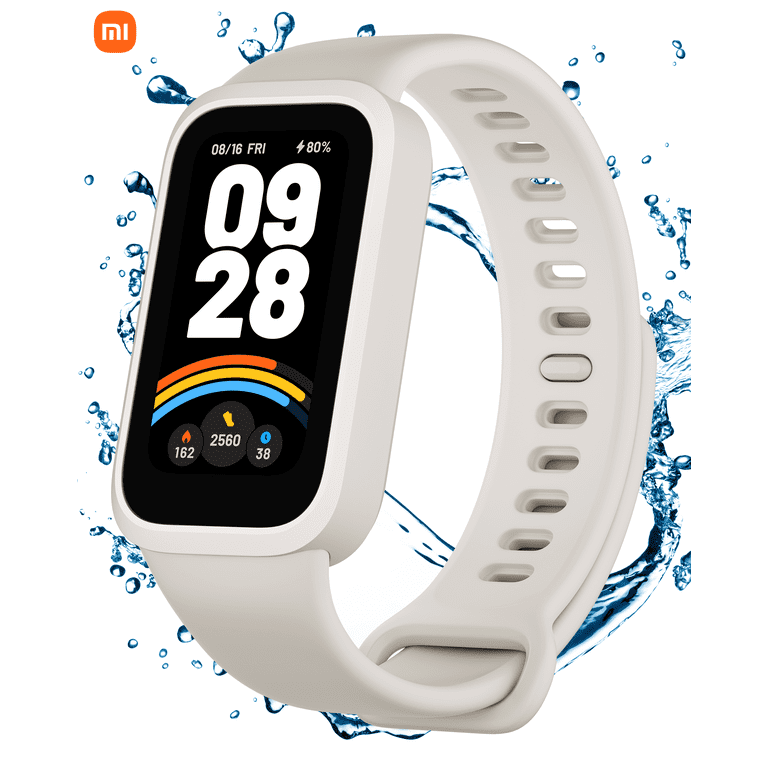
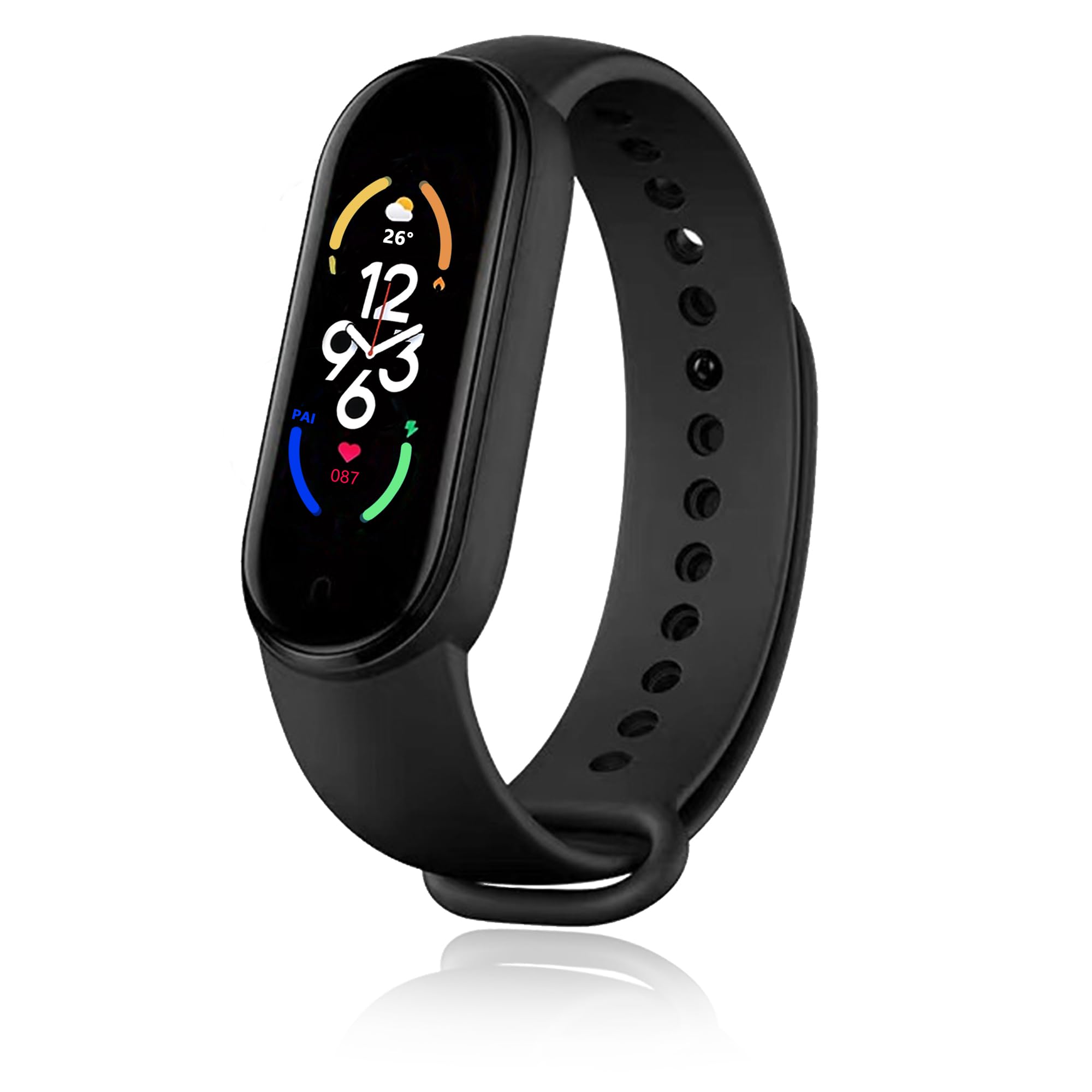
- Mi Band 7: With basic use (steps, heart rate, little notifications), some users reach 15-16 days, but with all features on, battery drops to 9-10 days.
- Apple Watch Series 8: With screen always-on and lots of notifications, many users charge every night.
This shows that real-life battery life is often lower than the numbers in ads, especially if you use all features.
Fast Charging And Battery Replacement
Some fitness trackers now support fast charging. For example, the latest Fitbit models can get a full day’s use from just 10-12 minutes of charging. This is helpful if you forget to charge overnight.
But what happens when the battery no longer holds a charge? Most fitness trackers do not have replaceable batteries. When the battery wears out (often after 2-3 years), you may need to buy a new device or send it to the company for repair, which can be costly.
How Battery Life Impacts Your Health Data
If your tracker’s battery dies often, you’ll miss important data like sleep or heart rate trends. For people who want to track health 24/7, battery life is critical.
Missing even one night of sleep data can break your streak or make long-term trends less accurate. That’s why people who want full health tracking should pick devices with at least 5-7 days battery life.
Choosing The Right Fitness Tracker For Battery Life
It’s tempting to buy the tracker with the most features, but more features often mean less battery life. Before buying, ask yourself:
- Do I want to charge every night, or once a week?
- Will I use GPS often?
- Are notifications important, or is basic tracking enough?
- Do I want a color screen, or is black-and-white okay?
Here are some tips for choosing:
- If you need long battery life, look at brands like Xiaomi, Amazfit, or basic Garmin models.
- If you want smartwatch features, be ready to charge every day or two.
- If you’re a runner, check how long the battery lasts with GPS on.
Common mistake: Many buyers focus only on the “maximum” battery life, not realizing their real use will be heavier. Always check reviews for real-world battery numbers.
The Future Of Fitness Tracker Batteries
Battery technology is improving. Companies are working on:
- Solar charging: Some Garmin trackers use sunlight to extend battery life.
- More efficient chips: New processors use less energy for the same features.
- Wireless charging: Making it easier to charge without cables.
But for now, the biggest gains still come from using simple screens and fewer features.
Comparing Battery Life: Top Fitness Tracker Models
Here’s a side-by-side look at popular models and their real battery performance.
| Model | Screen Type | Features | Typical Battery Life |
|---|---|---|---|
| Fitbit Inspire 3 | AMOLED | HR, Sleep, Notifications | 7-10 days |
| Xiaomi Mi Band 8 | AMOLED | HR, SpO2, Notifications | 14-20 days |
| Garmin Vivosmart 5 | OLED | HR, Stress, Notifications | 7 days |
| Amazfit Bip U Pro | TFT | HR, SpO2, GPS | 9 days |
| Apple Watch SE | OLED | Apps, HR, GPS | 18-24 hours |
| Samsung Galaxy Fit 2 | AMOLED | HR, Notifications | 15 days |
This shows that the type of screen and features have a big impact on battery life.
Environmental Impact Of Fitness Tracker Batteries
Most fitness trackers use lithium-ion or lithium-polymer batteries. These are safe but have a limited life. When trackers are thrown away, batteries can harm the environment if not recycled.
To reduce impact:
- Use your tracker as long as possible.
- Recycle it at an electronics recycling center, not in the trash.
- Some brands offer trade-in programs for old devices.
Non-obvious tip: Ask the seller about recycling or battery replacement before you buy.
Frequently Asked Questions
How Long Do Fitness Tracker Batteries Really Last?
Most fitness trackers last between 5 and 20 days per charge, depending on the model and how you use them. Basic trackers with simple screens last longer, while smartwatches with apps and color screens need charging more often.
Does Gps Use Drain My Tracker’s Battery Quickly?
Yes, using GPS drains the battery much faster. A tracker that lasts a week with normal use may only last 10-12 hours if GPS is on the whole time. If you run with GPS daily, expect to charge more often.
Can I Replace The Battery In My Fitness Tracker?
Usually, no. Most fitness trackers have built-in batteries that are not user-replaceable. After 2-3 years, battery life may drop. Some brands offer repair services, but often it’s cheaper to buy a new device.
Does Screen Brightness Really Affect Battery Life?
Yes. High brightness uses more energy, especially on color screens. Lowering brightness, or using a simple, dark watch face, can add hours or even days to your battery life.
What Is The Best Brand For Battery Life?
Brands like Xiaomi, Amazfit, and some Garmin trackers are known for long battery life. Always check real-world reviews to see how long the battery lasts for users like you. For more on battery technology, see this Wikipedia article.
Battery life is a key factor in choosing a fitness tracker. Think about how you’ll use your device, and choose one that fits your needs—not just the most advertised features. With the right tracker, you’ll spend more time moving and less time charging.

