
Every day, millions of people wear a fitness tracker on their wrist, ankle, or even in their pocket. These devices have become an important part of modern health routines, promising to count every step, monitor sleep, and sometimes even measure your heart rate. But have you ever wondered: how does a fitness tracker measure steps? Is it really accurate, or just a guess? Understanding the technology inside these small gadgets can help you make better use of your tracker, improve your health, and avoid common mistakes. Let’s explore the science, technology, and practical aspects behind how fitness trackers count your steps.
What Is A Fitness Tracker And Why Step Counting Matters
Fitness trackers are wearable electronic devices. Their main purpose is to help you track physical activity, such as walking, running, or cycling. Some offer extra features like heart rate monitoring, sleep tracking, and even GPS.
Step counting is one of the most popular and basic functions. It’s a simple way to measure physical activity, set goals, and stay motivated. The idea is: if you can count your steps, you can improve your health. Studies show that people who aim for a daily step goal—such as the famous “10,000 steps per day”—are more likely to stay active and healthy.
But for the data to be useful, it needs to be reliable. That’s why it’s important to know how your device counts steps and what can affect its accuracy.
The Technology Behind Step Counting
Fitness trackers rely on a mix of sensors, algorithms, and sometimes even machine learning to measure your steps. The core technology is more interesting than it looks.
The Role Of Accelerometers
The main sensor inside most fitness trackers is an accelerometer. This is a tiny electronic component that detects changes in movement and orientation. It measures acceleration along three axes—X, Y, and Z.
Whenever you move, the accelerometer detects the motion. For example, as you walk, your wrist moves in a repeated pattern. The sensor records these movements as data points.
- X-axis: Up and down movement (vertical)
- Y-axis: Side to side (horizontal)
- Z-axis: Forward and backward
The accelerometer samples your movement many times per second, usually between 20 to 100 Hz (times per second). This high frequency allows it to create a detailed “picture” of your motion.
How Movement Becomes A Step
But detecting movement is not enough. The tracker needs to decide when a movement is actually a step, and not just random motion (like waving your hand).
This is where step detection algorithms come in. The basic process looks like this:
- The accelerometer records motion data as a wave of numbers.
- The software looks for patterns that match a walking or running step—usually a repeated up-and-down wave.
- If the pattern matches, the tracker logs a step.
Some advanced trackers add a gyroscope. This sensor measures rotation and helps improve accuracy, especially when your arm moves in complex ways.
Why Not Just Use Gps?
GPS can track movement over distance, but it’s not practical for step counting. GPS drains battery quickly and is not accurate enough for small movements indoors or in crowded areas. That’s why most trackers rely on accelerometers for step tracking.
How Fitness Trackers Filter And Analyze Data
Movement data is noisy. Even while sitting, your wrist may move. So, step trackers need to filter out “false steps” caused by things like:
- Gesturing while talking
- Riding in a car
- Typing on a keyboard
Signal Processing
To separate real steps from noise, trackers use signal processing techniques. Here’s how:
- Thresholding: The software ignores small movements below a certain strength.
- Pattern recognition: Only specific wave shapes (up and down, at regular intervals) count as steps.
- Time windowing: If the movements are too fast (like shaking), or too slow (like fidgeting), they are not counted.
This way, your tracker focuses on movements that match the rhythm and intensity of walking or running.
Machine Learning In Modern Devices
Some new trackers use machine learning. This means they are trained on large datasets of real-world movement, learning to recognize steps more accurately over time. They can adapt to different walking styles, arm positions, or even the way you hold the device.
For example, if you wear your tracker on your ankle instead of your wrist, the step pattern looks different. Advanced trackers can adjust their algorithms to fit your unique movement.
Comparing Step Counting Technologies
Not all fitness trackers use the same sensors or methods. Here’s a quick comparison between the main technologies:
| Sensor Type | Common Devices | Strengths | Weaknesses |
|---|---|---|---|
| Accelerometer Only | Most entry-level trackers | Low cost, low power | Less accurate for complex movements |
| Accelerometer + Gyroscope | Mid/high-end trackers, smartwatches | Better accuracy, detects rotation | Higher power use, more expensive |
| Accelerometer + Machine Learning | Premium trackers, latest models | Adapts to user, highest accuracy | Complex, needs updates |
| GPS-Based | Outdoor smartwatches, phones | Great for long-distance, outdoors | Poor for steps, high battery use |
What Really Happens When You Take A Step
When you walk, your body follows a repeating motion: lift your foot, swing your arm, land, and push off. This movement causes a quick acceleration followed by a deceleration. The accelerometer “feels” this change as a wave.
A basic step-counting algorithm looks for:
- A spike (acceleration) as your foot hits the ground
- A dip (deceleration) as your body moves forward
- The time between steps (usually 0.5 to 1 second for walking)
If the pattern repeats consistently, it’s counted as a step. If the motion is random, it’s ignored.
Example: Imagine you’re carrying groceries and swinging your arms. If the movement matches the rhythm of walking, your tracker might count extra steps. This is a common source of error.
How Accurate Are Fitness Trackers In Counting Steps?
Fitness trackers have improved, but they’re not perfect. Accuracy can vary depending on:
- Device quality: More sensors often mean better accuracy.
- Wearing position: Wrist, ankle, pocket, or clip-on location can affect results.
- Walking style: Some people walk with less arm swing or unusual gait.
- Activity type: Slow walking, pushing a stroller, or running can confuse the tracker.
Real-world Accuracy Data
Scientific studies show that step counters can be very accurate in some situations, and less so in others.
- Laboratory tests: High-end trackers can be within 1-5% error when walking at a steady pace.
- Everyday use: Error rates can go up to 10-15% depending on movement and wearing style.
- Special cases: People using walking aids, wheelchairs, or pushing shopping carts may see larger errors.
Example Data Comparison
Here’s a comparison of step count accuracy from three popular fitness trackers in a controlled 1,000-step walk:
| Device Model | Actual Steps | Recorded Steps | % Error |
|---|---|---|---|
| Tracker A | 1000 | 995 | -0.5% |
| Tracker B | 1000 | 1020 | +2.0% |
| Tracker C | 1000 | 1105 | +10.5% |
This shows that even among popular brands, accuracy can differ.
Non-obvious Insights Beginners Miss
Many new users trust the step count without question. But there are some details that beginners often overlook:
- Step length matters: Trackers usually estimate distance walked by multiplying steps by your average step length (stride). If your stride is shorter or longer than average, the distance calculation can be wrong.
- Not all steps are equal: Walking up stairs, running, or hiking produces different movement patterns. Some trackers may undercount or overcount in these cases.
- Wearing location changes everything: If you wear your tracker on your non-dominant hand, it may record fewer steps, especially if you don’t move that arm much.
- False positives and negatives: Activities like brushing teeth, clapping, or even driving on a bumpy road can sometimes be counted as steps.
- Device setup is important: Many trackers ask for your height and weight to help estimate stride length and calories burned. Entering incorrect information can reduce accuracy.
How To Improve Your Step Count Accuracy
If you want to get the most reliable data from your fitness tracker, follow these practical tips:
- Wear it correctly: Follow the manufacturer’s advice. Usually, this means wearing it snugly on your non-dominant wrist. If you’re using a clip-on, keep it near your hip.
- Update your profile: Enter accurate height, weight, and age. Update this if your weight changes significantly.
- Calibrate your stride: Some advanced trackers let you adjust your average step length in the settings. Measure your stride (distance covered in 10 steps divided by 10) for better distance accuracy.
- Avoid loose wearing: If the tracker is too loose, it may record extra movements as steps.
- Sync regularly: Keep your tracker updated. Manufacturers often improve algorithms with software updates.
- Be aware of false steps: Remove your tracker during activities that involve lots of hand movement but no walking, like drumming or intense house cleaning.
Step Counting For Different Activities
Not all physical activities are the same. Here’s how step counting works in various situations:
Walking And Running
These activities are easiest for trackers. The arm swing and body movement are regular and predictable, so the error rate is usually low.
Cycling
Standard fitness trackers may record little or no steps during cycling, because the arm motion is different. Some trackers try to estimate activity using cadence (pedaling rate) but this is not the same as step counting.
Swimming
Most trackers switch to a special swim mode and do not count steps, since arm and body movements in water are very different.
Pushing Strollers Or Shopping Carts
When your arms are steady on a handle, the tracker may not detect the usual up-and-down motion and may miss many steps.
Climbing Stairs
The vertical movement is different from flat walking. Some trackers include an altimeter (measures altitude) to count floors climbed, but step counts may still be less accurate.
The Role Of Software Updates And Firmware
Unlike mechanical pedometers, fitness trackers can improve over time. Manufacturers release firmware updates to fix bugs and improve step-counting algorithms. If you notice sudden changes in your step count after an update, it’s likely due to improved detection.
Some companies use user data (with permission) to “teach” their algorithms new movement patterns, making future updates even more accurate. That’s why syncing your device and installing updates is important.
Privacy, Security, And Data Sharing
Step data may seem harmless, but it’s still personal information. Most trackers sync to your phone or cloud account. Be sure to check your device’s privacy policy. Decide if you want to share your activity data with friends, health apps, or insurance providers.
Some people are surprised to learn that their step data can be used in research or advertising if they don’t adjust privacy settings. Always review what data you’re sharing and with whom.
The Science Of Step Goals
Why do so many fitness trackers recommend 10,000 steps per day? The number became popular after a Japanese marketing campaign in the 1960s. Since then, research shows that even smaller goals—like 7,000 or 8,000 steps—can provide major health benefits, especially for people who are less active.
The real value of step counting isn’t the exact number, but the habit of daily movement. Setting and reaching a goal, whatever the number, keeps you motivated and aware of your activity.
Health Benefits Of Tracking Steps
Regular step tracking is linked to many health benefits:
- Increased physical activity: People who use trackers walk up to 2,500 more steps per day, on average.
- Weight management: More steps help burn calories and control weight.
- Heart health: Walking reduces the risk of heart disease, diabetes, and some cancers.
- Mental health: Daily movement boosts mood and lowers stress.
For more on the benefits of walking and physical activity, see this CDC resource.
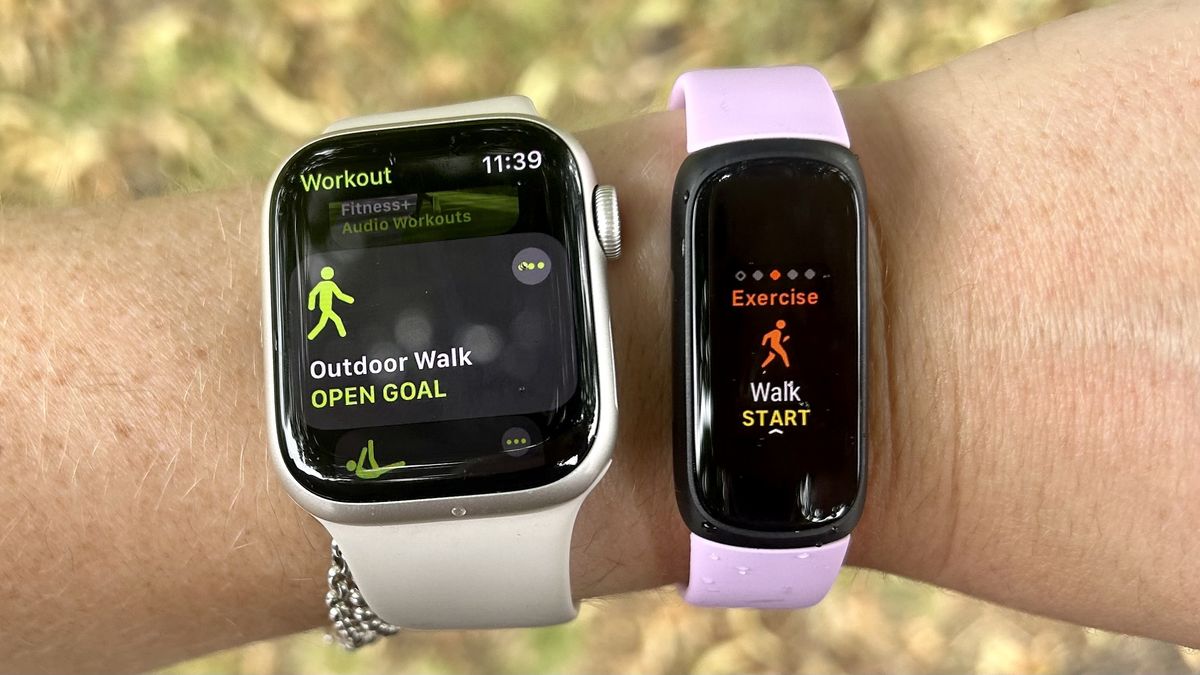
Step Counting In Smartwatches Vs. Dedicated Trackers
Some people use a smartwatch (like Apple Watch or Samsung Galaxy Watch) instead of a fitness band. Are they just as good at counting steps?
Generally, smartwatches use similar sensors and algorithms, but may offer extra features:
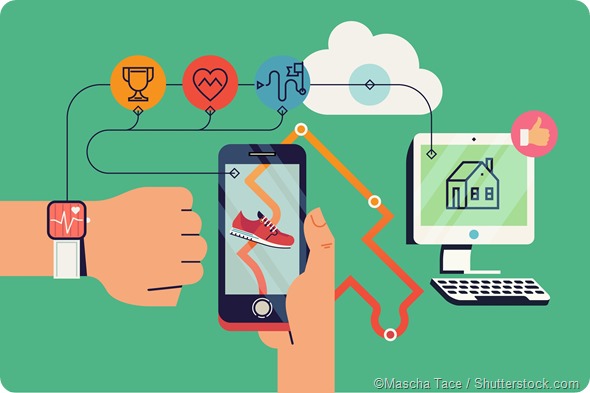
- Integration with phone apps
- More frequent updates
- Customizable health tracking
However, they may be bulkier or have shorter battery life. Dedicated fitness trackers are usually lighter and designed for all-day wear, but may have fewer features.
The Future Of Step Counting
As technology advances, fitness trackers will become even more accurate. Future trends include:
- Improved machine learning: Devices will better understand your unique movement.
- Integration with medical data: Step counts will link to health records for a full picture of activity.
- Personalized coaching: AI coaches may offer real-time feedback based on your steps and habits.
We may even see trackers that use new types of sensors, such as pressure pads in shoes, for even more precise step detection.
Frequently Asked Questions
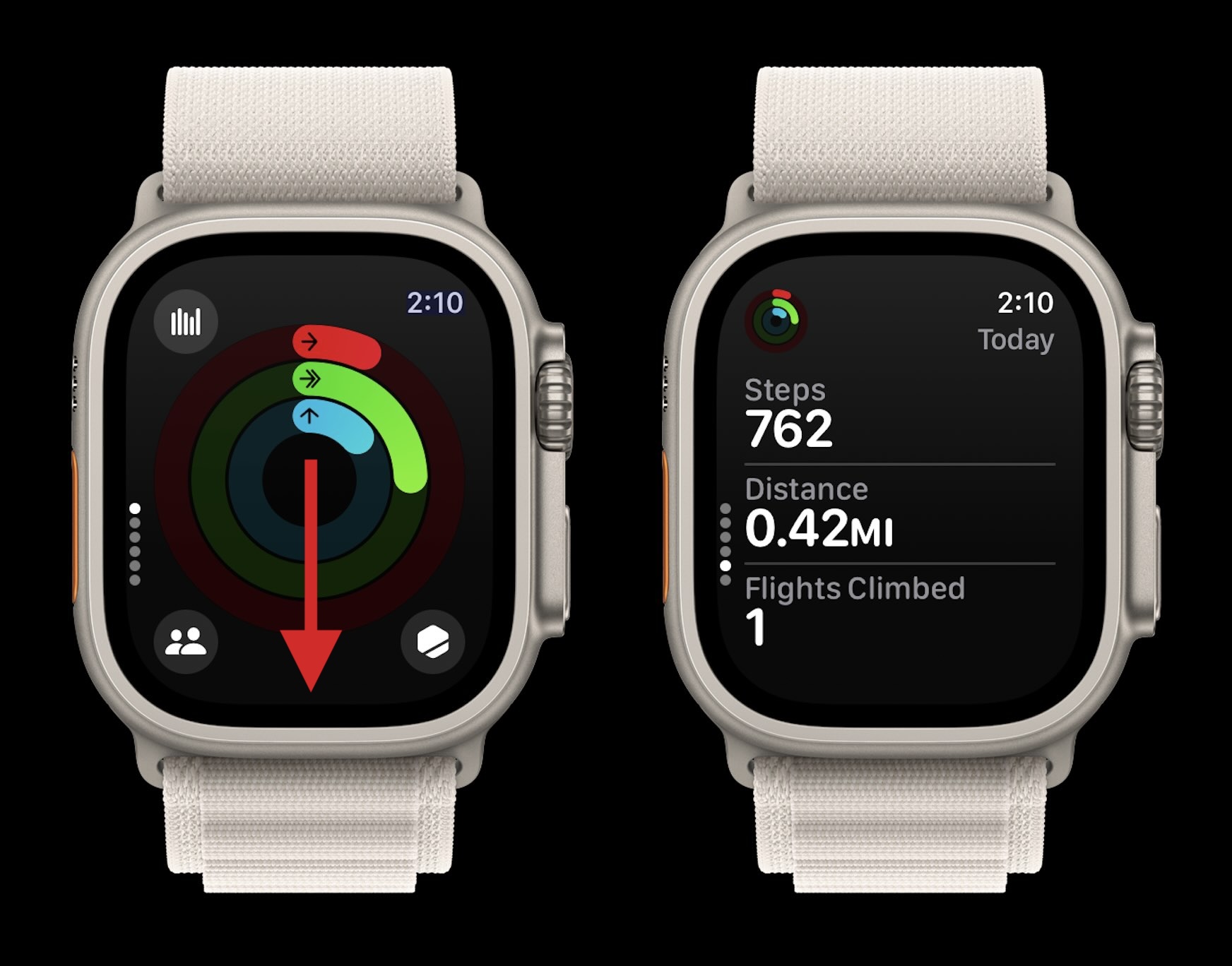
What Is The Difference Between A Pedometer And A Fitness Tracker?
A pedometer is a simple device that counts steps, usually using a mechanical or basic electronic sensor. A fitness tracker is more advanced, using digital sensors (like accelerometers), and often offers extra features like heart rate monitoring, sleep tracking, and app integration.
Why Does My Fitness Tracker Show Steps When I’m Not Walking?
Fitness trackers sometimes count hand movements (like brushing teeth or waving) as steps. This happens when the motion pattern is similar to walking. Advanced trackers try to filter these out but can’t always do so perfectly.
Can I Trust My Fitness Tracker For Step Accuracy?
Most modern trackers are accurate for walking or running, with a small error margin (usually 1-10%). Accuracy drops during activities with unusual arm movement or when the device is worn loosely or in an unusual place.
How Can I Improve My Tracker’s Step Accuracy?
Wear your tracker as recommended (usually on your non-dominant wrist), keep your personal data updated, and calibrate your stride if possible. Sync the device regularly to get the latest software improvements.
Does A Fitness Tracker Work If I Put It In My Pocket Or Bag?
Some trackers can count steps from a pocket or clipped to your belt, but accuracy may change. Movements at your wrist and hip are different. For best results, use the recommended position and test your device to see how it performs in different locations.
Staying active is one of the best things you can do for your health. Understanding how your fitness tracker measures steps can help you use it more effectively, spot errors, and set realistic goals. While no device is perfect, today’s trackers are a powerful tool for building healthy habits.
With the right knowledge, you can turn each step into a smarter step toward better health.

