
Everywhere you look today, people are wearing small devices on their wrists or clipped to their belts. Fitness trackers are now a daily part of life for millions. They promise to count your steps, watch your heart rate, and even track your sleep. Many people now wear them all day—and all night—believing they help them live healthier, more active lives. But as these gadgets become more popular, a big question comes up: Are fitness trackers safe to wear all day? If you’re thinking about using a tracker, or already wear one, it’s important to know the facts. This article will give you a clear, honest look at the safety of fitness trackers, using the latest research, expert opinions, and real-life examples. Let’s dive into what you need to know.
What Are Fitness Trackers And How Do They Work?
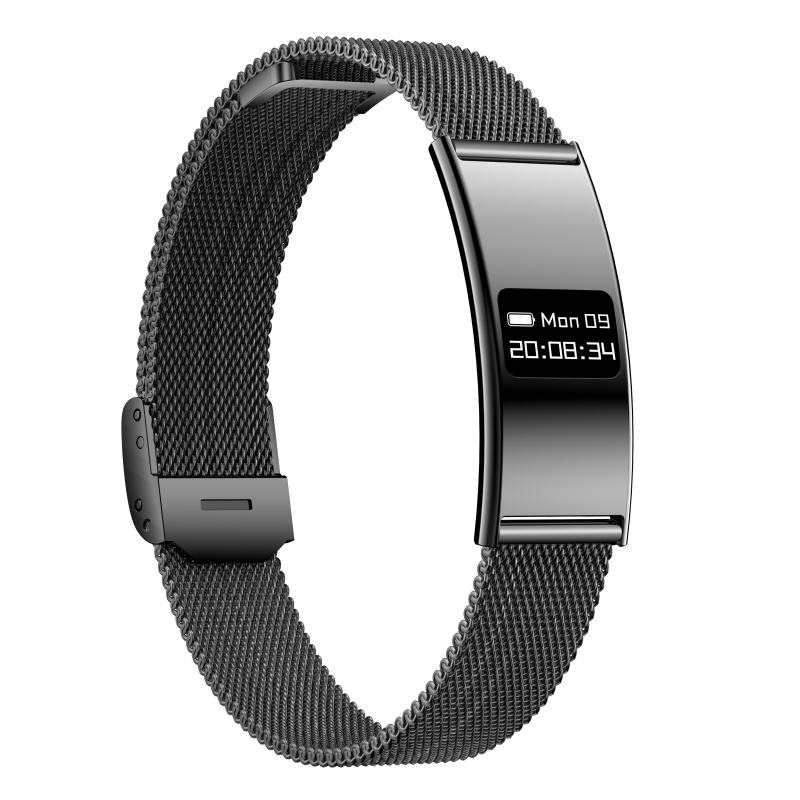
Fitness trackers are small electronic devices designed to monitor your physical activity and sometimes your health. Most are worn on the wrist, like a watch, but some can be clipped to your clothing or even worn as rings. They use a mix of sensors—like accelerometers, gyroscopes, and heart rate monitors—to gather information about your body and movements.
These devices often connect to your phone or computer. They send your data to apps, which turn raw numbers into easy-to-read charts and suggestions. Some popular brands include Fitbit, Apple Watch, Garmin, and Xiaomi Mi Band.
Fitness trackers can measure:
- Steps taken
- Distance walked or run
- Calories burned
- Heart rate
- Sleep quality
- Blood oxygen levels (on some models)
- Stress levels
The idea is simple: by showing you your daily activity, the tracker encourages you to move more and take better care of your health.
Why Do People Wear Fitness Trackers All Day?
There are several reasons people keep their trackers on from morning until night.
- Continuous Monitoring: Many people want a complete picture of their health, including sleep, heart rate, and activity patterns.
- Motivation: Some users find that seeing their progress helps them stick to exercise goals.
- Health Alerts: Certain trackers can warn you of abnormal heart rates or other health issues.
- Convenience: Trackers often double as watches or have smart features like notifications, alarms, and reminders.
- Social and Competitive Features: Sharing achievements with friends can make fitness more fun.
Some people even choose to wear their trackers at night to track sleep cycles and spot sleep problems.

Main Safety Concerns With Wearing Fitness Trackers All Day
Despite their benefits, people have real concerns about wearing fitness trackers all the time. The main worries include:
- Exposure to radiation (EMF)
- Skin irritation and allergic reactions
- Battery and device overheating
- Data privacy and security
- Accuracy of health data
- Physical discomfort and long-term effects
Let’s look at each of these in more detail.
1. Exposure To Radiation (emf)
Fitness trackers use wireless technology like Bluetooth and sometimes Wi-Fi to send data to your phone or other devices. These signals use a type of low-level radiation called electromagnetic fields (EMF).
What Research Says About Emf
Many people worry about whether EMF radiation from trackers is harmful. The good news is that the EMF levels from fitness trackers are very low—much lower than what you get from a cell phone or even a household Wi-Fi router.
According to a report by the World Health Organization, low-level, non-ionizing EMF exposure from personal devices is not proven to cause health problems in humans. Most fitness trackers emit less than 1% of the EMF that smartphones do.
Key insight: Even if you wear your tracker all day, the EMF exposure is much smaller than what you get by holding a phone to your ear for a few minutes.
Comparing Emf Levels
Here’s a look at how fitness trackers compare to other common devices:
| Device | EMF Radiation (in milliwatts, typical) | Usage Position |
|---|---|---|
| Fitness Tracker | 0.01–0.1 | Wrist |
| Smartphone (active call) | 100–200 | Head |
| Bluetooth Headset | 1–10 | Ear |
| Wi-Fi Router | 50–200 | Room |
Expert Opinions
Most health experts agree that the EMF from fitness trackers is not a reason to worry. If you are especially sensitive or concerned, you can turn off Bluetooth when not syncing data, or remove the tracker at night.
Non-obvious tip: Some people feel less anxious by keeping their tracker in “airplane mode” during sleep or quiet times.
2. Skin Irritation And Allergic Reactions
Another common complaint is skin irritation—redness, rashes, or itching—where the tracker touches the skin. This happens for several reasons:
- Sweat and moisture trapped under the band
- Friction from a tight fit
- Nickel or other metals in the band causing allergies
- Soap, lotion, or dirt building up under the device
How Common Is It?
A study published in the Journal of the American Academy of Dermatology found that about 1 in 20 fitness tracker users developed a rash or irritation after regular use. Most cases were mild and went away quickly when people cleaned the band or took breaks from wearing it.
Prevention Tips
- Clean your tracker and band regularly with soap and water.
- Let your skin breathe by removing the band for a while each day.
- Dry your skin and the band before wearing after exercise or showering.
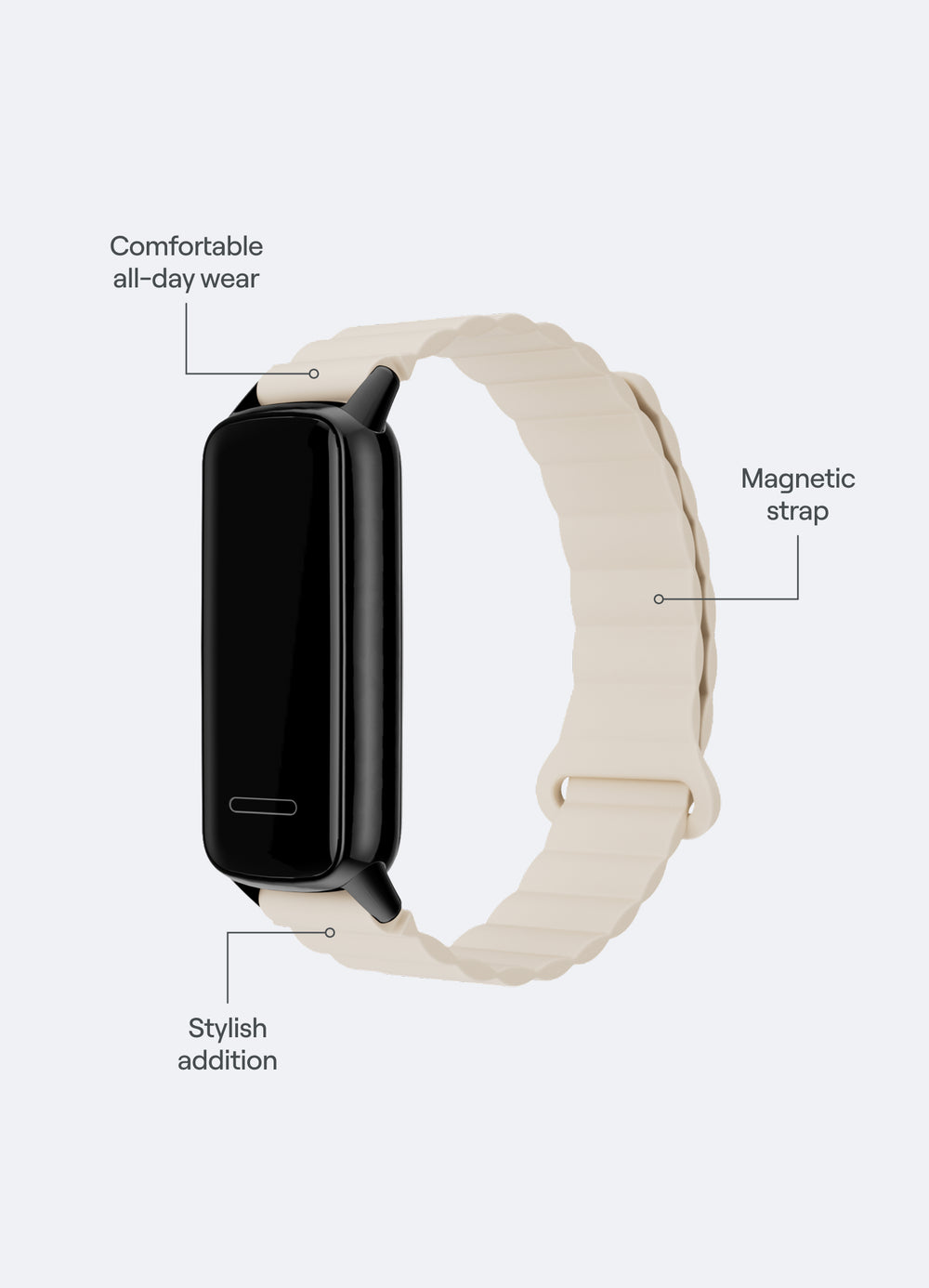
- Choose hypoallergenic bands (silicone or fabric) if you have sensitive skin.
- Avoid wearing it too tightly.
When To Worry
If you notice a rash that won’t go away, blisters, or swelling, stop wearing the tracker and see a doctor. Sometimes a metal allergy (like to nickel) needs medical care.
Beginner mistake: Many people don’t realize that sweat and soap under the band can cause problems—even if they are not allergic.
3. Battery And Device Overheating
Like all electronics, fitness trackers use batteries. In rare cases, devices have become hot or even caused burns.
How Often Does This Happen?
It’s extremely rare. Most modern trackers have strong safety controls to prevent overheating. However, there have been a few recalls in the past. For example, Fitbit recalled some models after reports of overheating and burns.
How To Lower Risk
- Do not wear the tracker while charging.
- Remove it if it feels hot or uncomfortable.
- Don’t use damaged bands or cracked cases.
- Buy only from trusted brands.
Non-obvious insight: Some people charge their trackers overnight and wear them while plugged in—this increases risk. Always remove before charging.
4. Data Privacy And Security
Fitness trackers collect a huge amount of personal health data. This information is often stored in apps or on company servers.
What Data Is Collected?
- Steps and activity
- Heart rate and health stats
- Sleep habits
- Location (for GPS models)
- Sometimes, personal details like age, weight, or gender
Main Privacy Risks
- Data leaks if the company is hacked
- Selling your data to advertisers or third parties
- Weak passwords leading to account theft
According to a report by the Federal Trade Commission, many fitness tracker companies share user data with outside partners, sometimes without clear user consent.
How To Protect Your Data
- Use strong, unique passwords for fitness apps.
- Read the privacy policy before signing up.
- Turn off location tracking if you don’t need it.
- Only share data with trusted health providers.
- Delete old accounts if you stop using a brand.
Non-obvious insight: Some apps allow you to export and delete all your data, but few people do this when switching brands.
5. Accuracy Of Health Data
Fitness trackers are getting better every year, but no device is perfect. Problems with accuracy are a real concern, especially if you are using the tracker for medical decisions.
What’s Usually Accurate
- Step counting: Most trackers are very good at counting normal steps.
- Basic activity levels: Time spent moving vs. sitting is usually correct.
What’s Less Reliable
- Heart rate during intense exercise: Trackers often struggle when you are moving a lot.
- Sleep stages: Trackers use movement and heart rate, but cannot measure brain waves, so sleep quality estimates are rough.
- Calorie counts: These numbers are only estimates and can be off by 20–30%.
Data Accuracy Table
Here’s a quick comparison of how accurate different measures are:
| Measurement | Typical Accuracy | Notes |
|---|---|---|
| Step Count | 90–95% | Very reliable for walking |
| Heart Rate | 80–90% | Less accurate during intense activity |
| Calorie Burn | 70–80% | Rough estimate |
| Sleep Tracking | 60–80% | Good for sleep/wake, less for sleep stages |
Beginner mistake: Relying on calorie numbers or sleep “scores” as exact truth. Use them as a general guide, not a medical report.
6. Physical Discomfort And Long-term Effects
Wearing any device tightly for long periods can cause discomfort. Some people report soreness, marks, or even changes to skin texture after months of use.
Common Problems
- Indentations or marks on the skin
- Wrist pain from bands that are too tight
- Feeling “naked” without the device (obsessive checking)
How To Stay Comfortable
- Adjust the strap so it’s snug but not tight.
- Take breaks—remove your tracker for a few hours each day.
- Switch wrists sometimes.
- Don’t wear it all night if you’re not tracking sleep.
Are There Any Long-term Health Risks?
There is no evidence that wearing fitness trackers causes long-term health problems for most people. However, if you notice pain, numbness, or skin changes, stop using the device and talk to a doctor.
Non-obvious insight: Some users develop mild anxiety or obsession with their stats (called “orthosomnia” for sleep tracking). It’s healthy to take breaks and not let the tracker control your mood or habits.
Benefits Of Wearing Fitness Trackers All Day
It’s not all risk—there are real benefits to all-day use, which is why so many people choose to wear these devices.
Motivation And Goal Tracking
Seeing your progress in real time can push you to reach your goals. Many people find that setting step targets or activity reminders helps them move more.
Early Health Warnings
Some trackers can spot unusual heart rates or rhythms and warn you early. In rare cases, users have caught serious problems and sought medical help.
Better Sleep Habits
Tracking sleep can help you spot patterns, like going to bed too late or waking up often. Some people use this data to improve sleep hygiene.
Social And Community Support
Sharing your results with friends, family, or online groups can make exercise fun and supportive. Some people start friendly competitions or team challenges.
Building Healthy Habits
Wearing a tracker all day can remind you to move, drink water, or take breaks from sitting. Over time, these small changes can add up to big health benefits.
Who Should Be Careful About Wearing Fitness Trackers All Day?
For most people, wearing a fitness tracker all day is safe. But a few groups should take extra care:
- People with known skin allergies (especially to nickel or plastics)
- Children and teens: Their skin is more sensitive, and data privacy is extra important.
- Those with implanted medical devices (like pacemakers): Some trackers might interfere with certain devices. Always ask a doctor first.
- People with anxiety or obsessive tendencies: Trackers can make some people worry too much about numbers.
Expert tip: If you have a medical condition or take medication that affects your heart or skin, check with your doctor before using a fitness tracker long-term.
How To Use Fitness Trackers Safely
If you want to enjoy the benefits and avoid problems, follow these simple tips:
- Clean your device and skin daily.
- Give your wrist a break for at least 30–60 minutes each day.
- Loosen the band enough to fit a finger underneath.
- Remove the tracker during charging and if it feels hot.
- Use hypoallergenic bands if you have sensitive skin.
- Turn off features you don’t need, like all-day Bluetooth or location.
- Check your data privacy settings and update passwords regularly.
- Don’t use the tracker for medical decisions without consulting a doctor.
Real-life Examples And Stories
Success Story: Catching A Health Problem
A 35-year-old runner noticed her tracker kept warning her about a very high heart rate at night. She went to her doctor, who found an early heart rhythm problem. Early treatment helped her recover quickly.
Cautionary Tale: Skin Rash
A teenager wore his new tracker day and night, including during sweaty soccer practice. After a week, he developed a red rash under the band. After switching to a fabric band and taking breaks, the rash disappeared.
Obsession With Numbers
Some users find themselves checking their step count or sleep score many times a day. Experts suggest setting daily “off times” where you remove the tracker and focus on how your body feels instead of just the data.
Comparing Popular Fitness Trackers: Safety Features
If you’re shopping for a tracker, it helps to see how different brands handle safety:
| Brand | Skin-Friendly Materials | EMF Controls | Privacy Features | Recall History |
|---|---|---|---|---|
| Fitbit | Silicone, fabric, metal | Bluetooth on/off | Data export, privacy settings | Yes (2014, 2022) |
| Apple Watch | Hypoallergenic options | Airplane mode | End-to-end encryption | No major recalls |
| Garmin | Silicone, leather | Manual sync | Data control in app | No major recalls |
| Xiaomi Mi Band | Silicone | Bluetooth only | Basic privacy controls | No major recalls |
Insight: Higher-priced trackers often have better skin-friendly materials and stronger privacy features.
The Bottom Line: Are Fitness Trackers Safe To Wear All Day?
For most people, fitness trackers are safe to wear all day if you use them wisely. Problems like skin irritation, discomfort, or privacy risks are usually easy to avoid with simple habits. The benefits—motivation, tracking, and early health alerts—often outweigh the risks for healthy adults.
However, no device is perfect. Pay attention to your body and mind, take regular breaks, and don’t let your tracker control your life. If you have allergies, sensitive skin, or medical devices, talk to your doctor first.
If you want to learn more about EMF safety and wearable devices, the World Health Organization provides detailed information: World Health Organization.
Frequently Asked Questions
What Should I Do If I Get A Rash From My Fitness Tracker?
First, remove the tracker and let your skin heal. Clean both your skin and the device. Try a different band material (such as fabric or hypoallergenic silicone). Make sure you don’t wear it too tightly, and take regular breaks. If the rash doesn’t get better, see a doctor.
Can Fitness Trackers Cause Cancer Or Serious Illness From Radiation?
There is no scientific proof that the low-level radiation from fitness trackers causes cancer or serious illness. The EMF exposure is much lower than from cell phones or Wi-Fi routers. For more details, see resources from the World Health Organization.
Is It Safe To Wear A Fitness Tracker While Sleeping?
Yes, for most people, it is safe. However, if you notice skin irritation or discomfort, take breaks from wearing it at night. Make sure the band is clean and not too tight. If you feel anxious about your sleep data, consider turning off sleep tracking sometimes.
Can Children Wear Fitness Trackers All Day?
Children can wear fitness trackers, but their skin is more sensitive. Choose child-friendly models, use soft bands, and make sure to review privacy settings to protect their data. Always supervise usage and take breaks to avoid irritation.
How Can I Keep My Fitness Tracker Data Private?
Use strong passwords and update them regularly. Check the privacy settings in your fitness app. Turn off location tracking if you don’t need it. Delete your account and data if you stop using a brand. Always read the privacy policy before sharing health information.

