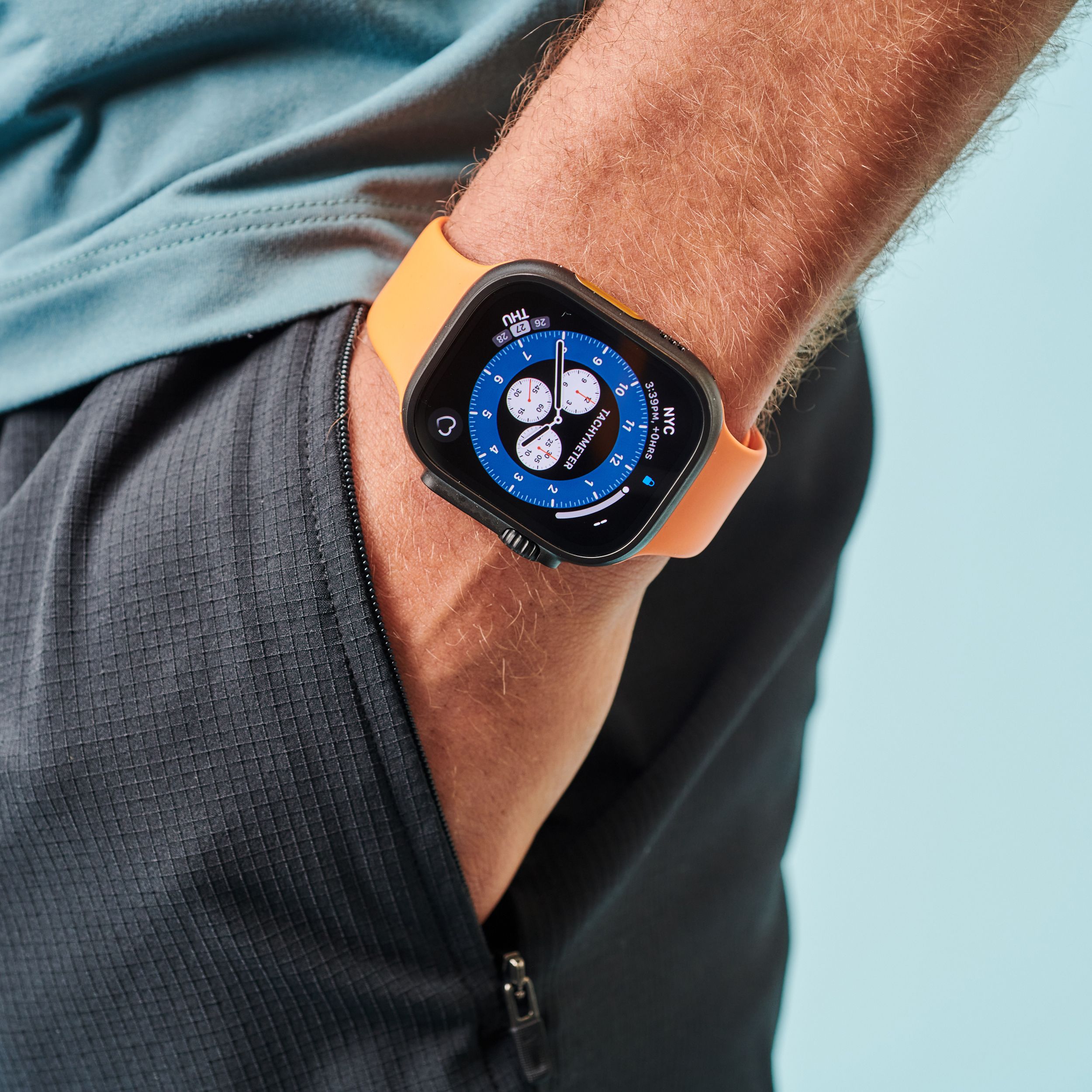
Every year, millions of people buy fitness trackers to monitor their health and improve their daily habits. These small devices can count your steps, track your sleep, measure your heart rate, and even tell you how many calories you burn. But as more people focus on staying healthy, a new question comes up: Can fitness trackers track hydration? In other words, can these smart devices tell you when your body needs water?
Staying hydrated is key for good health. Water helps your body work well, keeps your mind sharp, and gives you energy. Many people forget to drink enough water during the day, especially when they are busy or active. Because of this, some hope that fitness trackers can help solve the problem.
The idea of having a smart device on your wrist that tells you when to drink water sounds great. But is this technology really possible right now? How do fitness trackers try to measure hydration, and what are the limits?
Is there any tracker that can do this job well, or are there better ways to track how much water you need?
Let’s explore the world of fitness trackers and hydration, clear up the myths, look at the latest research, and give you real answers. If you want to know if your smartwatch can help you stay hydrated, or if you should trust hydration reminders from your device, this article is for you.
Why Hydration Matters For Fitness And Health
Water makes up about 60% of your body. Every cell, tissue, and organ needs it to work right. When you exercise, your body loses water through sweat and breath. If you don’t replace this water, you can become dehydrated. Even a small loss of body water—just 1-2%—can lower your energy, make you feel tired, and hurt your sports performance.
Hydration is not just about avoiding thirst. It affects:
- How well your muscles work
- Your body temperature
- Your mood and mental focus
- Heart and kidney health
- Digestion
Dehydration can cause headaches, dry mouth, cramps, dizziness, and in severe cases, serious health problems. For athletes, even mild dehydration can lower speed, power, and focus. For older adults, the risk is even higher.
Drinking enough water is simple but often forgotten. Many people do not know how much water they lose during the day, or how much they need to drink. This is where technology could help—if it works as promised.
How Fitness Trackers Work: What They Really Measure
Most modern fitness trackers use sensors to collect data from your body. These sensors can measure:
- Motion (with an accelerometer)
- Heart rate (with an optical sensor)
- Skin temperature
- Sleep patterns (using movement and heart rate)
- Blood oxygen (with special light sensors)
However, tracking hydration is much harder than counting steps or measuring your heart rate. There is no simple sensor that can measure how much water is in your body from your wrist. Here’s why:
- Water inside your body is spread across your blood, organs, muscles, and fat.
- The level of water can change quickly after you drink or sweat.
- Skin sensors cannot “see” deep into your body.
- Sweat, heart rate, or urine color can suggest dehydration, but they are not perfect markers.
Most fitness trackers today do not have a true hydration sensor. Instead, they use other ways to “guess” or suggest how much water you need. Let’s look at these methods.

Ways Fitness Trackers Try To Estimate Hydration
Today’s fitness trackers use a few main methods to estimate or remind you about hydration. None of these methods actually “measure” hydration directly, but they can still help you build good habits.
1. Manual Water Logging
Many fitness apps have a feature where you can log (enter) how much water you drink during the day. You tap a button every time you finish a glass or bottle. The app then adds up your total.
- Example: Fitbit and Garmin allow you to set a daily water goal and add each drink manually.
- Some apps show charts or send reminders to help you remember.
This method is simple but not automatic. It relies on you remembering to log each drink. It does not measure your body’s actual water level.
2. Hydration Reminders
Some trackers can send reminders to your phone or wrist to drink water every hour. These reminders are based on time, not your body’s needs.
- You can set how often you want to be reminded.
- Useful for people who forget to drink during the day.
But, these reminders do not know if you are already well-hydrated or not.
3. Sweat Estimation (in Sports Modes)
A few advanced trackers estimate sweat loss during exercise. They use data like:
- Workout length and type
- Heart rate
- Outside temperature
From this, they estimate how much water you might have lost and suggest how much you should drink to recover.
- Example: Garmin and Polar offer sweat loss estimates after some workouts.
But these are still estimates. They do not measure your sweat directly; they use formulas based on average data.
4. Bioimpedance Sensors (experimental)
Some new wearables use bioimpedance sensors. These sensors send a tiny, harmless electrical signal through your skin. Water conducts electricity well, so the sensor can guess how much water is in the tissue just under your skin.
- Bioimpedance is used in smart scales to estimate body fat and muscle.
- A few experimental devices try to use this for hydration.
However, results can be affected by skin type, sweat, body fat, and even lotion. Wrist-based bioimpedance is still not very accurate for hydration.
5. Third-party Apps And Integrations
There are many hydration tracking apps that connect with your fitness tracker or smartwatch. These apps can:
- Use your activity data to suggest water intake
- Send reminders based on weather or workout plans
- Track your total water log over weeks or months
But again, these apps depend on manual input or basic estimates. They do not measure hydration inside your body.
What Science Says: Can Trackers Really Measure Hydration?
Many companies claim their devices can help you stay hydrated. But what does real science say? Can a fitness tracker on your wrist truly tell you how much water your body needs?
No Direct Hydration Measurement—yet
Current research shows that no popular fitness tracker can directly measure your body’s hydration status from the wrist. Here’s why:
- Hydration is complex. It’s not just about how much water you drink. It’s about the balance of water and salts (electrolytes) inside your cells.
- The best ways to measure hydration (like blood tests, urine tests, or body weight changes) are not possible with a simple wearable.
- Skin sensors can only measure what’s on or just under the skin—not deep inside your body.
Some research devices or medical sensors can measure hydration more directly, but they are not yet common in consumer fitness trackers.
Limits Of Current Technologies
Even bioimpedance sensors, which are used in some smart scales and a few fitness bands, are limited. They may detect large changes in body water, but are not accurate enough for daily hydration tracking.
A review in the journal *Sensors* found that while bioimpedance is promising, it is affected by many factors like skin temperature, sweat, and body composition. The technology is still being improved.
Example Data: Fitness Trackers Vs. Medical Tests
Here’s a simple comparison of how different methods measure hydration:
| Method | Accuracy | How It Works | Used By |
|---|---|---|---|
| Urine Color/Tests | High (in labs) | Measures water & salt balance in urine | Athletes, hospitals |
| Body Weight Changes | High (short term) | Tracks weight before/after exercise | Sports teams |
| Fitness Tracker Estimates | Low | Uses activity & heart rate data | Consumers |
| Bioimpedance Sensors | Medium-Low | Measures water under the skin | Some smart scales |
As the table shows, the most accurate ways to measure hydration are not found in common fitness trackers.

Which Fitness Trackers Offer Hydration Features?
Even if trackers can’t measure hydration directly, many offer features to help you track your water intake or remind you to drink. Here are a few popular brands and what they offer:
| Brand | Hydration Features | Notes |
|---|---|---|
| Fitbit | Manual water logging, daily goals, app reminders | No direct hydration sensor |
| Garmin | Water tracking, sweat loss estimates (in some models) | Estimates only, not direct measurement |
| Apple Watch | Third-party hydration apps, reminders | Depends on apps, not built-in sensor |
| Samsung Galaxy Watch | Manual tracking, reminders | No built-in hydration sensor |
| Whoop | Coaching tips, water logging | No direct hydration data |
No major brand offers a true hydration sensor as of now. Most rely on manual input or simple reminders.
Promises Vs. Reality: Marketing Hype And User Expectations
Some companies use strong marketing words about hydration tracking. They may say their device “helps you stay hydrated,” “tracks your hydration,” or “monitors sweat loss.” This can be confusing.
Here’s what you need to know:
- No fitness tracker can actually know if you are dehydrated just by wearing it.
- All current hydration features are based on estimates, reminders, or manual entry.
- If a device says it “measures hydration,” check what the company means. Usually, it means tracking your water intake, not your body’s water level.
- New technologies are being tested, but they are not yet accurate or widely available.
If you see a tracker with a “hydration sensor,” look for details. Most likely, it uses bioimpedance or sweat sensors, but these are not as accurate as lab tests.
The Future: Can Fitness Trackers Ever Track Hydration Accurately?
Researchers and tech companies are working on better ways to measure hydration in real time. Here are some ideas being tested:
Smart Patches
Some labs are developing smart skin patches that can measure sweat and send data to your phone. These patches use tiny sensors to read sweat rate and salt levels.
- They stick to your skin during exercise.
- Some can measure sodium, potassium, and other markers.
- Still in early testing; not yet common or cheap.
Advanced Bioimpedance
Future wearables may use improved bioimpedance to measure more than just body fat. With better sensors, they might one day estimate total body water more accurately.
- Needs better algorithms and more data.
- May work better on areas like the chest or upper arm than the wrist.
Non-invasive Optical Sensors
Some researchers are testing light sensors that can “read” blood and tissues under the skin. These may one day detect hydration or electrolyte balance.
- Still experimental and expensive.
- Not yet used in consumer products.
Ai And Big Data
Combining data from many sensors (heart rate, movement, temperature) with AI might help guess hydration needs in the future. But, this will always be an estimate, not a direct measurement.
- Will need lots of personal data.
- May work better for groups than for individuals.
The future looks promising, but real hydration tracking is not here yet for most people.
Practical Ways To Track Your Own Hydration
While you wait for better tech, there are proven ways to check if you are drinking enough water. Here are some simple methods:
1. Check Your Urine Color
- Pale yellow = well hydrated
- Dark yellow or amber = need more water
This is a quick and easy test you can do every day.
2. Monitor Thirst
If you feel thirsty, your body is already starting to get low on water. Don’t ignore thirst, especially in hot weather or during exercise.
3. Weigh Yourself
Athletes often weigh themselves before and after exercise. A loss of more than 2% of your body weight (from sweat) means you need to rehydrate.
- Example: If you weigh 70 kg (154 lbs), a loss of 1.4 kg (3 lbs) means you need water.
4. Use A Water Bottle
Carry a reusable bottle and set a goal to finish it by certain times of the day. This is a simple way to keep track.
5. Use Fitness Apps For Reminders
Even if fitness trackers can’t measure hydration, they can help you build good habits. Use the reminder or logging features to stay on track.
Common Myths About Hydration And Fitness Trackers
It’s easy to get confused by myths and half-truths. Let’s clear up a few common ideas:
- My tracker tells me exactly when to drink.
- Not true. Trackers can only remind you based on time or activity, not your actual hydration status.
- Sweating a lot means I am dehydrated.
- Not always. Sweat rate varies. The key is to replace lost fluids, but not to overdrink.
- If I drink when I’m not thirsty, I won’t get dehydrated.
- Drinking too much water can also be risky (hyponatremia). Listen to your body, and use smart reminders, not just rules.
- Bioimpedance is a perfect measure of hydration.
- No. It is affected by many factors and is only a rough estimate, especially from a wrist device.
- All hydration tracking is automatic.
- Most features still require manual input or simple reminders.
Non-obvious Insights Most Beginners Miss
1. Personal Sweat Rate Matters More Than You Think
Not everyone sweats the same amount. Two people doing the same workout can lose very different amounts of water. Factors like genetics, fitness level, and even diet can change how much you need to drink. That’s why generic reminders (“drink 8 glasses a day”) may not fit everyone.
2. Hydration Needs Change With Weather And Altitude
On hot days, or at high altitude, your body loses water faster—even if you don’t feel it. Trackers can show you the weather, but they can’t tell how these changes affect your personal hydration. Be extra careful in new environments.
How To Get The Most From Your Fitness Tracker
If you want to use your tracker to help with hydration, here’s how to do it wisely:
- Set a realistic daily water goal in the app.
- Use reminders if you often forget to drink.
- Log your water intake honestly—don’t guess.
- Notice how you feel (energy, focus, mood) on days you drink more or less water.
- Use tracker data (steps, exercise) to adjust your water needs on active days.
- Don’t rely only on the device—listen to your body.
When To See A Doctor
If you have health problems like kidney disease, heart issues, or you take certain medicines, ask your doctor how much water you need. People with these conditions can’t always follow general advice. For most healthy people, simple tracking is enough.
Frequently Asked Questions
Can Any Fitness Tracker Measure My Hydration Level Automatically?
No, fitness trackers today cannot measure your actual hydration level automatically. They can only estimate or remind you to drink water based on your activity or manual logging.
What Is The Most Accurate Way To Know If I Am Hydrated?
The most accurate ways are checking your urine color, monitoring thirst, or tracking body weight changes after exercise. Lab tests (blood or urine) are the gold standard, but not practical for daily use.
Are Bioimpedance Sensors On Smart Scales Useful For Hydration?
Bioimpedance sensors can estimate total body water, but they are not very accurate for small changes in hydration. They are better at tracking long-term trends, not day-to-day needs.
Do Hydration Tracking Apps Really Help?
Hydration apps can help you build habits and remember to drink water. However, they rely on your manual input and cannot measure body hydration directly.
Is There Any Wearable That Can Truly Measure Hydration?
As of now, there is no widely available consumer wearable that can accurately measure your hydration level. Some research is ongoing, and new products may come in the future. For more on current research, you can check Wikipedia’s page on body water.
Final Thoughts
Fitness trackers are helpful tools for tracking steps, sleep, and exercise, but their ability to track hydration is still very limited. They can remind you to drink water and help you log your intake, but they cannot measure how much water your body really needs. True hydration tracking from your wrist is a goal for the future, not a reality today.
The best way to stay hydrated is to listen to your body, check your urine color, and drink regularly—especially on hot days or when you are active. Use your fitness tracker as a reminder, but don’t rely on it for hydration science.
As technology improves, we may one day have smart wearables that can measure hydration directly and accurately. For now, simple habits and body signals are still your best guide.