
Smartwatches have quickly moved from being simple step counters to powerful devices that sit on your wrist. For many, the biggest question is: can smartwatches make calls? The answer is not as simple as yes or no. Some smartwatches can make calls, some can only receive them, and others need to be connected to your phone. This article will explain everything you need to know about calling from a smartwatch. Whether you are thinking of buying one or you already own one, you will find all the details here.
People now expect more from their wearables. Making and receiving calls from your wrist feels futuristic, but it’s becoming more common. Still, there’s confusion about which watches can actually do this, how they do it, and what you need to make it work.
You will also discover the difference between watches with built-in LTE, those that depend on Bluetooth, and how they compare in daily life.
Some people think all smartwatches can make calls like a phone. Others believe you always need your phone nearby. Both ideas are only partly true. There are many types of smartwatches, and each works differently. This guide will help you understand all the options, the technology behind them, and the pros and cons.
By the end, you’ll be ready to decide if a calling smartwatch fits your needs and lifestyle.
How Do Smartwatches Make Calls?
To understand whether smartwatches can make calls, you need to know how these devices connect to networks. There are two main ways smartwatches handle calls:
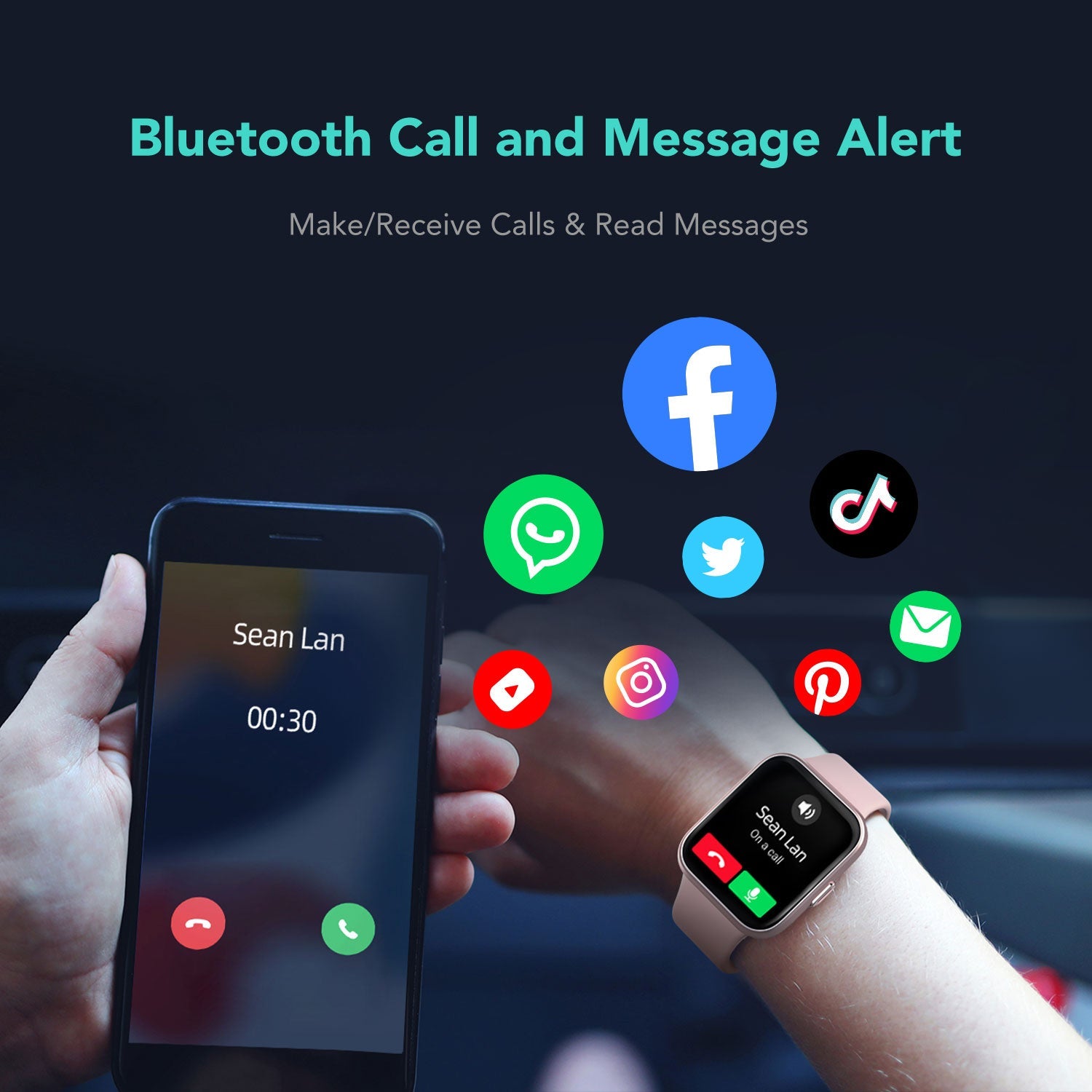
- Bluetooth Connection: The watch connects to your smartphone using Bluetooth. Your phone acts as the main device for calls. The watch is like a remote control: you can answer, dial, and talk through the watch, but your phone does all the real work.
- Cellular (LTE/4G) Connection: Some smartwatches have a built-in SIM card or eSIM. These watches can connect directly to mobile networks, just like a smartphone. You can make and receive calls even if your phone is far away or turned off.
Let’s look at both in more detail.
Bluetooth-only Smartwatches
Most smartwatches on the market use Bluetooth to connect to your phone. When your phone is close (usually within 10-30 meters), you can use your watch for:
- Answering incoming calls
- Making calls from your contacts or recent call list
- Using the built-in microphone and speaker to talk
However, if your phone is not nearby or is switched off, your smartwatch cannot make or receive calls. The watch acts as an extension of your phone, not a replacement.
Examples: Fitbit Versa series, Garmin Venu, Amazfit GTS.
Cellular (lte/4g) Smartwatches
Some advanced smartwatches have their own cellular connectivity. These watches contain an eSIM (electronic SIM card) or a physical SIM slot. They connect to the mobile network independently, so you can:
- Make calls directly from your watch
- Receive calls even if your phone is at home
- Send and receive texts, use data, and stream music
Cellular smartwatches often require a special mobile plan from your carrier. Not all carriers support smartwatch eSIMs, so check before buying.
Examples: Apple Watch Series 8 (Cellular), Samsung Galaxy Watch5 LTE, Mobvoi TicWatch Pro 4G.
Wi-fi Calling
Some smartwatches can use Wi-Fi to make calls, but this is less common. If your watch and phone are both connected to Wi-Fi, you might be able to use certain apps (like WhatsApp or Skype) for voice calls. This usually still needs your phone to be online.
Main Types Of Calling On Smartwatches
Smartwatches offer several ways to make and receive calls. Here are the main types:
- Direct Cellular Calls: The watch calls just like a phone, using its own number or sharing your phone number.
- Bluetooth Calls: The watch uses your phone’s network through Bluetooth.
- App-Based Calls: Apps like WhatsApp, Telegram, or Skype can be used on some watches, but features are limited.
Direct Cellular Calls
With an LTE or 4G smartwatch, you can:
- Dial numbers directly from the watch
- Answer calls with a tap on the screen
- Use a headset or the watch’s speaker and mic
Some watches share your main phone number (NumberSync, NumberShare, or similar services) so people can reach you on both devices.
Bluetooth Calls
This is the most common type. Your phone does all the work, but the watch handles the controls and audio. It’s great for:
- Quick answers when your phone is in your bag
- Short calls while running or at the gym
However, you cannot leave your phone behind.
App-based Calls
A few smartwatches support calling through apps. This is popular on devices running Wear OS or Apple’s watchOS. It’s handy for:
- International calls using data or Wi-Fi
- Calling contacts who also use the same app
But these calls often have lower sound quality and depend on both devices having the app installed.
Popular Smartwatches That Can Make Calls
Not every smartwatch can handle calls. Here are some of the most popular models and how they support calling:
| Smartwatch Model | Bluetooth Calling | LTE/Cellular Calling | Notes |
|---|---|---|---|
| Apple Watch Series 8 | Yes | Yes (Cellular version) | eSIM required for LTE |
| Samsung Galaxy Watch5 | Yes | Yes (LTE version) | Carrier support needed |
| Garmin Venu 2 Plus | Yes | No | Bluetooth only |
| Fitbit Sense 2 | Yes | No | Phone must be nearby |
| Mobvoi TicWatch Pro 4G | Yes | Yes | Works best with Android |
| Huawei Watch 3 | Yes | Yes (eSIM) | Region limited |
This comparison shows that not all smartwatches are the same when it comes to calling. Always check the watch’s specs before buying.
How To Make Calls On A Smartwatch
If your smartwatch supports calling, here’s how you can use this feature:
For Bluetooth-connected Watches
- Pair your smartwatch with your smartphone via Bluetooth.
- Open the calling app on your watch.
- Choose a contact or dial a number.
- Tap the call button.
- Speak using the watch’s mic and listen through its speaker, or use a Bluetooth headset.
For Cellular Smartwatches
- Set up the eSIM or insert a SIM card as per the watch’s instructions.
- Activate the mobile plan with your carrier.
- Open the call app on the watch.
- Dial or select a contact.
- Make or receive calls directly, even without your phone.
Some watches let you sync contacts and call logs from your phone for easy access.
Using Apps For Calls
If your watch supports third-party apps:
- Install the app (like WhatsApp) on your phone and watch.
- Make sure both devices are connected to the internet.
- Open the app on your watch and select a contact.
- Start the call.
Not all watches support voice and video calls through third-party apps. Always check compatibility.
Features And Quality Of Calling On Smartwatches
Calling from your wrist is convenient, but there are differences in call quality and features.
Call Quality
- Bluetooth Calls: Quality depends on your phone’s signal and Bluetooth range. If you move too far from your phone, the call may drop or sound weak.
- Cellular Calls: These depend on the watch’s antenna and mobile network. In strong signal areas, quality can rival smartphones. In weak areas, calls may cut out.
- Speaker and Microphone: Most smartwatches have small speakers and mics. They are good for short calls, but not as clear as a phone.
Useful Features
Many calling smartwatches offer:
- Noise reduction to cut down on background sound
- Quick reply messages if you can’t answer
- Call logs and history on your watch
- Voice assistant support (like Siri or Google Assistant) to make hands-free calls
A few even let you switch calls from your watch back to your phone, or connect a Bluetooth headset for private conversations.
Limitations
- Short battery life when using LTE/calls
- Limited privacy (everyone can hear if you use the speaker)
- Typing numbers or searching contacts can be slow on small screens
- Not all apps or carriers are supported
Pros And Cons Of Calling From A Smartwatch
Is it really useful to make calls from your wrist? Here’s what you should know:
Pros
- Convenience: Answer calls without taking out your phone.
- Great for workouts: Leave your phone behind while running or at the gym.
- Safety: Make emergency calls if your phone battery dies.
- Quick responses: Handle short calls or urgent messages on the go.
Cons
- Battery drain: LTE and calls use more power, reducing battery life.
- Audio quality: Small speakers and mics aren’t as clear as your phone.
- Extra cost: Cellular models need a special mobile plan, which costs more.
- Privacy: People nearby can hear your conversation.
- Not all carriers support eSIM for watches, limiting where you can use them.
Buying A Calling Smartwatch: What To Consider
Buying a smartwatch that can make calls isn’t as easy as picking the latest model. Here’s what really matters:
Compatibility
Check if the watch works with your phone (Android or iOS). Some watches have limited features if paired with a different brand or operating system.
Cellular Support
If you want to make calls without your phone, look for:
- LTE/4G/eSIM support
- Your mobile carrier’s compatibility
- Any extra fees for a smartwatch plan
Battery Life
Calling and mobile data reduce battery life. Some watches last a day, others just a few hours with heavy calling. Read real user reviews to see what to expect.
Call Quality
Look for watches with good microphones, noise reduction, and the ability to use Bluetooth headsets. Some cheaper models have weak speakers or echo problems.
App Support
If you want to use apps like WhatsApp or Skype for calls, check if your watch supports these apps natively.
Comfort And Design
The best calling smartwatch is one you like to wear. Try the watch on if possible. Some are big and heavy, which can be uncomfortable for long use.
Price
Cellular smartwatches usually cost more than Bluetooth-only models. Factor in the price of the watch, plus any mobile plan fees.
Real-world Use Cases For Calling Smartwatches
Calling from your wrist isn’t just a cool trick. Here are situations where it really shines:
- While driving: Keep your hands on the wheel and answer calls safely.
- During workouts: Leave your phone in the locker and stay reachable.
- For parents: Stay in touch with kids without giving them a full phone.
- Traveling: Don’t worry about losing your phone—your watch can still call for help.
- Emergencies: Some watches have built-in SOS features that call for help with one button.
Comparison Of Bluetooth Vs. Lte Smartwatch Calling
To help you decide, here’s a side-by-side look at the two main calling methods:
| Feature | Bluetooth Calling | LTE/Cellular Calling |
|---|---|---|
| Phone Needed Nearby | Yes | No |
| Extra Mobile Plan Needed | No | Yes |
| Works Without Phone | No | Yes |
| Battery Life | Longer | Shorter |
| Cost | Lower | Higher |
| Call Quality | Good (depends on phone signal) | Good (depends on network strength) |
Common Mistakes People Make With Calling Smartwatches
Many buyers end up disappointed because they overlook important details. Here are mistakes to avoid:
- Assuming all smartwatches can make calls: Only some models and versions support calling.
- Not checking carrier support: Your mobile provider may not offer smartwatch plans or eSIM support.
- Ignoring battery life: LTE calling drains batteries quickly.
- Skipping compatibility checks: Some features may not work if you mix brands (like pairing a Samsung watch with an iPhone).
- Confusing app notifications with real calls: Getting a call alert is not the same as being able to answer and talk from the watch.
- Overlooking comfort: Large LTE watches can feel heavy and bulky.

Future Of Calling On Smartwatches
Technology is improving quickly. Here’s what’s coming next:
- Longer battery life: New chips and displays will help.
- Better sound: Improved microphones and speakers are being developed.
- More carrier support: ESIM and number sharing will become common.
- More apps: Video calls, translation, and other features may appear on watches.
In a few years, calling from your wrist may feel as normal as texting today.
Smartwatch Calling For Different Lifestyles
Not everyone needs to make calls from their watch. Here’s who benefits most:
- Fitness fans: Great for leaving your phone behind.
- Busy professionals: Stay connected during meetings or commutes.
- Seniors: SOS and emergency calling features add peace of mind.
- Parents and kids: Stay in touch without giving a full smartphone.
If you mostly stay near your phone, a Bluetooth watch is enough. If you want freedom, choose LTE.
Security And Privacy Concerns
Making calls from your wrist is convenient, but consider privacy:
- Eavesdropping: Speaker calls can be overheard in public.
- Data security: Cellular watches have their own connection—protect with a PIN or lock.
- Lost/stolen devices: Most watches can be remotely locked or wiped if lost.
Always set up security features and update your watch’s software.
Are Calling Smartwatches Worth It?
For many, the answer is yes—but only if you need the features. If you want to leave your phone behind, or need quick access in emergencies, a calling smartwatch is a big help. If you’re always near your phone, you might not use the feature much.
Some users buy a cellular smartwatch expecting to use it all the time, but find battery life and call quality limiting. Try before you buy, if possible.
For more detailed technical information about smartwatch calling technology, you can visit the Wikipedia Smartwatch entry.

Frequently Asked Questions
Can All Smartwatches Make Phone Calls?
No, only some smartwatches support calling. Bluetooth-only watches need your phone nearby, while LTE/cellular models can call on their own. Always check the specifications before buying.
Do I Need A Separate Mobile Plan For A Cellular Smartwatch?
Yes, most LTE or eSIM smartwatches need a separate plan or a data add-on from your mobile provider. Prices and support vary by carrier and country.
Is Call Quality On Smartwatches As Good As On Smartphones?
Call quality is usually good for short conversations but depends on network strength, the watch’s speaker/mic, and background noise. For long or important calls, a smartphone is still better.
Can I Use Whatsapp Or Skype To Make Calls On My Smartwatch?
Some smartwatches support third-party calling apps, but not all. Apple Watch and some Wear OS models allow app-based calls, but features can be limited compared to phones.
What Happens If I Lose My Cellular Smartwatch?
Most modern smartwatches can be locked or wiped remotely if lost or stolen. Always set up a PIN, use device-finding features, and contact your carrier to disable the eSIM if needed.
Making calls from your smartwatch is no longer just science fiction. With the right model and setup, you can stay connected in new ways—just be sure you choose a watch that fits your needs, lifestyle, and budget.

