
Smartwatches have become a normal part of daily life for many people. We use them to check the time, track our health, get notifications, and even make payments. But as useful as they are, one question comes up more than any other: What is the battery life of smartwatches? This simple question is actually quite complex, and it matters a lot when choosing a device you’ll wear every day.
Smartwatch battery life is not just about how many hours you can use your watch before charging. It depends on many factors, such as display type, features, the way you use it, and even the brand. Some watches last only one day, while others can go for weeks without charging.
For someone new to smartwatches, all these differences can be confusing. This guide will explain everything you need to know about smartwatch battery life, why it varies, and how you can get the most out of your device.
What Affects Smartwatch Battery Life?
Battery life is a combination of technology, design, and usage. There is no one answer that fits all smartwatches. Here are the main things that impact how long a smartwatch can last on a single charge:
1. Display Technology
The screen is one of the biggest battery users in any smartwatch. There are several types:
- AMOLED and OLED displays: These are colorful and bright. They use more power, especially if you use an always-on display.
- LCD displays: They are cheaper but use more power when displaying dark colors.
- E-Ink or MIP displays: These are used in fitness watches and have very low power use. They are not as bright or colorful, but can last much longer.
2. Battery Size
A bigger battery usually means longer battery life. But smartwatches must be small and light, so battery size is always limited. For example, the Apple Watch Series 8 has a 308 mAh battery, while the Garmin Fenix 7 has a much larger 500 mAh battery. However, battery size alone does not tell the whole story.
3. Operating System And Software
Some operating systems, like Wear OS and watchOS, are rich in features but use more power. Others, like the systems on fitness watches, are simpler and use less energy.
4. Features And Sensors
Every extra feature you use—GPS, heart rate monitoring, Wi-Fi, Bluetooth, music playback—increases power use. Watches with advanced health sensors, like ECG or SpO2, need more energy.
5. Usage Habits
How you use your watch matters. If you check notifications often, track long workouts with GPS, or keep the screen always on, your battery will drain faster. Some people only use basic features and can go days without charging.
6. Age Of The Battery
Over time, all rechargeable batteries lose capacity. After 1-2 years, you may notice your smartwatch battery does not last as long as when it was new.
7. Connectivity
Using LTE/4G directly on your watch (for calls or internet) uses much more battery than just Bluetooth.
Typical Battery Life By Smartwatch Category
Not all smartwatches are the same. Let’s look at different types and their usual battery life.
1. Full-featured Smartwatches
These are watches like the Apple Watch, Samsung Galaxy Watch, and most Wear OS devices. They support apps, have colorful displays, and many sensors.
- Average Battery Life: 1 to 2 days
- Example: Apple Watch Series 8 – 18 to 36 hours depending on use
- Why: These watches do a lot and use bright screens. If you use GPS or LTE, battery life drops even more.
2. Hybrid Smartwatches
Hybrid watches look like traditional watches but have smart features like step tracking or notification alerts.
- Average Battery Life: 2 weeks to 1 year (non-rechargeable battery)
- Example: Withings Steel HR – up to 25 days
- Why: These watches use simple displays or analog hands, so they need little power.
3. Fitness And Outdoor Watches
Watches from brands like Garmin, Polar, and Suunto focus on health and outdoor sports.
- Average Battery Life: 5 days to 3 weeks (sometimes more with battery-saving modes)
- Example: Garmin Fenix 7 – up to 18 days (even longer in battery saver mode)
- Why: They use low-power displays (like MIP) and focus on fitness, not apps.
4. Kids’ Smartwatches
Kids’ watches often have basic features and smaller batteries.
- Average Battery Life: 1 to 5 days
- Example: VTech Kidizoom – 2 to 3 days
- Why: Less powerful features, but small battery size.
5. Fashion And Budget Smartwatches
Cheaper brands, often from China, usually use simple features and sometimes promise longer battery life.
- Average Battery Life: 3 to 7 days
- Example: Amazfit Bip U – up to 9 days
- Why: They use lightweight software and less power-hungry displays.
Here’s a quick comparison of battery life for some popular models:
| Smartwatch Model | Type | Stated Battery Life |
|---|---|---|
| Apple Watch Series 8 | Full-featured | 18-36 hours |
| Samsung Galaxy Watch 5 | Full-featured | 40-50 hours |
| Garmin Fenix 7 | Fitness/Outdoor | 18 days |
| Withings Steel HR | Hybrid | 25 days |
| Amazfit Bip U | Budget | 9 days |
Real-world Battery Life: What To Expect
Manufacturers often quote battery life numbers based on “ideal” conditions. In real life, you might get less.
Factors That Reduce Battery Life
- Always-on display: Looks nice, but can cut battery life in half.
- GPS tracking: Using GPS for a workout can drain 10% or more per hour.
- Music playback: Playing music from your watch, especially with Bluetooth headphones, uses extra power.
- Notifications: If your watch vibrates or lights up for every message, it uses more battery.
- Third-party apps: Some apps run in the background and use power.
Real User Experiences
- Many Apple Watch users need to charge every night, especially if they use fitness tracking and notifications.
- Fitness watches like Garmin or Amazfit can often go more than a week, even with workouts.
- Hybrids like Withings can truly last several weeks if you use only basic features.
Tip: Battery life depends not just on the model, but on your habits. Two people with the same watch can have very different results.
How To Maximize Your Smartwatch Battery Life
Even the best battery can run out quickly if you use your watch carelessly. Here are practical ways to make your smartwatch last longer:
1. Adjust Display Settings
- Lower screen brightness when possible.
- Turn off always-on display.
- Reduce screen timeout (how quickly the display turns off).
2. Manage Connectivity
- Turn off Wi-Fi or LTE if you don’t need them.
- Use Airplane Mode when you’re just tracking steps or sleeping.
3. Limit Notifications
- Only get alerts for important apps.
- Turn off vibrations if not needed.
4. Optimize Health Tracking
- Use continuous heart rate tracking only if you really need it.
- Turn off SpO2 or stress tracking if you don’t use these features.
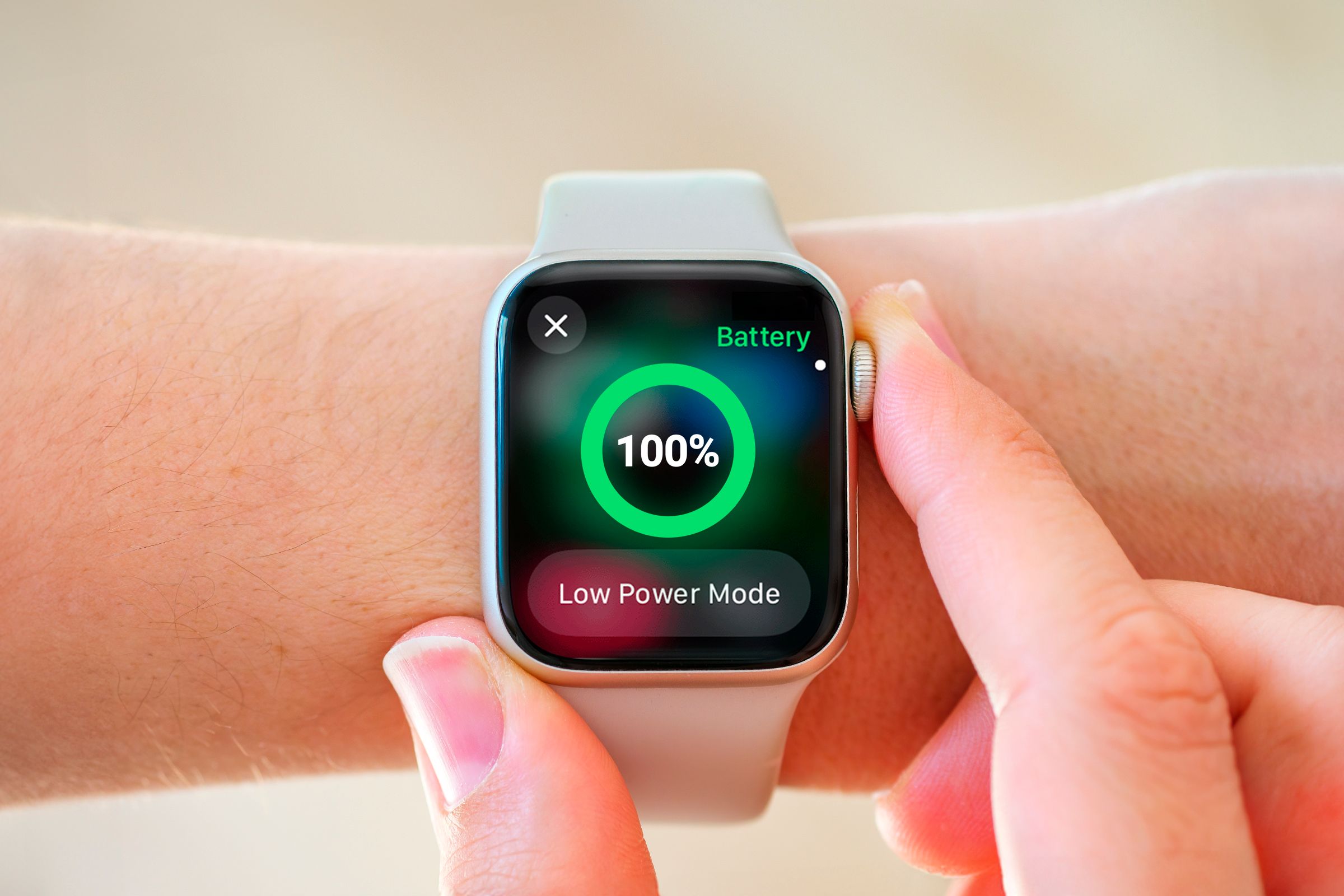
5. Use Battery Saver Modes
Many watches have special modes that turn off non-essential features for longer battery life. For example, Ultra Power Saving Mode on Samsung watches can give you days of use with basic features.
6. Keep Software Updated
Sometimes, new software versions fix bugs that cause battery drain.
7. Avoid Extreme Temperatures
Very hot or cold environments can reduce battery performance and long-term health.
8. Watch For Battery-hungry Apps
If your watch lets you install apps, check the settings for apps that use a lot of power.
9. Charge Smartly
Don’t let your battery drop to zero every time. Charging when it’s around 20-30% can keep it healthy longer.
10. Replace The Battery When Needed
If your watch is more than two years old and battery life is much worse, it might be time for a replacement.

Comparing Battery Life: Smartwatch Vs. Traditional Watch Vs. Fitness Tracker
Many people wonder how smartwatch battery life compares to other types of wrist devices. Here’s a quick comparison:
| Device Type | Average Battery Life | Why |
|---|---|---|
| Smartwatch | 1-7 days | Many features, bright display |
| Traditional Watch | 1-5 years (battery) | Simple function, no display |
| Fitness Tracker | 5-21 days | Simple display, basic features |
Non-obvious insight: Many people think fitness trackers always last longer than smartwatches. But some smartwatches with low-power displays can outlast simple trackers, especially if you use battery-saving modes.
Battery Life And Smartwatch Features: The Trade-off
Smartwatches are powerful, but every feature comes with a cost to battery life. Here are some common trade-offs:
- Calling and texting: Using LTE or making calls uses much more power than basic Bluetooth connection.
- Music and storage: Downloading and playing music from your watch drains battery quickly.
- Advanced health features: ECG, SpO2, and stress monitoring use more power than simple heart rate tracking.
- Apps and games: Running apps, especially those that use the internet or GPS, can drain your battery fast.
Important point: If you want the longest battery life, focus on watches with fewer features or use your smartwatch in a simple way.
How Manufacturers Test And State Battery Life
When you read “up to 18 hours” or “lasts 14 days,” it’s important to understand these numbers are often based on specific test conditions:
- Minimal usage: Only checking the time, few notifications, no GPS.
- No always-on display: Screen off when not used.
- Limited connectivity: Bluetooth only, Wi-Fi and LTE off.
- No heavy apps: No music playback or intensive apps.
Tip for buyers: Always check real user reviews to see what battery life is like with normal use. Manufacturer numbers are usually the best possible scenario.
Future Of Smartwatch Battery Life
Battery technology is slowly improving, but the biggest changes have come from smarter software and more efficient hardware.
New Developments
- Solar charging: Some outdoor watches, like the Garmin Fenix Solar series, can extend battery life with sunlight.
- Faster charging: Many new models can charge to 80% in under an hour, which is useful if you forget to charge overnight.
- Dual-layer displays: Some watches use a second, low-power display for showing basic info when the main screen is off.
What To Expect
- As features grow, battery demands will stay high.
- Expect small improvements, not giant leaps, in the next few years.
Non-obvious insight: A smartwatch that can last two days with everything on is actually doing very well. If you want weeks of battery, you will have to accept fewer features.
Common Mistakes When Choosing A Smartwatch For Battery Life
Many buyers focus on the stated battery life, but make other mistakes:
- Ignoring usage habits: If you like to use GPS every day, look for watches with strong battery in GPS mode, not just standby time.
- Overlooking recharge time: Some watches charge very slowly. If you need to top-up quickly, this matters.
- Believing all numbers: Don’t trust “14 days” unless you know what features are turned on.
- Not checking reviews: Real-world use is almost always different from marketing claims.
- Choosing features you don’t need: More sensors and functions are nice, but will you really use them every day?
Advice: Make a list of your must-have features, then look for a model with the best battery life for that usage. Sometimes, a simpler watch is actually the best choice.
Smartwatch Battery Life: Frequently Asked Questions
How Long Does The Average Smartwatch Battery Last?
Most full-featured smartwatches, like the Apple Watch or Samsung Galaxy Watch, last 1 to 2 days with normal use. Fitness-focused watches can last up to 2 weeks or more, while hybrid models may last several weeks.
Why Does My Smartwatch Battery Drain So Quickly?
Common reasons include high screen brightness, too many notifications, always-on display, using GPS, playing music, and running many apps. Older batteries also lose capacity over time.
Can I Replace The Battery In My Smartwatch?
Some smartwatches allow battery replacement, but many popular models (like the Apple Watch) do not make it easy. You may need to visit a service center. Fitness watches and hybrids sometimes allow easier replacements.
Is There A Smartwatch With A Battery That Lasts A Month?
Some hybrid watches and basic fitness watches can last 3-4 weeks or longer, especially if you use only basic features. Full-featured smartwatches with color displays usually do not last that long.
Does Charging My Smartwatch Overnight Damage The Battery?
Modern smartwatches have systems to prevent overcharging, so charging overnight is usually safe. However, keeping the battery between 20% and 80% can help extend its long-term health.
Smartwatches are amazing tools, but battery life is still their biggest limit. By understanding what affects battery life and how to manage it, you can get the most from your device and avoid daily charging stress. Choose the right watch for your needs, use features wisely, and you’ll find a smart balance between power and convenience. For more technical details on battery technology, you can visit the Wikipedia Smartwatch page.
With this knowledge, you can make a smart choice and enjoy your smartwatch for longer, every day.


