
Smartwatches have become a normal part of daily life for many people. They track our fitness, show notifications, and even allow us to answer calls without touching our phone. But if you’re thinking of buying a smartwatch, or you already own one, you might be wondering: How long do smartwatch batteries last? This is an important question, as nobody wants to charge their watch every few hours or have it die halfway through the day.
Battery life is one of the top concerns for smartwatch users. The answer is not simple, because it depends on many things like the brand, model, features, and how you use the device. In this guide, you’ll learn what affects smartwatch battery life, how different models compare, and what you can do to make your battery last longer.
You’ll also find some hidden tips that many beginners miss when trying to get the most out of their smartwatch battery.
What Determines Smartwatch Battery Life?
There is no single answer for how long a smartwatch battery lasts. Some watches last only a day, while others can go for weeks. Several factors play a role:
- Display Type: AMOLED and LCD screens are beautiful but use more power than simpler e-ink or monochrome displays.
- Features Used: GPS, heart rate monitoring, Wi-Fi, Bluetooth, and always-on displays all use battery.
- Battery Capacity: Measured in milliamp-hours (mAh), a bigger battery usually means longer life.
- Processor Efficiency: Newer, more efficient processors use less power.
- Software Optimization: Some brands have better power management than others.
- Usage Patterns: Notifications, calls, music, and apps all drain battery at different rates.
- Age of the Device: Over time, batteries lose their ability to hold a charge.
To understand these better, let’s look at each factor in more detail.
Display Technology
Most modern smartwatches use AMOLED or LCD screens. AMOLED gives deep blacks and bright colors, but each pixel uses power. LCDs are a bit less power-hungry but are still color and light intensive. E-ink and monochrome displays (like those on some fitness trackers) use much less energy, so they can last for weeks.
A key detail many people miss: Always-On Display (AOD) is a major battery drain. Even if your watch supports AOD, turning it off can extend your battery life by up to 50%.
Features And Sensors
Smartwatches pack many features: GPS, heart rate sensors, SpO2 monitoring, and even ECG. Each sensor you activate uses more battery. GPS is especially demanding. Using GPS for an hour can use as much power as several hours of regular use.
Battery Size And Hardware
A bigger battery means a longer lasting watch, but there’s a trade-off: bigger batteries make the watch heavier and bulkier. Also, not all watches with big batteries last longer—software and hardware efficiency matter too.
Software Efficiency
Some brands optimize their software better. For example, Apple and Samsung use advanced power management to make their watches last longer, even with smaller batteries. On the other hand, some cheaper smartwatches with large batteries may not last as long if their software is not efficient.
Usage Patterns
How you use your watch matters a lot. If you use GPS, music streaming, and make calls often, your battery will drain much faster. If you only check notifications and use basic fitness tracking, the battery will last longer.
Age And Battery Health
Over time, every battery loses capacity. After a year or two, your smartwatch may only last 70–80% as long as when it was new.
Typical Battery Life By Smartwatch Type
Now let’s look at the average battery life you can expect from different types of smartwatches. This helps you know what to expect before you buy.
High-end Smartwatches
Popular models like the Apple Watch Series and Samsung Galaxy Watch are full-featured and have bright color screens. They usually last 1–2 days on a single charge. If you use GPS or always-on display, battery life drops to less than a day.
Fitness Trackers
Devices like the Fitbit Charge or Xiaomi Mi Band use simpler displays and fewer features. Many last 5–14 days between charges, depending on usage.
Hybrid And Basic Watches
Hybrid watches combine analog hands with smart features. Brands like Withings or Garmin Vivomove can last up to 30 days or more, because their screens are simple and use less power.
Outdoor And Adventure Watches
Watches like the Garmin Fenix or Suunto 9 have large batteries and are built for long outdoor trips. With minimal features, they can last up to 2–3 weeks. With GPS on, they last 20–60 hours.
Budget Smartwatches
Cheaper smartwatches often have medium battery life—2–7 days—but this varies a lot. Some are surprisingly efficient, while others drain quickly if you use many features.
Here’s a comparison of popular smartwatch models and their advertised battery life:
| Smartwatch Model | Display Type | Battery Life (Advertised) | Always-On Display | GPS Usage |
|---|---|---|---|---|
| Apple Watch Series 8 | AMOLED | 18–24 hours | Yes | Up to 7 hours |
| Samsung Galaxy Watch 5 | AMOLED | 1–2 days | Yes | Up to 8 hours |
| Garmin Fenix 7 | MIP (Memory-in-Pixel) | 18 days | No | 57 hours |
| Fitbit Charge 5 | AMOLED | 7 days | No | 5 hours |
| Amazfit Bip U Pro | TFT LCD | 9 days | No | 40 hours |
| Withings Steel HR | Hybrid (Analog + OLED) | 25 days | No | 20 hours |
As you can see, display type and features make a big difference.

How Usage Affects Battery Life
Your daily habits have a huge impact on how long your smartwatch lasts. Even with the same model, two users can get very different results.
Heavy Usage
If you:
- Use GPS tracking for runs and cycling
- Stream music over Bluetooth
- Make calls from your watch
- Use always-on display
You might only get half the battery life listed by the manufacturer.
Moderate Usage
If you:
- Get notifications
- Track daily steps and heart rate
- Sometimes use GPS for workouts
You’ll get closer to the advertised battery life.
Light Usage
If you:
- Only check the time and notifications
- Rarely use fitness features
- Keep brightness low
Your battery may even last longer than the official numbers.
A real-world example: The Apple Watch Series 8 advertises 18 hours, but some users who turn off AOD and don’t use GPS report up to 2 days of battery.
One insight many beginners miss: Background apps can drain battery silently. Some third-party apps keep the Bluetooth connection active or constantly request data, even if you don’t see them running.
Factors That Shorten Battery Life
Sometimes, your smartwatch battery life drops suddenly. Here are the top causes:
- Background Sync: Too many apps syncing data in the background.
- High Screen Brightness: Keeping the brightness at max all the time.
- Frequent Notifications: Vibration and sound use extra power.
- Old Software: Outdated firmware can be less efficient.
- Poor Signal: Searching for Bluetooth or Wi-Fi signals uses more battery.
- Extreme Temperatures: Heat and cold reduce battery performance.
A small but important tip: Restart your smartwatch once a week. This closes background processes that could be draining power.
How To Make Your Smartwatch Battery Last Longer
You don’t need to charge your smartwatch every night. Here are some practical ways to extend battery life:
1. Adjust Screen Settings
- Lower the brightness to the lowest comfortable level.
- Turn off Always-On Display if you don’t need it.
- Set the screen timeout to a shorter duration.
2. Limit Notifications
- Only allow important apps to send notifications.
- Turn off vibration for less important alerts.
3. Manage Connectivity
- Disable Wi-Fi or cellular features if not needed.
- Turn off Bluetooth when not paired with your phone.
4. Control Sensor Use
- Turn off continuous heart rate monitoring if you don’t need it.
- Use GPS only during workouts, not all day.
5. Use Power-saving Modes
Most smartwatches have a power-saving mode. This usually turns off non-essential features and can double or triple battery life.
6. Keep Software Updated
Manufacturers often release updates that improve battery life. Check for updates regularly.
7. Avoid Extreme Temperatures
Don’t leave your watch in direct sunlight, a hot car, or freezing conditions.
8. Restart Regularly
Restart your watch to clear background processes.
9. Replace The Battery (if Possible)
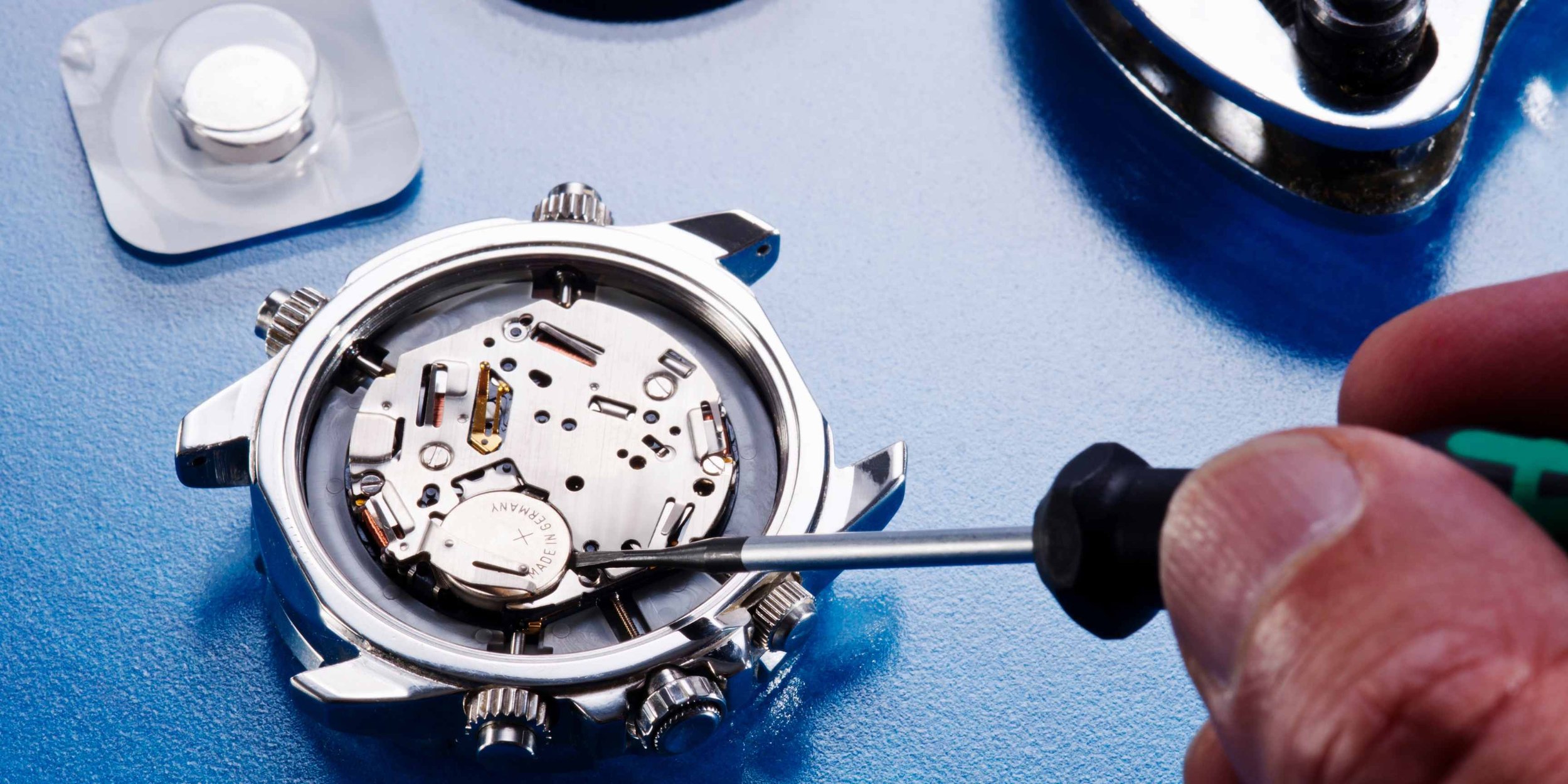
Some watches let you replace the battery after a couple of years. If your device is out of warranty and battery life is very poor, this might be worth it.
10. Use Simple Watch Faces
Animated or highly colorful watch faces use more power. Choose a simple, static face for better battery life.
Here’s a quick comparison showing how much battery some features use:
| Feature | Typical Battery Impact | Tip to Reduce Drain |
|---|---|---|
| Always-On Display | Up to 50% less battery life | Turn off when not needed |
| GPS Tracking | ~10-15% battery per hour | Use only for workouts |
| Continuous Heart Rate | ~10-20% battery per day | Switch to manual measurement |
| High Screen Brightness | ~10% extra battery per day | Lower brightness |
| Wi-Fi/Cellular | Variable, but can drain battery quickly | Disable when not in use |
How Long Do Smartwatch Batteries Last Over Years?
Battery life doesn’t just mean “how long on a single charge.” It also means how many years your battery will last before it gets weak.
Most smartwatch batteries are lithium-ion or lithium-polymer. These batteries lose capacity with every charge cycle. A typical smartwatch battery lasts about 300–500 full charge cycles before it drops to 80% of its original capacity. For most people, this means 2–3 years of normal use.
A key point: Partial charging (topping up your battery instead of letting it drain to zero) can help extend battery lifespan.
When your battery gets old, you may notice:
- The watch lasts only half as long as before
- It shuts down suddenly at higher battery levels
- Charging takes longer
If your watch is out of warranty and you notice these problems, it may be time for a battery replacement.
Comparing Popular Smartwatch Brands
Different brands make different choices about battery life. Here’s an overview:
Apple Watch
- 1–2 days battery life is standard.
- Heavy users may need to charge daily.
- Fast charging helps: About 80% in 45 minutes.
Samsung Galaxy Watch
- 1–3 days battery life depending on model and usage.
- Supports fast charging.
- Some models have battery-saving modes that disable most features but show the time for several days.
Garmin
- Many models last 1–3 weeks with basic use.
- GPS usage drains battery quickly but still lasts longer than most.
- Solar versions (Fenix Solar) can extend battery with sunlight.
Fitbit
- Most models last 5–7 days.
- Simpler displays and fewer features help battery life.
- Charging is fast: 1–2 hours for a full charge.
Amazfit And Xiaomi
- Focus on long battery life: 7–20 days is common.
- Fewer features compared to Apple or Samsung, but much longer between charges.
Here’s a table comparing battery life of flagship models from top brands:
| Brand | Flagship Model | Advertised Battery Life | Realistic Everyday Use |
|---|---|---|---|
| Apple | Watch Series 8 | 18–24 hours | 1 day |
| Samsung | Galaxy Watch 5 | 1–2 days | 1.5 days |
| Garmin | Fenix 7 | 18 days | 12–14 days |
| Fitbit | Charge 5 | 7 days | 5–6 days |
| Amazfit | GTR 4 | 14 days | 10–12 days |
Non-obvious Insights For Maximizing Battery Life
Most guides tell you to lower brightness and turn off GPS, but here are some hidden tips:
- Limit Third-Party Apps: Many third-party watch apps are not optimized and keep your processor awake. Only install apps you really need.
- Use Airplane Mode Overnight: If you don’t need notifications while sleeping, turning on airplane mode can save a lot of battery.
- Schedule Sensor Use: Some watches let you schedule heart rate or SpO2 monitoring for certain times, instead of running them all day.
Few people realize that watch face complications (those small widgets showing weather, calendar, etc.) update in the background and use extra battery. Choose a simpler face for longer life.

When To Charge For Best Battery Health
One common mistake is letting the battery drain to 0% every time. Instead, try to keep your battery between 20% and 80%. This helps lithium batteries last longer. Many brands recommend charging overnight even if your watch isn’t empty—this will not damage modern batteries.
A helpful resource for battery care tips is the Battery University.
Should You Choose Long Battery Life Or More Features?
There’s always a trade-off. Watches with color screens, LTE, and more sensors are more fun but need charging every day or two. If you want long battery life, look for watches with:
- Monochrome or e-ink displays
- Fewer smart features
- Larger batteries
If you want the latest features, be ready to charge more often.
Frequently Asked Questions
How Long Does A Typical Smartwatch Battery Last On A Single Charge?
Most smartwatches last 1–3 days on a single charge. High-end models with many features last about 1 day, while fitness trackers or basic models can last up to 2 weeks or more. Usage patterns can make a big difference.
Why Does My Smartwatch Battery Drain So Quickly?
Common reasons include using GPS or always-on display, too many notifications, high screen brightness, or background apps running. Check your settings and turn off features you don’t need for longer battery life.
Can I Replace My Smartwatch Battery?
Most smartwatches do not have user-replaceable batteries. Some brands offer battery replacement services, but it may be expensive. For some hybrid or outdoor watches, battery replacement is possible through service centers.
Does Charging My Watch Overnight Damage The Battery?
Modern smartwatches have charging protection and will not overcharge. Charging overnight is safe for most devices, but keeping the battery between 20% and 80% can help extend its lifespan over several years.
Which Smartwatch Has The Longest Battery Life?
Garmin Fenix, Amazfit GTR, and hybrid watches like Withings Steel HR are known for long battery life, often lasting 2 weeks or more. They use simpler displays and fewer power-hungry features than flagship models from Apple or Samsung.
Smartwatch battery life is a balance between features and endurance. With the right settings and habits, you can enjoy your device without worrying about running out of power before the day ends. Whether you want a full-featured smartwatch or a simple, long-lasting tracker, now you know what to expect and how to get the most from your device.

