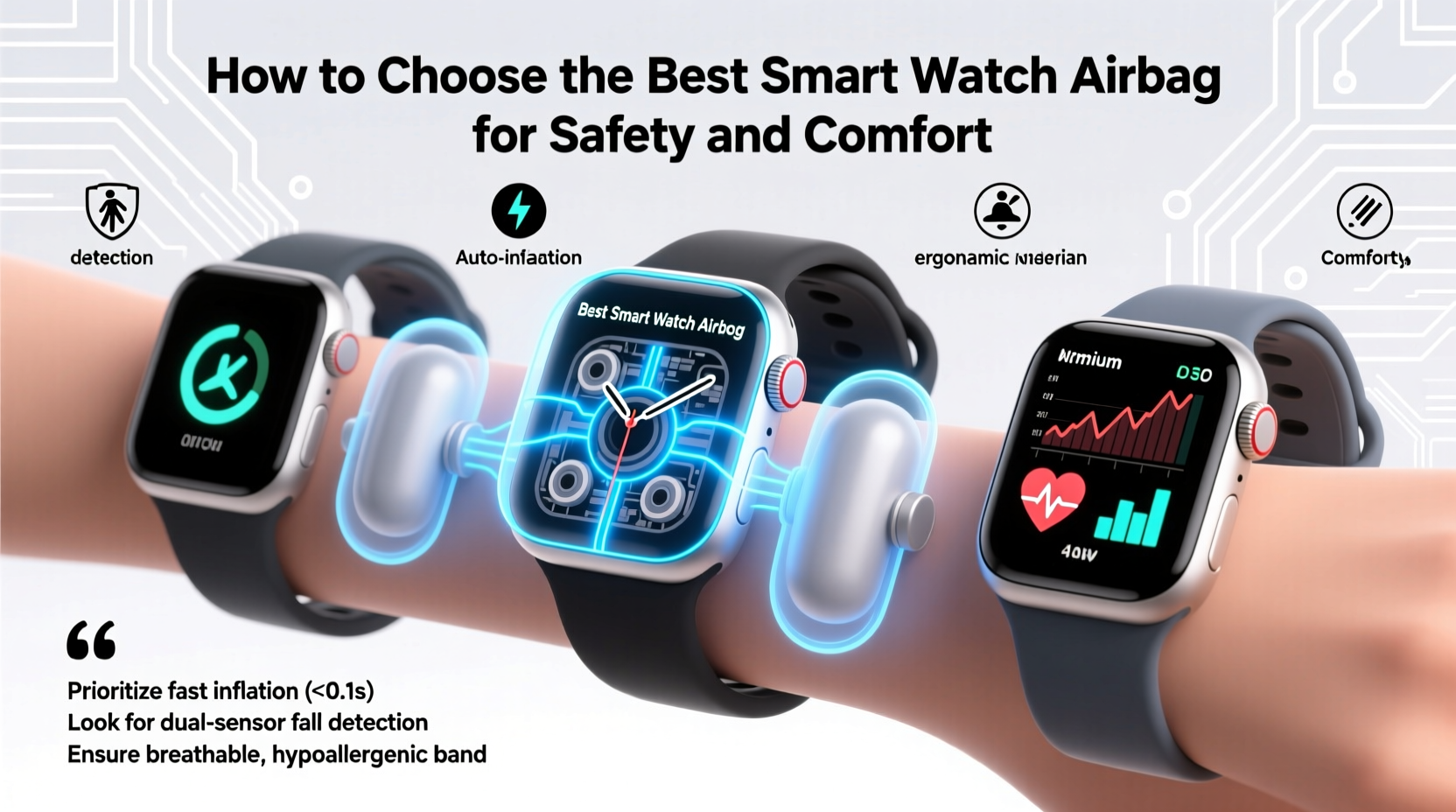
Choosing the best smartwatch can feel overwhelming. There are so many brands, styles, and features. Some watches focus on health and fitness, while others work like a mini smartphone on your wrist. Prices also range from affordable to luxury. The right choice depends on your lifestyle, what you need, and what you can spend.
This guide will help you understand what matters, what to avoid, and how to find the perfect smartwatch for you.
Understanding Your Needs
Before you start shopping, ask yourself why you want a smartwatch. People use smartwatches for many reasons:
- Fitness tracking: Steps, heart rate, sleep, or workouts.
- Notifications: Calls, messages, reminders, and emails.
- Health monitoring: Blood oxygen, ECG, or stress levels.
- Apps and payments: Music, maps, or contactless payments.
- Style and comfort: Looks, size, and how it feels on your wrist.
- Battery life: How often you want to charge it.
Think about which of these are most important for your daily life. If you want a watch mainly for running, you need different features than someone who wants to check emails and pay in stores.
Compatibility With Your Phone
Most smartwatches need to connect to your smartphone. This lets you get notifications, control music, and use advanced apps. But not all smartwatches work with every phone.
- Apple Watch: Only works with iPhones.
- Samsung Galaxy Watch: Works best with Samsung and Android phones, but some features don’t work with iPhones.
- Wear OS watches: Work with Android and iOS, but more features on Android.
- Fitbit and Garmin: Work with both Android and iOS, but some features can be limited.
Always check if the smartwatch supports your phone’s operating system. If you use an iPhone, an Apple Watch will give you the smoothest experience.
Key Features To Compare
Smartwatches offer many features. Some are essential, and others are extra. Here are the most important to compare:
Display Quality
A good display makes a smartwatch easy to read indoors and outdoors. Most use either AMOLED or LCD screens.
- AMOLED screens have bright colors and deep blacks, but can use more battery.
- LCD screens are often cheaper and easier to see in sunlight.
Some watches have always-on displays, so you can check the time without lifting your wrist. This uses more battery, but many people find it helpful.
Battery Life
Battery life ranges from one day to several weeks. More features, like GPS and bright screens, use more power.
- Apple Watch and Wear OS: Usually 1-2 days.
- Samsung Galaxy Watch: 1-3 days.
- Fitbit and Garmin: 5-14 days, sometimes longer.
If you hate charging every night, look for watches with simple displays or bigger batteries.
Health And Fitness Tracking
Fitness features are some of the biggest reasons people buy smartwatches.
- Step tracking: Counts your daily steps.
- Heart rate monitoring: Checks your heart rate 24/7.
- Sleep tracking: Records your sleep patterns.
- Blood oxygen (SpO2): Shows how much oxygen is in your blood.
- ECG: Can detect signs of irregular heartbeats (not in all countries).
- GPS: Tracks runs, walks, or bike rides, even without your phone.
Some smartwatches can remind you to move, help with breathing, or measure stress. If you’re an athlete or want deep data, look for watches with advanced sensors.
Notifications And Apps
Smartwatches can show messages, calls, emails, and social media alerts. Some let you reply with quick texts, voice, or emojis. Others just show the alerts.
- Apple Watch and Wear OS: Best for replying to messages and using apps.
- Samsung Galaxy Watch: Good notification support, especially with Samsung phones.
- Fitbit and Garmin: Basic notifications, fewer apps.
If you want to use apps like Spotify, maps, or weather, check what’s available in the smartwatch’s app store.
Music And Payments
Some smartwatches let you download music or stream from services like Spotify and Apple Music. Others can store music offline, so you can run without your phone.
- Contactless payments: Pay in stores by tapping your watch. Apple Pay, Google Pay, Samsung Pay, and Garmin Pay are common.
Not all smartwatches support payments in every country or bank, so check what works where you live.
Design, Size, And Comfort
Smartwatches come in many shapes and sizes. Big watches may look bold but can feel heavy. Small watches are lighter but might have smaller screens.
- Materials: Plastic, aluminum, stainless steel, or titanium.
- Bands: Silicone, leather, metal, or fabric. Many can be swapped for your own style.
- Water resistance: Some are swim-proof, others can handle only splashes.
Try on different sizes if you can, especially if you have a small or large wrist.
Comparing Popular Smartwatches
To help you see differences, here’s a comparison of some top models:
| Model | Battery Life | Water Resistance | Health Features | Compatibility |
|---|---|---|---|---|
| Apple Watch Series 9 | Up to 18 hours | 50m | ECG, SpO2, Heart Rate | iOS only |
| Samsung Galaxy Watch6 | 1-3 days | 50m | ECG, SpO2, Heart Rate | Android, limited iOS |
| Fitbit Versa 4 | 6+ days | 50m | SpO2, Heart Rate, Sleep | iOS/Android |
| Garmin Venu 2 | 11 days | 50m | SpO2, Heart Rate, Stress | iOS/Android |
This table shows that battery life and compatibility are very different across brands. Health features are strong in most modern smartwatches, but not all watches have ECG or advanced tracking.
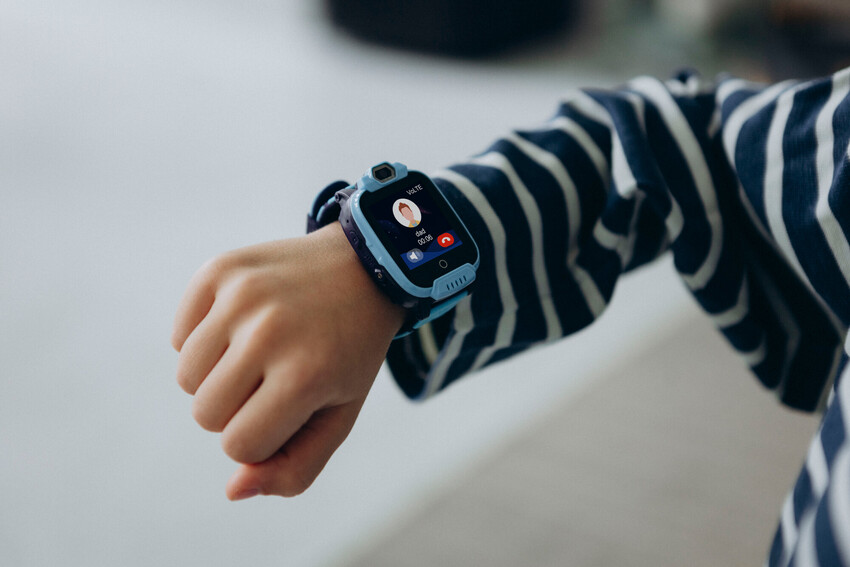
Price And Value
Prices for smartwatches vary a lot. Here’s how cost relates to features:
| Price Range | What You Get | Example Watches |
|---|---|---|
| Under $100 | Basic fitness, notifications, simple design | Xiaomi Mi Band, Amazfit Bip |
| $100–$300 | Better displays, GPS, more apps, water resistance | Fitbit Versa, Samsung Galaxy Watch Active |
| $300–$500 | Premium build, advanced health, payments, music | Apple Watch Series, Garmin Venu |
| $500+ | Luxury materials, advanced sports, LTE | Apple Watch Ultra, Garmin Fenix |
Expensive smartwatches are not always “better” for everyone. Many people are happy with mid-range models. Consider what features you will really use.
Hidden Costs And Upgrades
Some smartwatches need extra spending after you buy:
- Premium bands: Leather or metal bands can cost $30–$100 more.
- Apps and services: Fitbit Premium, Apple Fitness+, or Garmin Connect can cost $8–$15 a month.
- Screen protectors or cases: Useful for protecting your investment.
- Cellular/LTE versions: Some watches let you add mobile service for calls and data, but monthly fees can add up.
Many buyers forget about these costs. Include them in your budget if you want all the features.
Customization And Personalization
You can make your smartwatch unique with:
- Watch faces: Change the look of the screen. Some brands have thousands to choose from.
- Bands: Swap for different styles. Useful for sports, work, or going out.
- Widgets and apps: Add weather, timers, calendar, or games.
Some brands, like Apple and Samsung, have huge stores for these extras. Others, like Fitbit, are more limited.
Durability And Build Quality
If you want your watch to last, consider:
- Glass type: Sapphire crystal is tougher than regular glass.
- Water resistance: Swim-proof watches are rated for 50 meters or more.
- Case materials: Stainless steel and titanium are stronger than plastic.
If you do sports or work outside, a rugged model may be worth the extra cost.
How Smartwatch Ecosystems Matter
Smartwatches work best when they fit your other devices. For example:
- Apple Watch: Controls iPhone music, Apple TV, and HomeKit smart home devices.
- Samsung Galaxy Watch: Syncs with Samsung phones, TVs, and SmartThings.
- Wear OS: Ties in with Google Assistant, Maps, and Android devices.
- Garmin: Works with Garmin sports gear, bike sensors, and fitness apps.
If you already use a brand’s phone or services, that brand’s watch will probably work best for you.
Privacy And Data Security
Smartwatches collect a lot of personal data—heart rate, location, sleep, and more. It’s important to know how brands handle your privacy.
- Apple: Strong privacy controls. Data stays on your device when possible.
- Fitbit and Google: Some data used for ads and research, but you can control sharing.
- Samsung and Garmin: Similar controls, but read their privacy statements.
Always set up PIN codes and use two-factor authentication if available. Check what data is shared with apps or the cloud.
Common Mistakes When Buying A Smartwatch
Many first-time buyers make the same mistakes:
- Ignoring compatibility: Buy a watch that does not work well with your phone.
- Overpaying for features: Buy a premium model but only use basic functions.
- Forgetting battery life: Choose a watch with great features but hate charging every night.
- Not trying it on: Pick a watch that feels too big, heavy, or uncomfortable.
- Skipping privacy settings: Leave default settings and share more data than you want.
- Missing out on updates: Buy a model that won’t get software updates.
- Not checking water resistance: Wear a non-waterproof watch in the pool or shower.
Avoid these by thinking ahead and reading real user reviews.
Advanced Features: Are They Worth It?
Some smartwatches advertise advanced features, but not all are useful for everyone.
- ECG and blood oxygen: Good for people with health concerns, but not always accurate or needed for everyone.
- LTE/cellular: Lets you make calls without a phone. Handy for runners, but costs more.
- Voice assistants: Apple’s Siri, Google Assistant, or Samsung Bixby can help with reminders, smart home, and questions.
- Offline maps and music: Useful for outdoor sports, travel, or workouts without your phone.
If you won’t use these every week, you can often save money by choosing a simpler model.
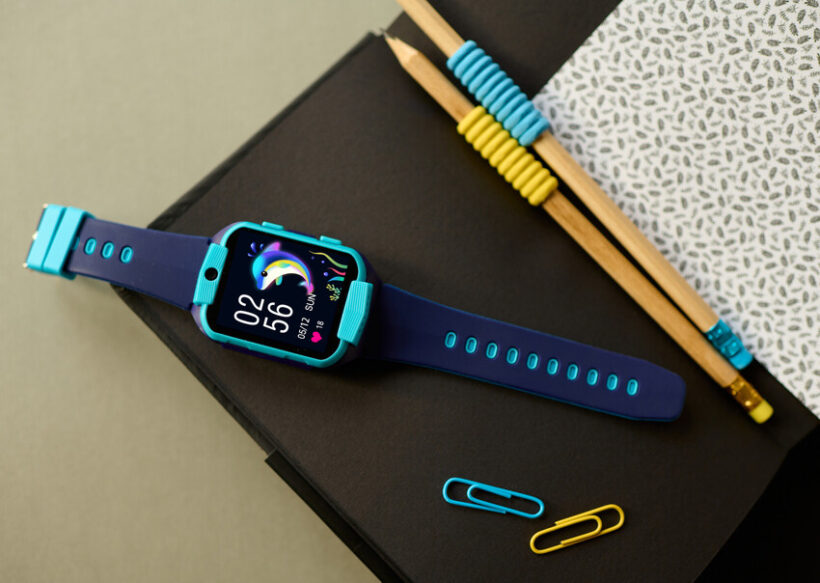
How To Test Before You Buy
It’s easy to buy a smartwatch online, but trying it in person is smart if you can.
- Visit a store: Try different sizes and bands.
- Check the weight: Some watches feel heavy after a few hours.
- Test the display: Is it bright enough outside?
- Try the software: Is it easy to use? Fast to switch apps?
- Ask about returns: Can you return or exchange if it doesn’t fit your needs?
If buying online, look for stores with good return policies.
Top Smartwatch Picks For Different Users
Here are some recommendations for different lifestyles:
- Best for iPhone users: Apple Watch Series 9 (or SE for budget)
- Best for Android users: Samsung Galaxy Watch6 (or Google Pixel Watch for deep Google integration)
- Best for fitness: Garmin Venu 2 or Forerunner series
- Best battery life: Fitbit Versa 4 or Garmin Instinct
- Best value: Amazfit Bip 3 or Xiaomi Mi Band 7
Each of these offers a balance of features, price, and ease of use for its target user.
Real User Stories And Insights
Many first-time smartwatch buyers are surprised by two things:
- How quickly they rely on notifications: After a few weeks, most people check their phone less because they see calls, texts, and alerts on their wrist. This can reduce distractions and missed messages.
- How fitness tracking changes habits: Step counts and heart rate stats often motivate people to walk more, sleep better, or take breaks. Even simple reminders can help form healthier routines.
But some users find advanced features—like ECG or LTE—go unused after the first try. It’s normal to think you want every feature but end up using just a few. Focus on what you’ll use every day.
Environmental Impact
Watches use resources and may need replacing every few years. Some brands now use recycled materials or offer trade-in programs.
- Apple: Offers recycling and uses recycled metals.
- Samsung: Some models use eco-friendly bands.
- Fitbit and Garmin: Less focus on sustainability, but some recycling options.
If this matters to you, check each brand’s policy on the environment.
Where To Find Reliable Reviews And Updates
Smartwatches change fast. New models come out every year. For the latest, check:
- Official brand websites for specs and software updates.
- Trusted tech sites like CNET, The Verge, or Tom’s Guide for real-world reviews.
- User forums or Reddit for honest opinions and troubleshooting.
Avoid buying old models that don’t get updates or have poor battery life.
Frequently Asked Questions
What Is The Most Important Feature In A Smartwatch?
For most people, the most important feature is compatibility with your phone. If the watch doesn’t connect well, you’ll miss out on key functions like notifications and syncing health data.
How Accurate Are Smartwatch Health Sensors?
Heart rate and step tracking are usually accurate for daily use. Advanced features like ECG or blood oxygen are helpful, but not as exact as medical devices. Use them for general trends, not diagnosis.
Can I Use A Smartwatch Without A Smartphone?
Some smartwatches with LTE/cellular can work without a phone for calls and texts. But most features—like app downloads and software updates—still need a phone for setup and syncing.
How Long Do Smartwatches Last Before Needing Replacement?
Most smartwatches last 2–4 years before battery life drops or software support ends. Rugged or simple models can last longer. Regular updates and careful charging help extend life.
Are Smartwatches Safe For Privacy?
Major brands have privacy controls, but smartwatches collect a lot of data. Always check privacy settings, use PIN codes, and limit sharing with third-party apps to stay safe.
Choosing the best smartwatch is personal. Think about your daily habits, must-have features, and budget. Try to test watches in person, read real reviews, and avoid buying just for features you won’t use. With the right research and realistic expectations, your next smartwatch can be a powerful tool for health, productivity, and fun.