
Many people today want to improve their sleep, but don’t know where to start. Sleep trackers offer a simple way to learn about your sleep habits and see where you can do better. But with so many different models, features, and prices, picking the best sleep tracker can feel confusing.
The right device can help you wake up with more energy, improve your health, and even spot problems you didn’t notice before.
When you look for a sleep tracker, you want something that fits your lifestyle, gives accurate information, and is easy to use. Some people prefer a simple wearable that tracks basic sleep time. Others want advanced features like heart rate, body temperature, and smart alarms.
This guide will help you understand what matters, which mistakes to avoid, and how to choose the best sleep tracker for your needs.
Understanding Sleep Trackers
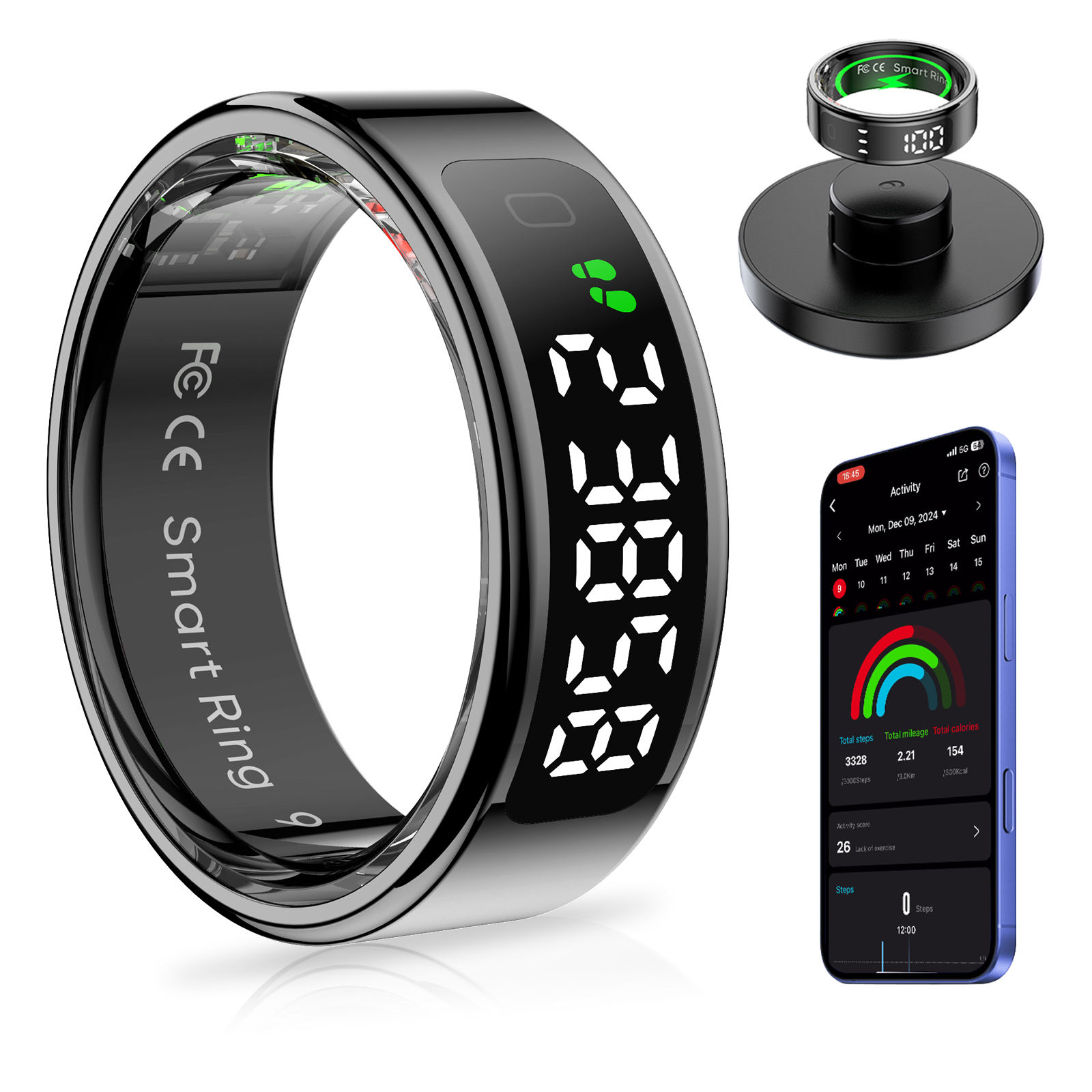
A sleep tracker is a device or app that collects data about your sleep patterns. It can be a wearable (like a watch or ring), a device you put under your pillow or mattress, or even a smartphone app. The most common types are:
- Wearables (smartwatches, fitness bands, rings)
- Non-wearables (mattress sensors, bedside devices)
- Smartphone apps (using phone sensors)
Each type has pros and cons. Wearables often track more data, like steps and heart rate, but you need to wear them every night. Non-wearables can be more comfortable but might not be as accurate. Apps are easy but limited by your phone’s sensors.
Key Features To Consider
Before you buy, think about these important features. Not everyone needs the same things, so knowing what matters most to you will help narrow your choices.
1. Accuracy Of Sleep Tracking
The main job of a sleep tracker is to measure how long and how well you sleep. Good trackers use multiple sensors (like motion, heart rate, and sometimes blood oxygen) to give better results. Cheap trackers may only use movement, which can be less reliable.
Look for devices that offer:
- Sleep stage tracking (light, deep, REM)
- Heart rate monitoring
- Restlessness or movement tracking
Some high-end trackers have been tested against medical sleep studies (polysomnography) and show good accuracy. But remember, no consumer tracker is as precise as a sleep lab.
2. Comfort And Design
You’ll wear or use the tracker for many hours each night. If it feels annoying, you might stop using it. For wearables, check the size, weight, and material. Slim bands or rings are usually more comfortable than bulky watches. For non-wearables, look for thin mattress sensors or low-profile devices.
Some people are sensitive to wearing anything at night. In that case, a non-wearable might be best.
3. Battery Life
Nothing is more annoying than a dead tracker before bedtime. Battery life can range from one day to several weeks. Smartwatches with screens often need charging every 1–3 days. Simpler bands or rings can last up to a week or more. Non-wearables usually plug in, so there’s no battery to worry about.
Pick something that matches your routine. If you always forget to charge devices, choose one with longer battery life.
4. Data And App Quality
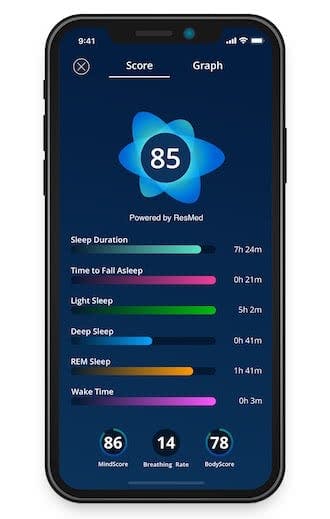
The way your sleep data is shown matters. Good apps present results in clear charts and simple language. Some offer advice, tips, or sleep scores. Check if the app is easy to use, updates regularly, and works with your phone (iOS or Android).
Some trackers also sync with other health apps, like Apple Health or Google Fit, to give a bigger picture of your wellness.
5. Smart Alarm And Wake Features
Many sleep trackers include a smart alarm. This wakes you up during a light sleep stage, which can help you feel less groggy. Some devices offer silent alarms using gentle vibration. This is handy if you don’t want to wake your partner.
6. Advanced Health Metrics
High-end trackers may monitor:
- Blood oxygen (SpO2)
- Breathing rate
- Body temperature
- Heart rate variability (HRV)
These features can spot early signs of health issues, like sleep apnea or illness. But not everyone needs them. Consider if you want these extra metrics, as they often increase the price.
7. Integration With Other Devices
If you already use a fitness tracker or smartwatch, check if it can track sleep. Some brands (like Fitbit, Apple Watch, Garmin, Oura) offer sleep features in their existing devices. This can save you money and keep all your health data in one place.
8. Privacy And Data Security
Sleep data is personal. Make sure the company has clear privacy policies and does not share your information without permission. Check if you can export or delete your data anytime.
9. Price And Value
Sleep trackers range from under $50 to over $300. More expensive does not always mean better for your needs. Decide which features you really need, and avoid paying for extras you won’t use.
Comparing Popular Sleep Trackers
Here’s a quick look at some well-known sleep trackers and how they stack up in key areas:
| Device | Type | Battery Life | Main Features | Price Range |
|---|---|---|---|---|
| Fitbit Charge 5 | Wearable | 7 days | Sleep stages, SpO2, HRV | $$ |
| Oura Ring Gen 3 | Wearable (Ring) | 7 days | Sleep stages, temperature, HRV | $$$ |
| Withings Sleep Mat | Non-wearable | Plug-in | Heart rate, snoring, sleep stages | $$ |
| Apple Watch Series 8 | Wearable | 1-2 days | Sleep stages, HR, temp, app sync | $$$ |
| Garmin Vivosmart 5 | Wearable | 7 days | Sleep score, SpO2, movement | $$ |
| Xiaomi Mi Band 7 | Wearable | 14 days | Basic sleep, SpO2 | $ |
How To Match A Sleep Tracker To Your Needs
Choosing the right sleep tracker is about more than just features. Think about your own habits, budget, and what you want to learn.
For Beginners
If you’re new to sleep tracking, start simple. Look for a device that tracks sleep time and wake-ups. Fitbit Inspire, Xiaomi Mi Band, or a basic smartphone app can be good choices. These are easy to use and affordable.
For Tech Enthusiasts
If you love data and want deep insights, try a tracker with advanced sensors. Oura Ring, Fitbit Charge 5, or the Apple Watch offer more information, like HRV, SpO2, and temperature. These can help you see how stress, exercise, or illness affect your sleep.
For Sensitive Sleepers
If you dislike wearing things at night, choose a non-wearable. The Withings Sleep Mat or Beddit (by Apple) go under the mattress and track movement and heart rate without touching your skin.
For Fitness Fans
If you already wear a fitness band or smartwatch, check if it has sleep tracking. Garmin and Fitbit devices often combine activity and sleep data for a full picture of your health.
For Budget Shoppers
Affordable trackers like the Xiaomi Mi Band or basic Fitbits can track your sleep well enough for most people. You don’t have to spend a lot to start learning about your sleep.
Common Mistakes To Avoid
It’s easy to get excited by lots of features or big promises. Here are some mistakes many people make:
- Choosing by brand only: Big brands are not always best for everyone. Focus on features, comfort, and price.
- Ignoring comfort: A device that feels bulky or makes you hot at night will end up unused.
- Overpaying for unused features: Don’t buy a high-end tracker if you just want basic sleep time.
- Not checking app compatibility: Make sure the tracker’s app works with your phone.
- Forgetting privacy: Always check how your data is handled.
- Assuming perfect accuracy: No consumer tracker is as accurate as a sleep lab. Use the data as a guide, not a medical diagnosis.
Beyond The Basics: Two Insights Beginners Miss
- Context matters more than numbers. Many people focus on sleep score or total hours, but ignore what affects their sleep. Look for trackers that let you log caffeine, exercise, or stress. This helps you see patterns and make real changes.
- Trends are more useful than single nights. Don’t worry about one bad night. Watch for patterns over weeks. Consistency and improvement matter more than hitting a perfect score.
Real-world Example
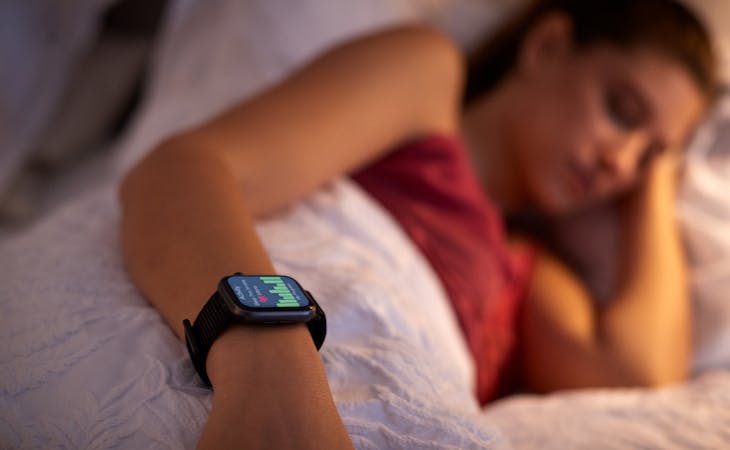
Anna, a busy professional, wanted to improve her energy levels. She started with a basic Fitbit. It showed she often woke up at night. Using the app’s advice, Anna changed her bedtime routine and reduced screen time before bed. After a month, her tracker showed fewer wake-ups and higher deep sleep. This simple change improved her mood and focus at work.
Practical Tips For Using A Sleep Tracker
- Wear or place the tracker as directed for best accuracy.
- Keep the app updated for new features and bug fixes.
- Don’t obsess over small changes. Look for long-term patterns.
- Use the tracker’s advice, but trust your own feelings too.
- If you notice signs of sleep disorders (like loud snoring, gasping for air, or severe tiredness), talk to a doctor. Trackers can help spot problems but cannot replace medical advice.
Comparing Wearable Vs. Non-wearable Trackers
To help you decide, here’s a direct comparison:
| Type | Pros | Cons |
|---|---|---|
| Wearables | – More features – Tracks steps, heart rate, and more – Portable for travel |
– Can be uncomfortable – Needs regular charging – May disturb sleep for some people |
| Non-wearables | – No need to wear anything – Good for sensitive skin – Often plug-in, no battery worry |
– Limited features – Not portable – May not track naps |
Is A Sleep Tracker Worth It?
Studies show that tracking sleep can help people make better choices and improve sleep quality. One survey found that over 60% of users felt more aware of their sleep habits and made positive changes after using a tracker. However, it’s important to use these devices as a guide, not as a source of stress.
If you’re curious, start with a simple tracker and see what you learn. You can always upgrade later if you want more data.
For more in-depth research on sleep monitoring devices, you can visit the Wikipedia Sleep Monitoring page.
Frequently Asked Questions
How Accurate Are Sleep Trackers?
Most consumer sleep trackers are good at measuring total sleep time and wake-ups. They are less accurate for sleep stages (light, deep, REM) compared to a sleep lab. Use the data as a general guide, not a medical diagnosis.
Can Sleep Trackers Detect Sleep Apnea?
Some trackers with blood oxygen (SpO2) and heart rate sensors may show signs of breathing issues. However, they cannot diagnose sleep apnea. If you notice symptoms like loud snoring or gasping, see a doctor for proper testing.
Do I Need To Wear A Tracker Every Night?
For best results, use your tracker consistently. Wearing or using it every night helps you see patterns and trends. If you miss a night, don’t worry—just keep going.
Are Sleep Trackers Safe To Use?
Yes, sleep trackers are generally safe. Wearables use low-power Bluetooth and sensors, which are not harmful. If you have skin allergies, choose hypoallergenic materials or a non-wearable tracker.
What Is The Best Sleep Tracker For Couples?
Non-wearable devices like the Withings Sleep Mat are good for couples, as they do not disturb your partner. Some smartwatches also offer silent alarms that only wake you up.
Choosing the best sleep tracker depends on your needs, comfort, and what you want to learn. Take your time, compare options, and remember—better sleep is possible with the right tools and habits.

