
Every year, millions of people experience falls, especially older adults and those with medical conditions. These accidents can cause serious injuries, hospital visits, and sometimes even long-term disability. With technology evolving rapidly, many now ask: can smartwatches detect falls and actually help in emergencies? This question matters not just for tech lovers, but for families, caregivers, and anyone thinking about personal safety.
Smartwatches are more than just devices for checking messages or tracking steps. Some models claim they can sense when you fall and call for help automatically. But how does this feature really work? Are these devices reliable in daily life?
And what should you know before trusting your safety to a gadget on your wrist? Let’s explore the world of smartwatch fall detection in detail—from how it works, to how accurate it is, and what practical benefits and limits you should expect.
How Do Smartwatches Detect Falls?
The idea of a watch knowing when you’ve fallen seems futuristic, but it’s based on sensors and smart software. Most fall detection systems in smartwatches use a mix of accelerometers, gyroscopes, and sometimes barometers.
An accelerometer measures changes in speed and direction. A gyroscope senses rotation and angle. When you fall, your body moves in a unique way: a sudden drop, a twist, and then a hard stop. Smartwatches detect these patterns and try to decide if they match a real fall.
The Process In Simple Steps
- Monitoring Movement: The watch tracks your wrist’s motion all the time.
- Detecting a Fall Pattern: If it senses a quick change in speed, angle, and a sudden stop, the software checks if it matches a fall profile.
- Alerting the User: If a possible fall is detected, the watch usually vibrates, makes a sound, and shows a message.
- Waiting for Response: You get a short time (often around 30–60 seconds) to say you’re okay. If you don’t respond, the watch can call emergency contacts or services.
This system is not perfect, but it’s designed to balance safety with avoiding too many false alarms.
Which Smartwatches Offer Fall Detection?
Not all smartwatches can detect falls. Only some models have the right sensors and software. Here are the most popular ones:
- Apple Watch Series 4 and later: Known for one of the first and most publicized fall detection features.
- Samsung Galaxy Watch (Active2 and later): Includes fall detection, but with different alert options.
- Fitbit Sense and Versa 3/4: Newer models add fall detection, but it’s not as advanced as Apple’s.
- Garmin smartwatches: Some models like the Forerunner and Fenix series have incident detection, often aimed at sports and outdoor use.
- Other brands: A few other smartwatches, often from medical or senior-focused companies, also offer fall detection.
When buying, check the product specs—don’t assume every model has this feature. Sometimes, it’s only available in certain countries or with specific settings.
How Accurate Is Fall Detection?
Accuracy is a major concern. No smartwatch is perfect at telling a real fall from other sudden movements. Accuracy depends on the sensors, software, and how you wear the watch.
What The Data Says
- Apple Watch: In 2019, a study tested the Apple Watch Series 4’s fall detection. It found a 94.7% sensitivity—meaning it caught most real falls—but it also had some false positives (detecting a fall when there wasn’t one).
- Samsung and Fitbit: There’s less public data, but user reports and small studies suggest they are less sensitive than Apple’s system.
- Garmin: Designed more for runners and cyclists, so it may not catch all daily-life falls.
Real-world Factors
- Wrist Position: Wearing the watch loosely or on your non-dominant wrist can affect accuracy.
- Type of Fall: Slow slides or falls against a wall are harder to detect than sudden, hard falls.
- User Movement: Fast arm movements (like jumping or sitting quickly) can sometimes trigger a false alarm.
Overall, fall detection can be helpful, but it’s not a replacement for human care or medical alert systems.
How Emergency Alerts Work
When a smartwatch detects a fall, it usually sends an alert in a few steps:
- Immediate Notification: The watch vibrates and sounds an alarm to get your attention.
- Response Window: You see a screen asking if you’re okay. You can dismiss the alert if you’re not hurt.
- Automatic Call: If you don’t respond within the set time, the watch calls your emergency contacts (like family, friends, or local emergency services).
- Message with Location: Some watches send a text with your GPS location to your contacts.
Many watches require a connection to your phone or a built-in cellular plan to make calls or send messages. Without this, the alert might not reach anyone.
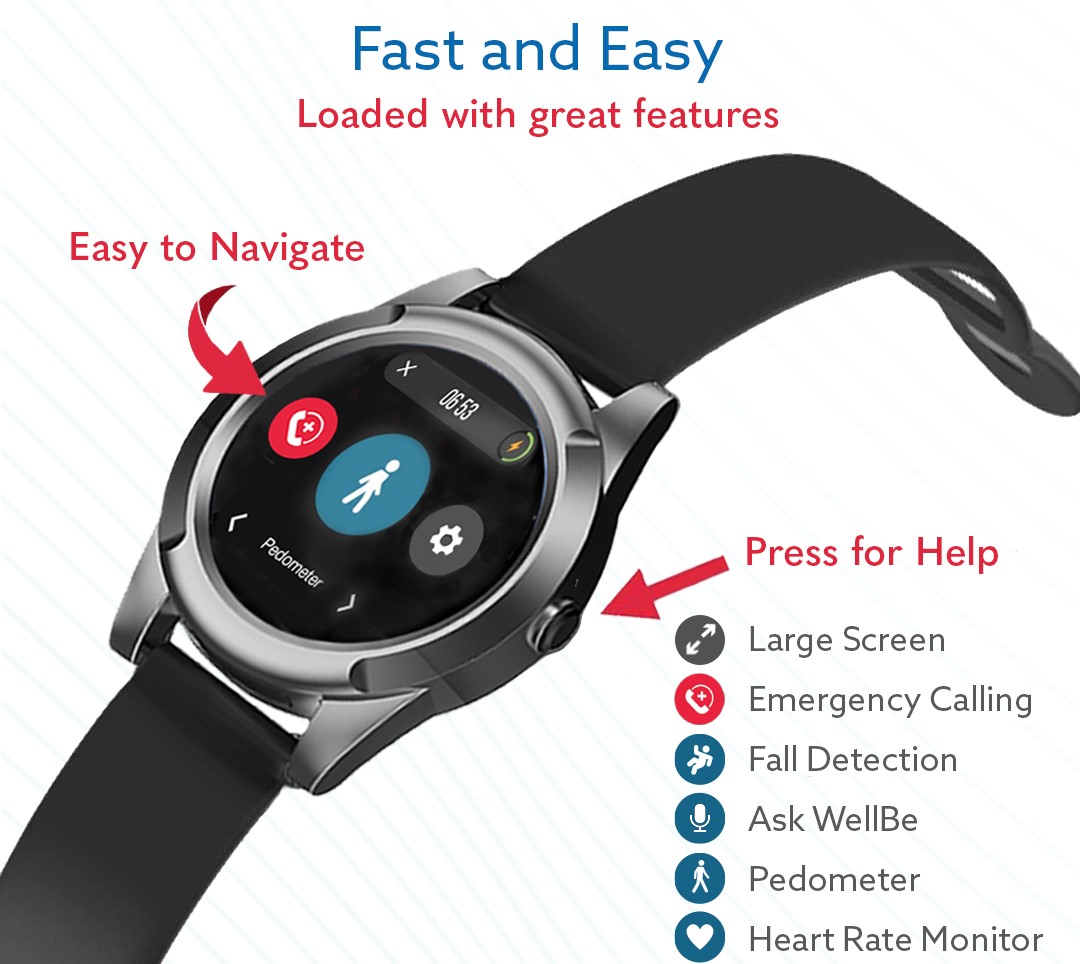
Key Features That Affect Fall Detection
Not all fall detection systems are equal. Here are some features that make a difference:
- Sensor Quality: High-end sensors can detect more subtle movements.
- Software Algorithms: Smarter software means fewer false alarms.
- Custom Settings: Some watches let you adjust sensitivity or who gets notified.
- Cellular Connectivity: Watches with their own SIM can call for help even without your phone nearby.
- Water Resistance: Important if you’re worried about falls in the shower or bath.
- Battery Life: Frequent sensor use can drain the battery faster.
If fall detection is important to you, compare these features before you buy.
Pros And Cons Of Fall Detection On Smartwatches
Like all technology, smartwatch fall detection comes with benefits and drawbacks.
Pros
- Immediate Help: Fast alerts can get help quickly in an emergency.
- Peace of Mind: Useful for older adults, people with epilepsy, or anyone at risk.
- Discreet: Less obvious than wearing a medical alert pendant.
- Activity Tracking: Many watches offer health and fitness data, adding extra value.
Cons
- False Alarms: Sudden movements can trigger unwanted emergency calls.
- Missed Falls: Some types of falls are hard to detect.
- Battery Drain: Frequent use can mean more charging.
- Cost: Watches with good fall detection are often expensive.
- Reliance on Connectivity: Without phone or cellular connection, alerts may not go out.
For some, the benefits far outweigh the risks. For others, especially those who need guaranteed help, a dedicated medical device might be better.
Who Should Use Fall Detection?
Fall detection is not just for the elderly. Several groups may benefit:
- Older adults: Especially those living alone or with balance issues.
- People with medical conditions: Such as epilepsy, diabetes, or heart problems.
- Outdoor enthusiasts: Hikers, runners, or cyclists who may fall far from help.
- Rehabilitation patients: Those recovering from surgery or injury.
For children or healthy adults, the feature may not be as useful. But for those at risk, it can be a lifesaver—or at least a strong safety net.
How To Set Up Fall Detection
Setting up fall detection is usually simple, but many people forget this step. Here’s how to do it on the most common watches:
Apple Watch
- Open the Watch app on your iPhone.
- Tap Emergency SOS.
- Turn on Fall Detection.
- Set up your emergency contacts in the Health app.
- (Optional) Enable cellular if you want the watch to work without your phone.
Samsung Galaxy Watch
- Open the Galaxy Wearable app.
- Tap Safety and emergency.
- Tap Fall detection.
- Add emergency contacts and choose alert methods.
Fitbit
- Open the Fitbit app.
- Go to your device settings.
- Find Fall Detection (if available) and turn it on.
- Add emergency contacts.
Some watches have special requirements or only work in certain countries. Always check the instructions for your specific model.
Real-life Stories: When Fall Detection Made A Difference
Many news reports and personal stories highlight how fall detection has saved lives. For example:
- In 2019, a Seattle man fell and hit his head while at home alone. His Apple Watch detected the fall, called 911, and sent his location. Paramedics arrived quickly and took him to the hospital.
- A German woman with epilepsy used a Samsung watch that detected her fall during a seizure. Her family was notified and able to help her immediately.
- Several runners and cyclists have reported Garmin watches alerting contacts after crashes, getting help in remote areas.
These stories show that, while not perfect, fall detection can be a real safety tool.
Comparing Smartwatch Fall Detection To Medical Alert Devices
Some people wonder if they should use a smartwatch or a dedicated medical alert system. Here’s a side-by-side look at the differences:
| Feature | Smartwatch | Medical Alert Device |
|---|---|---|
| Looks | Modern, discreet | Often larger, obvious |
| Other Functions | Fitness, calls, apps | Usually just emergency alerts |
| Fall Detection | Available on some models | Standard on many devices |
| Connectivity | Phone or cellular needed | Often has built-in SIM |
| Subscription Fees | Usually none | Often required |
| Battery Life | 1–2 days (typical) | Several days to weeks |
| Accuracy | Good, but not medical grade | Usually more reliable |
Medical alert devices are built mainly for emergencies, so they may be better for those with higher risk. Smartwatches are a good choice for people who want style and extra features.
What Beginners Often Miss About Fall Detection
Most people believe they just need to wear the watch, and they’re protected. Here are two key insights many users overlook:
- Feature Activation Matters: Fall detection is not always on by default. On many watches, you must turn it on in the settings. Some brands even require you to set up emergency contacts separately.
- Location Services Are Critical: For your watch to send your location in an emergency, GPS and location permissions must be enabled. Without this, your contacts may not know where you are, even if an alert goes out.
Checking these settings can be the difference between getting help and being alone in an emergency.
Common Problems And How To Avoid Them
Even the best systems can run into trouble. Here are some typical issues and solutions:
- False Positives: If your watch keeps detecting falls when you sit quickly or move your arm fast, try adjusting the fit or sensitivity settings if available.
- Low Battery: Frequent fall detection checks can drain the battery. Make a habit of charging your watch regularly—especially at night.
- Missed Falls: No system is perfect. If you’re at high risk, consider using a dedicated device or talking to your doctor about extra safety steps.
- Poor Connectivity: If your home has weak cell or Wi-Fi signal, alerts may not go out. Test the system in different places and consider a model with built-in cellular if needed.
Awareness and regular checks can prevent most issues.
Data Privacy And Safety Concerns
Some users worry about privacy. After all, for fall detection to work, your watch tracks your movements and may send your location in an emergency.
- Location Data: Emergency alerts may include your GPS location. This is usually only sent to your chosen contacts or emergency services.
- Health Data: Your movement and fall history may be saved in the device or app.
- App Permissions: Make sure only trusted apps have access to your data.
Major brands like Apple and Samsung use strong encryption and privacy policies, but always review your device’s privacy settings. If you’re concerned, read the privacy policy or visit the official support page for details.
How To Choose The Right Watch For Fall Detection
If you’ve decided fall detection is important for you or a loved one, here’s what to look for:
- Reputation and Reviews: Choose brands with proven track records. Look for real-world stories and expert reviews.
- Sensor Quality: Check for advanced sensors (accelerometer, gyroscope, barometer).
- Software Updates: Fall detection improves with regular updates. Choose a brand that supports older models.
- Ease of Use: The device should be easy to set up and use, especially for seniors.
- Battery Life: Consider if you can charge every day, or if longer battery life is needed.
- Alert Methods: Make sure you can set up emergency contacts and that the device can call for help without a phone, if needed.
- Price: Balance features with your budget. More expensive isn’t always better for your needs.
If possible, try out different models before buying. Some retailers and online stores have return policies if the device doesn’t fit your needs.
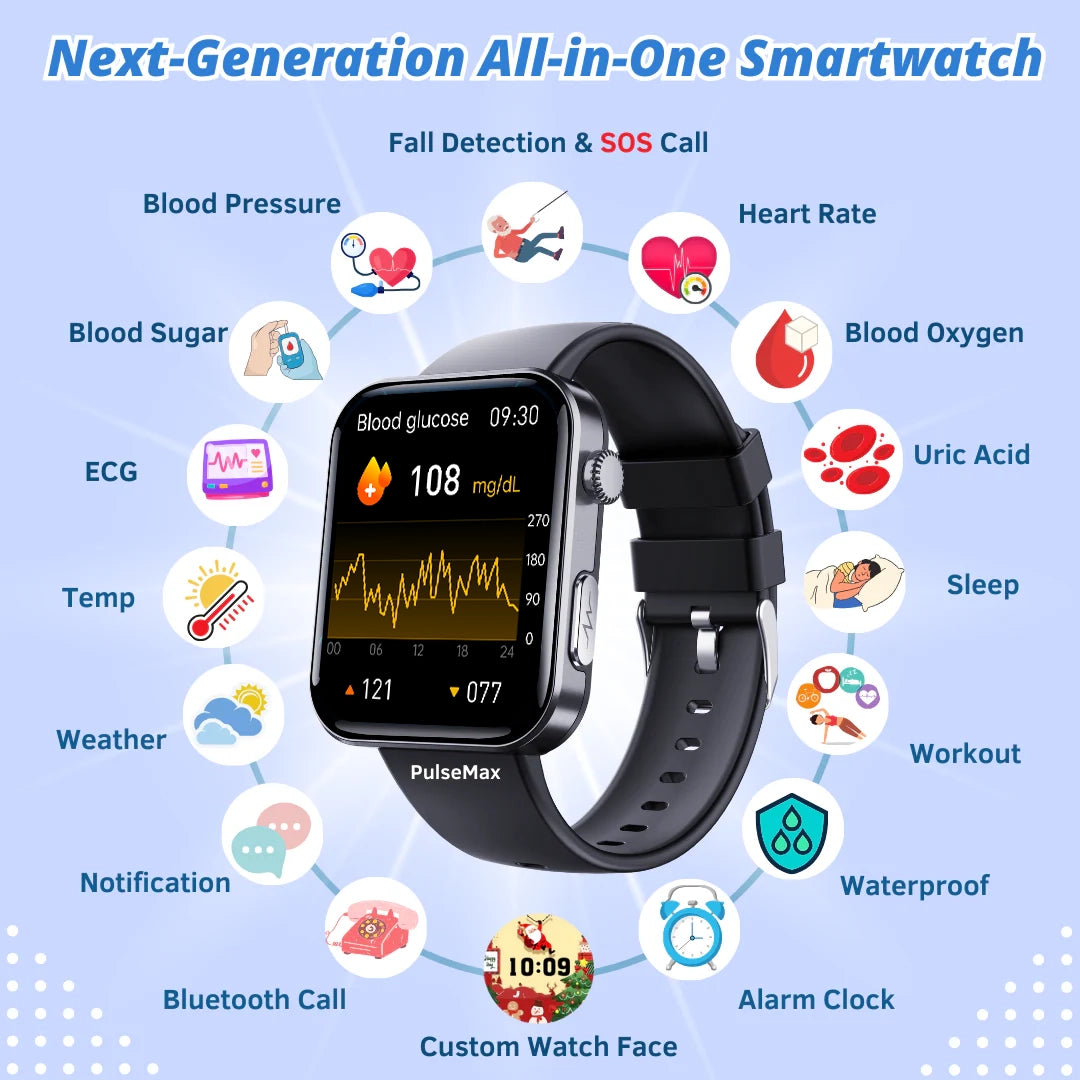
The Future Of Fall Detection In Smartwatches
Technology is improving quickly. In the next few years, expect to see:
- Better AI algorithms: More accurate detection, fewer false alarms.
- Integration with health records: Doctors could get alerts or fall history to help with treatment.
- More brands and models: Fall detection is becoming a standard feature.
- Extra sensors: Such as heart rate, oxygen, and even cameras, to give more data in emergencies.
These advances could make smartwatches a stronger safety tool for everyone.
Frequently Asked Questions
Can Smartwatches Detect All Types Of Falls?
No smartwatch can catch every type of fall. Fast, hard falls are easier to detect. Slow slides, falls against walls, or gentle collapses may be missed. It’s important to understand the limits and not rely only on the device for safety.
Do I Need A Cellular Plan For Fall Detection To Work?
Some smartwatches need a connection to your smartphone to send alerts. Others, like the Apple Watch with Cellular, can call for help directly. If you’re often away from your phone, a built-in cellular plan is better.
Will My Smartwatch Call 911 If I Fall?
On supported models and in certain countries, the watch can call emergency services directly if you don’t respond to the alert. In other cases, it sends messages to your chosen contacts. Always check your device’s settings and test the system to be sure.
Is Fall Detection Available On All Smartwatches?
No, only some models have fall detection. Check the product details before you buy. Features may also depend on the region or require a software update.
How Can I Improve The Accuracy Of Fall Detection?
Wear your watch snugly on your non-dominant wrist, keep software updated, and make sure all required settings are enabled (like location and emergency contacts). If you have frequent false alarms, adjust the fit or check for sensitivity settings.
For more on wearable technology and health, you can visit the official Wikipedia page on Wearable Technology.
Smartwatch fall detection can offer real peace of mind and help in emergencies—but it works best when you understand its limits, set it up correctly, and use it as part of a broader safety plan. For many, it’s a valuable tool that keeps them active and independent, with a little more confidence every day.


